

Finding the Best Voice for Your Discord Squad
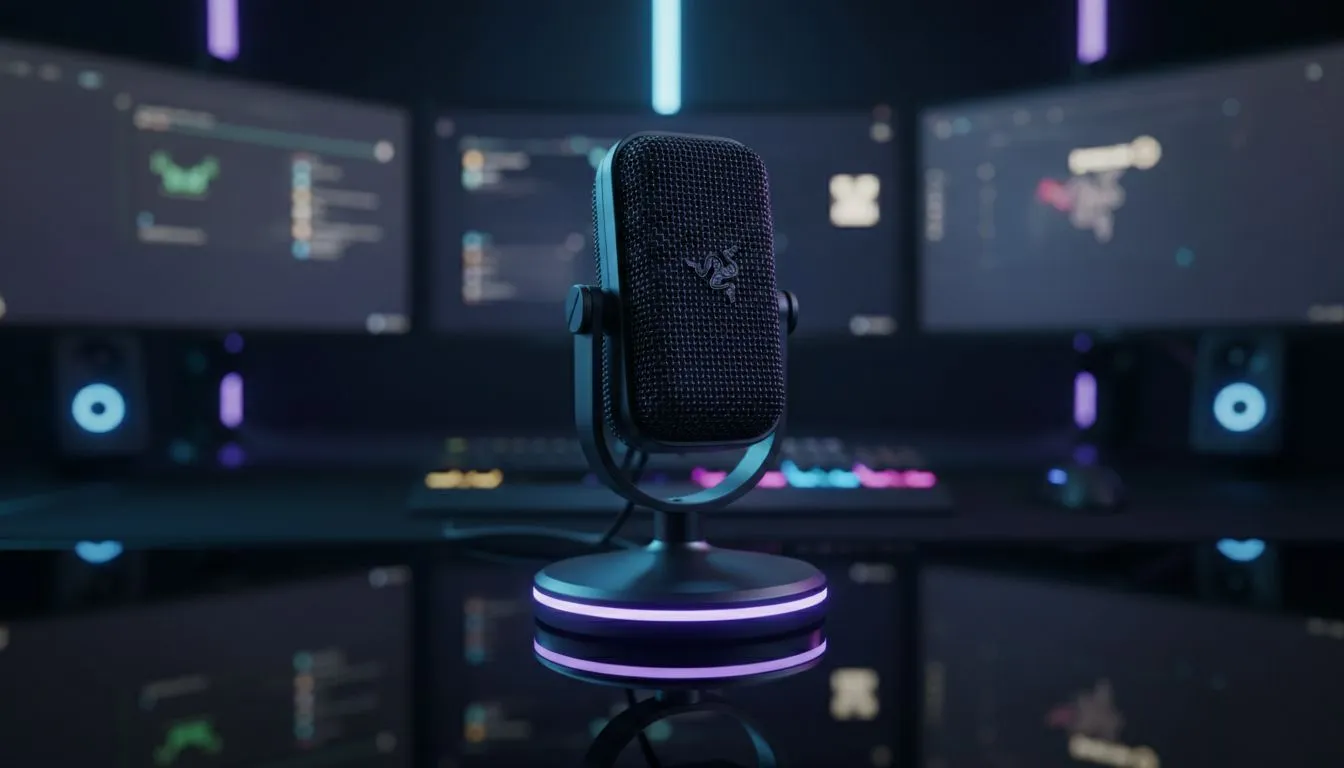
Whether you are clutching a 1v4 in Counter-Strike or just chatting about the latest load shedding schedule, your voice needs to be heard clearly. Choosing between the Razer HyperClear Cardioid Mic vs Blue Yeti: Best for Discord Calls often comes down to your specific environment. One is built for the chaos of a gaming room... the other is a studio icon. Let us break down which one belongs on your desk.
Why the Razer HyperClear Cardioid Mic Wins on Convenience
If you prefer a streamlined setup, the Razer HyperClear technology is hard to beat. Most gamers encounter this mic on the premium Razer headset range where it is tuned specifically to pick up speech while ignoring background noise. The cardioid pickup pattern focuses on a narrow area in front of your mouth. This is vital if you have a loud mechanical keyboard or a noisy fan running nearby 🔧.
Because it is integrated into a headset, you do not need to worry about desk space or complex mounting arms. For many South African gamers, the simplicity of a "plug and play" solution that works perfectly with Discord's compression is the main priority.
Discord Audio Pro Tip ⚡
Always disable "Automatic Gain Control" in your Discord voice settings if you are using a high-quality mic. This prevents Discord from artificially boosting your volume and introducing unwanted background hiss during quiet moments in your stream.
The Blue Yeti: Studio Quality for the Dedicated Creator
The Blue Yeti has been a staple for years for a good reason. It offers a rich, broadcast-quality tone that a headset mic simply cannot match. However, that sensitivity is a double-edged sword. It will pick up your PC fans, your chair squeaking, and even someone boiling the kettle in the kitchen.
To get the most out of a Yeti, you usually need a treated room or a dedicated boom arm. When comparing the Razer HyperClear Cardioid Mic vs Blue Yeti: Best for Discord Calls, the Yeti sounds more "natural," but it requires more effort to optimise. If you are looking to branch out into podcasting or serious content creation, it is a fantastic investment. For those who just want to jump into a match, browsing the wider headphone and headset selection might reveal more practical daily drivers.
Comparing Performance in the South African Context
Price and local availability are always factors. A standalone Blue Yeti often costs significantly more than a high-end gaming headset. For example, the Razer Barracuda X Chroma provides excellent mic clarity and wireless freedom for around R2,300 to R2,800... depending on current specials.
The Razer HyperClear mic is specifically designed to work with the limited bandwidth of voice chat apps. It cuts out the low-end rumble that often makes voices sound muddy on Discord. While the Yeti has more "soul" in its recording, the Razer mic is often more "legible" during a heated firefight 🚀.
Key Factors to Consider:
- Portability: Headsets win every time.
- Sound Profile: Yeti is warm and professional... Razer is crisp and focused.
- Desk Space: Standalone mics require a clear area to avoid vibrations.
- Price: Headsets offer a 2-in-1 value proposition in ZAR.
Final Verdict: Which One Should You Buy?
If your room is quiet and you want to sound like a radio host, the Blue Yeti is the winner. But for 90% of gamers, the Razer HyperClear Cardioid Mic is the more logical choice. It rejects the noise of your environment and stays at a consistent distance from your mouth... ensuring your teammates never miss a callout.
Ready to Upgrade Your Comms? Whether you need the precision of a Razer headset or the studio power of a standalone mic, we have the best deals in South Africa. Explore our full range of Razer headsets and make sure your squad hears you loud and clear.











