

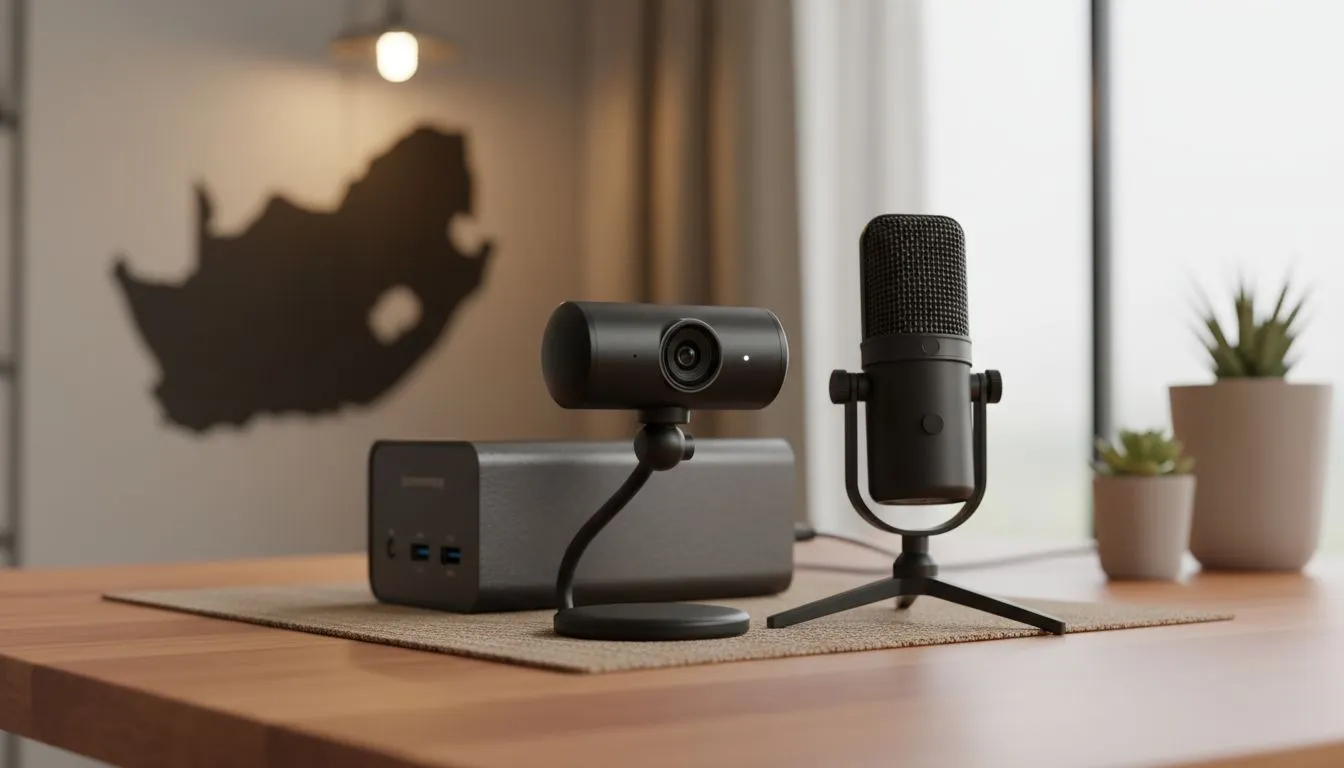
Building the Ultimate Remote Work Kit in South Africa
Let’s face it... working from home in South Africa is a unique challenge. Between the sudden silence of loadshedding and the struggle to look professional on a grainy laptop camera, the right gear is essential. A solid Remote Work Kit South Africa: Webcam, Mic & Power Backup setup ensures you stay connected and visible regardless of local infrastructure hurdles. It is time to upgrade your home office. ⚡
Why Your Webcam and Microphone Matter
First impressions happen over video now. If your image is pixelated or your voice sounds like you are trapped in a tin can, your professional image takes a hit. Finding the right webcams in South Africa is the first step toward a better meeting experience. You do not need a Hollywood budget to look good... you just need the right hardware for your specific space.
For those just starting their home office journey, there are great entry-level webcams under R1000 that offer a significant jump in quality over built-in laptop lenses. If you work in a room with tricky lighting, mid-range cameras under R2000 often feature better light correction and autofocus. For the power users who spend all day in high-stakes presentations, premium webcams under R3000 provide the crisp 60FPS or 4K detail that makes you stand out from the crowd.
Lighting Hack ⚡
Always position your primary light source behind your monitor rather than behind your chair. If you have a window, face it. This prevents the "silhouette effect" where you appear as a dark shadow against a bright background. Even a cheap desk lamp bounced off a white wall can create a soft, professional glow.
Beating Loadshedding with Power Backups
A professional Remote Work Kit South Africa: Webcam, Mic & Power Backup is incomplete without a plan for when the lights go out. In South Africa, a Mini UPS for your router is non-negotiable. It keeps your Wi-Fi alive while your laptop battery handles the rest. For longer outages, consider a portable power station that can run your external monitor and ring light... keeping your "office" fully functional until the grid returns. 🔧
Clear Audio for Better Communication
We often focus on video, but audio is actually more important. People will tolerate a blurry face, but they will not tolerate screeching feedback or muffled words. A dedicated USB microphone or a high-quality headset mic can filter out the background noise of neighbourhood dogs or distant lawnmowers. When your voice is clear, your ideas are heard more effectively. 🚀
Ready to Upgrade Your Home Office? Staying productive in South Africa requires the right tools for the job. From crystal-clear video to reliable power solutions, we have everything you need to build a professional workspace. Explore our massive range of webcam specials and find the perfect gear to conquer your workday.











