

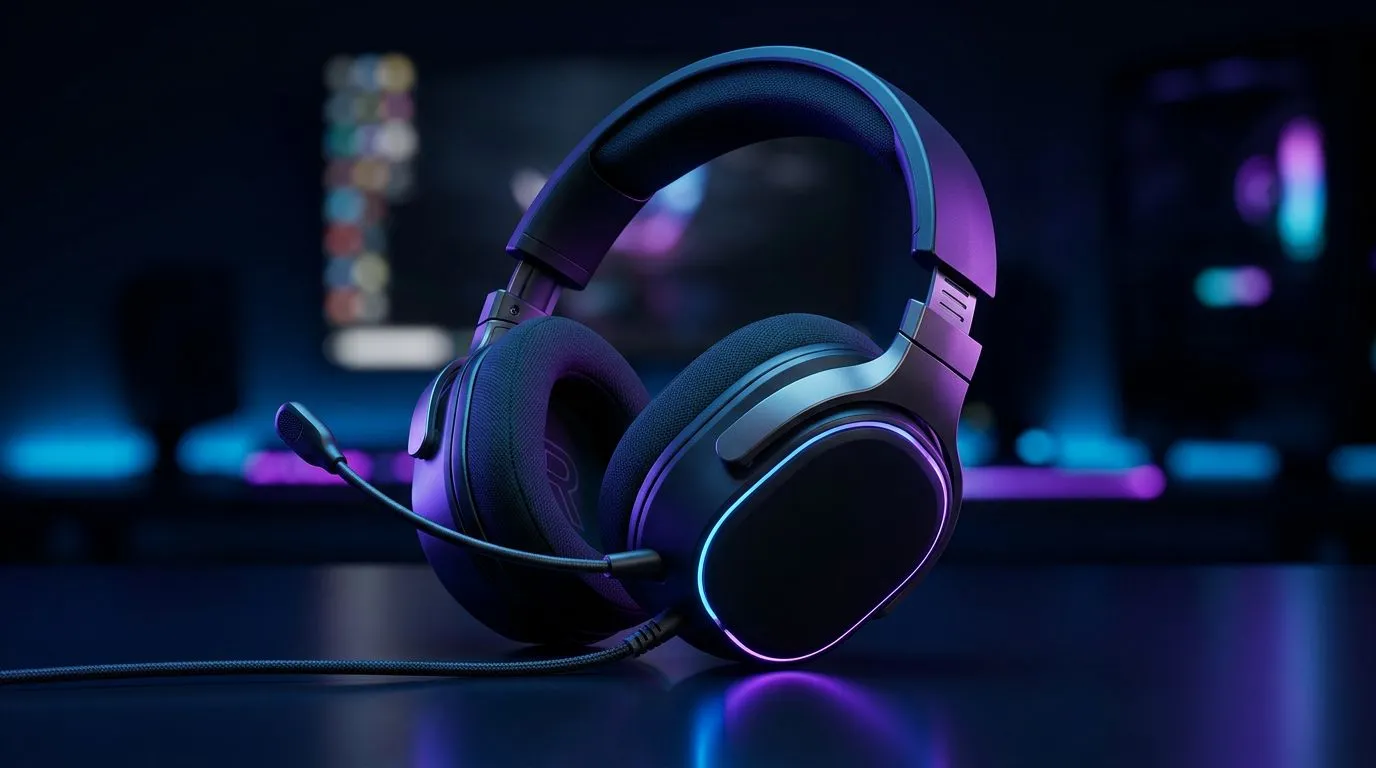
Rotating Earcups: Boost Gamer Comfort with Simple Rotation
Rotating Earcups: Boost Gamer Comfort with Simple Rotation — tired of headset hotspots, ear pressure and ruined focus mid-session? Try a small rotation tweak. In minutes you can relieve pressure, improve seal and stay comfortable for marathon raids or long streaming nights. 🔧⚡
Rotating earcups: why rotation matters for comfort
A tiny twist of the earcup changes how weight sits on your skull and how foam meets your ear. That shift reduces pressure points and keeps the seal even, so sound stays immersive without pain. Gamers in South Africa who wear headsets for hours notice the benefit immediately... especially with designs that include multi-axis cup pivots.
If you want a practical example, the Razer Barracuda X Chroma wireless is a good model to study for multi-position comfort. See the detailed product page for build notes and compatibility on Evetech: Razer Barracuda X Chroma wireless. https://www.evetech.co.za/razer-barracuda-x-chroma-wireless-headset-phantom-white/best-deal/24367
Small rotation wins over major mods
You do not need new pads or surgery on your headset. Rotate, sit, test for five minutes, then adjust again. The process is faster than swapping drivers and cheaper than upgrading your whole rig.
Comfort Tip ⚡
Rotate the earcups 5–10 degrees forward or back, then wear for five minutes. Keep the adjustment small and repeat until pressure is evenly spread. Small changes add up in longer sessions.
Rotating earcups: how to check and adjust your headset
Start with the normal wearing position. Rotate the earcup inwards and outwards, listening for changes in bass fullness and checking for pressure points. If bass collapses, your seal changed too much. Rotate back until sound and comfort balance.
Check for these signs:
- Skin or pad indentation after an hour.
- Migrating seal that forces frequent re-adjustment.
- A change in perceived bass or directionality after rotating.
Want more headsets with ergonomic designs to compare? Browse Razer headsets on Evetech for options that favour pivoting cups and flexible arms. https://www.evetech.co.za/PC-Components/razer-headphones-headsets-105
Rotating earcups: pick headsets that rotate well
Look for earcups labelled pivot, multi-axis, or swivel. Soft memory foam and a forgiving headband tension help too. Try before you buy where possible, or check photos and user reviews for movement range.
Evetech's wider headphone and headset range makes side‑by‑side comparison simple if you want to prioritise rotation and long‑session comfort. Check their listings to compare models and find the best fit. https://www.evetech.co.za/components/headphone-headsets-100 🚀
Quick routine for better comfort
- Put headset on normally.
- Rotate left cup 5 degrees; wear five minutes.
- Rotate right cup similarly.
- Rebalance headband tension.
- Note which rotation feels natural.
Final thoughts on rotating earcups and long sessions
Rotating earcups is low effort with high payoff. It preserves focus and keeps your headset performing as intended. Small adjustments beat replacing gear when comfort is the issue.
Ready to Find Your Perfect Match? The Mac vs Windows debate is complex, but for maximum power, choice, and value in South Africa, Windows is hard to beat. Explore our massive range of laptop specials and find the perfect machine to conquer your world.











