

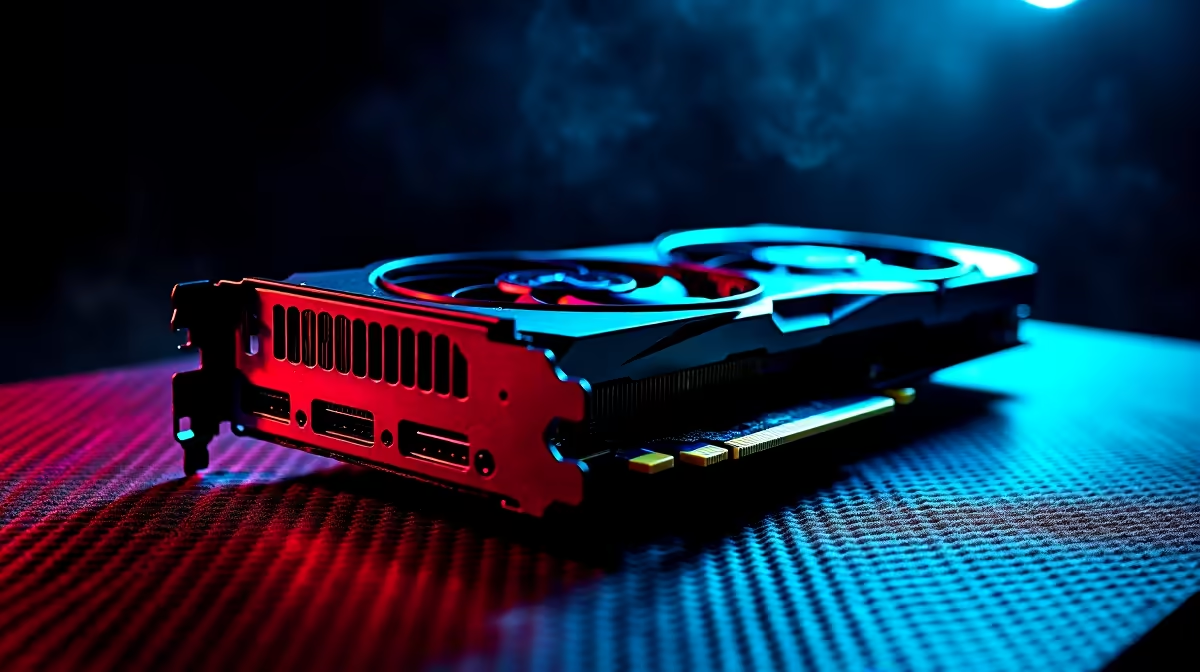
Vice City is calling... but is your rig ready? South African gamers have waited over a decade for GTA 6. The big question is whether you must spend R30,000 to run it. If you own NVIDIA's latest 60-class GPU, you can breathe easy. We have broken down the projected RTX 4060 GTA 6 optimised settings to guarantee smooth frame rates without sacrificing those stunning neon visuals.
Why the RTX 4060 is Your Vice City Ticket 🔧
The RTX 4060 packs a serious punch for 1080p gaming. Thanks to modern architecture, this card will easily handle Rockstar's massive open world. If you are still on an older GTX card, now might be the perfect time to browse the latest graphics cards and upgrade. You want that extra VRAM to render every palm tree flawlessly. The 8GB of GDDR6 memory is perfectly suited for high-quality textures.
Finding the Best RTX 4060 GTA 6 Optimised Settings
Rockstar's RAGE engine pushes boundaries... but you do not need every slider set to ultra. For the absolute best RTX 4060 GTA 6 optimised settings, focus on a mix of high and medium. Drop volumetric clouds and shadow quality down a notch. Turn down water quality slightly... you will barely notice the difference while speeding across the bay. This frees up enough headroom to keep your main textures looking crisp. If you want a complete system tuned for this exact balance, checking out some premium gaming PC deals is a smart move.
The Magic of DLSS 3 Upscaling ✨
One of the biggest advantages of the 40-series is DLSS 3. Deep Learning Super Sampling is practically mandatory for demanding modern titles. By rendering the game at a lower internal resolution, your GPU works less. AI then upscales the image to fit your monitor perfectly. This feature is the secret weapon for any RTX 4060 GTA 6 optimised settings profile. It provides a massive boost to your frames per second without making the game look blurry.
Performance Pro Tip ⚡
Always enable NVIDIA Reflex when using DLSS 3 Frame Generation in fast-paced games like GTA 6. It drastically reduces system latency, ensuring your driving and shooting feel incredibly responsive even when pushing high frame rates.
Ray Tracing vs Frame Rate Priorities
Ray tracing looks incredible... but it demands heavy processing power. On the RTX 4060, we recommend keeping ray-traced reflections on low or off. This helps maintain a locked 60 FPS. Smooth gameplay always beats shiny puddles during a high-speed chase. Remember that open-world titles are notoriously CPU heavy. Building a rig from scratch can be daunting. Luckily, you can grab pre-built PC deals that already feature balanced components. This avoids bottlenecking your brand-new GPU.
Taking the Heist on the Go 🚀
What if you prefer gaming from the couch or while travelling? The mobile version of the 4060 is surprisingly capable. You can still achieve fantastic performance on a portable machine. Just remember to keep your cooling fans clear to prevent thermal throttling. Explore the vast range of notebooks for sale in South Africa if mobility is your priority. And always keep an eye out for weekly tech specials to score a massive bargain on your next upgrade before the game officially drops.
Ready to Rule the Streets of Leonida? Preparing for the biggest gaming launch of the decade requires the right hardware. Do not get left behind with stuttering frames. Explore our massive range of Evetech specials and find the perfect machine to conquer your world.











