

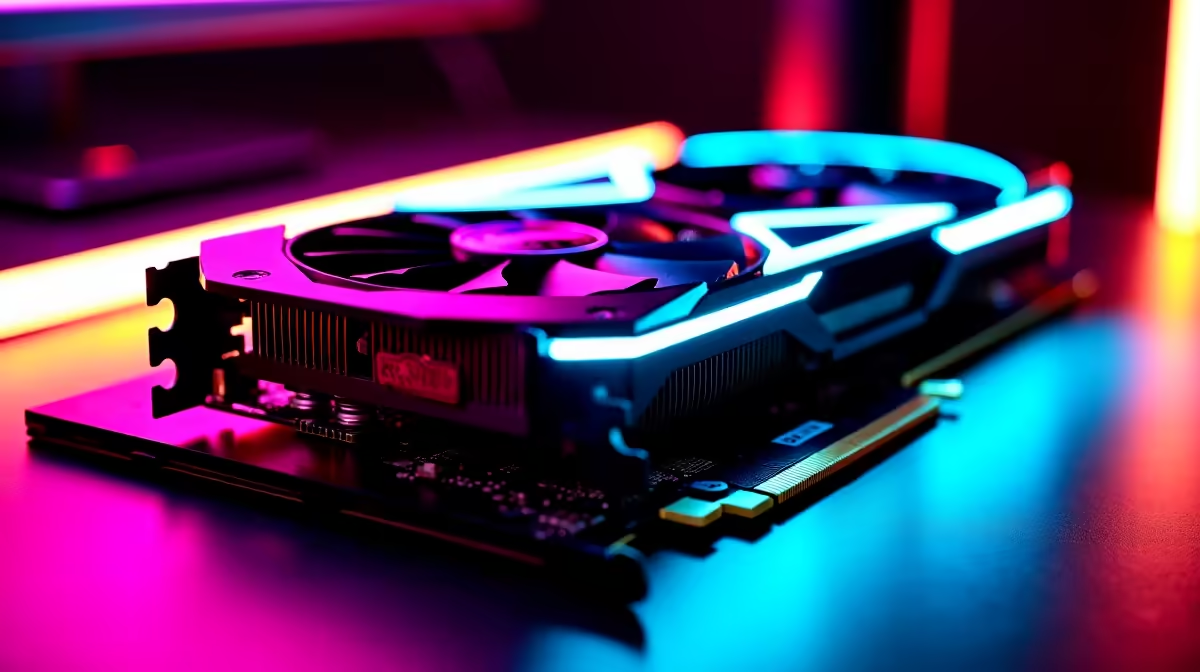
The wait for 2026 is agonising. We all know Rockstar's next masterpiece will demand serious hardware to render those neon-soaked streets. If you want to cruise without stuttering while dodging the digital cops... you need a solid plan. For South African gamers balancing ZAR with raw performance, nailing your RTX 4060 Ti GTA 6 optimised settings is the ultimate cheat code.
Prepping Your Rig for Vice City 🌴
The next massive open world will push current hardware to the absolute limit. Fortunately, the RTX 4060 Ti is perfectly positioned to handle the heavy lifting. It hits the sweet spot for 1080p and 1440p displays. Thanks to NVIDIA DLSS 3 and Frame Generation, this GPU punches way above its weight class.
If you are still rocking an older card, your frame rates might suffer. Upgrading early gives you peace of mind. Now is a brilliant time to browse our latest graphics cards and secure your future performance.
RTX 4060 Ti GTA 6 Optimised Settings
To get maximum frames without losing visual quality, you must tweak things carefully. Leave texture quality on ultra since the 8GB of VRAM can handle it. Drop volumetric clouds to medium and keep water quality on high... rather than ultra. Ray tracing looks incredible but eats up performance. Keep ray-traced reflections on medium to maintain a smooth 60 FPS.
DLSS is your best friend here. Set DLSS to 'Quality' for 1080p gaming or 'Balanced' if you are pushing a 1440p monitor. This upscaling tech renders the game at a lower resolution and uses AI to sharpen the image. You get a massive FPS boost without sacrificing the vibrant colours of a coastal sunset. Also, turn down population density slightly... it frees up major CPU resources during chaotic police chases.
If tweaking individual sliders sounds tedious, you might want to start fresh. Checking out the best gaming PC deals ensures you have a balanced system. A modern CPU will not bottleneck your new graphics card. Alternatively, if you want a plug-and-play solution, our pre-built PC deals take the hassle out of building completely.
Performance Pro Tip ⚡
Turn on NVIDIA Reflex in your game menus to reduce system latency. This is crucial for snappy shooting mechanics and tight driving controls when navigating crowded intersections at high speeds.
Taking the Chaos on the Go 🚗
Not everyone wants to be chained to a desk. Load-shedding is a reality we still face... and a solid battery backup is your best friend. A portable powerhouse lets you keep your RTX 4060 Ti GTA 6 optimised settings running smoothly anywhere. Explore our massive range of laptops for sale in South Africa to find a mobile rig that matches your lifestyle perfectly.
Maximising Your Rands
Upgrading your setup does not have to drain your bank account. By keeping an eye out for bundled components, you can stretch your ZAR much further. Summer heat in South Africa is no joke. Make sure your chassis has excellent airflow to prevent thermal throttling. A cool GPU maintains higher clock speeds... giving you those extra frames when explosions light up your screen. Always check our latest tech specials to grab premium gear at prices that make sense for the local market.
Ready to Rule the Streets? Securing the ultimate gaming experience requires the right hardware and smart tweaks. Explore our massive range of gaming specials and make sure your rig is primed for maximum FPS in 2026.











