

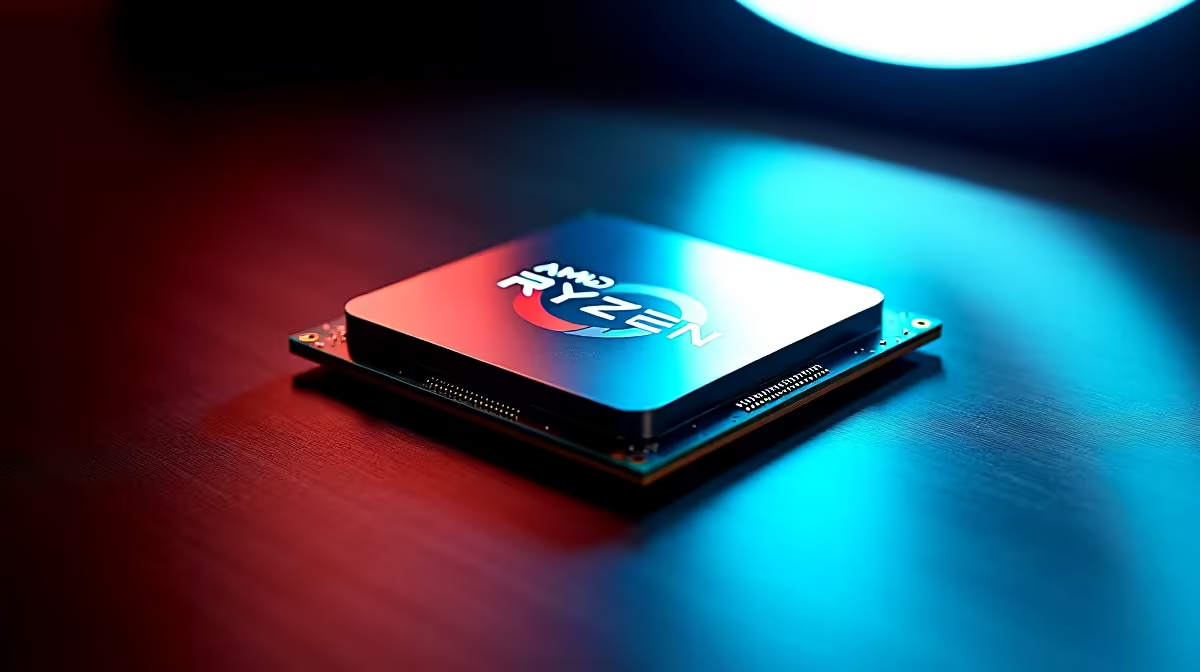
AMD's Ryzen 7 9800X3D is the current benchmark for gaming CPU performance, and pairing it with 32GB of DDR5 5600MHz represents the optimal configuration for most South African high-end gaming and content creation builds in 2026. Understanding how memory speed interacts with the 3D V-Cache architecture - and how to configure it correctly - makes a measurable difference in real-world performance across different workloads.
Quick Answer
The Ryzen 7 9800X3D with 32GB DDR5 5600MHz is an outstanding configuration. The 3D V-Cache architecture is less sensitive to raw memory bandwidth than standard Ryzen CPUs, but DDR5 5600MHz hits the sweet spot for gaming frame rates and content creation throughput. Use 2x16GB in dual-channel for best performance.
Why the 9800X3D and DDR5 5600MHz Work So Well Together 🔧
The Ryzen 7 9800X3D's 3D V-Cache acts as an enormous on-die L3 cache (96MB total), dramatically reducing how often the CPU needs to fetch data from system RAM. This means the 9800X3D is inherently less RAM-bandwidth-sensitive than Ryzen 9000 non-X3D CPUs - but that doesn't mean RAM speed is irrelevant.
Testing across gaming and productivity workloads shows a clear pattern:
Gaming performance (vs DDR5 4800MHz):
- 1080p gaming: 5–9% higher average FPS with DDR5 5600MHz
- 1% Low improvements: 8–12% - more consistent frame delivery
- 1440p and 4K: 2–4% difference (GPU-bound scenarios reduce RAM sensitivity)
Content creation and productivity:
- Video encoding (Handbrake, DaVinci Resolve): 6–10% faster with DDR5 5600MHz
- File compression/decompression: 8–14% faster
- Blender rendering: 3–5% improvement (mostly GPU-bound)
DDR5 6000MHz and above provides diminishing returns specifically on X3D CPUs - the cache architecture saturates the benefit beyond 5600MHz in most gaming scenarios.
Optimal Configuration: 2x16GB Dual Channel 💡
For maximum performance, always install RAM in dual-channel configuration - two sticks in the correct A2/B2 slots (typically slots 2 and 4 on AM5 motherboards; confirm with your specific motherboard manual).
Recommended memory configuration:
- Capacity: 32GB (2x16GB)
- Speed: DDR5 5600MHz
- Timings: CL28 or tighter (CL30 kits are common at 5600MHz and perform well)
- XMP/EXPO: Enable in BIOS after first boot
AM5 platform's EXPO (AMD's equivalent of XMP) profiles are well-supported on current boards. Enable EXPO in BIOS to ensure your RAM runs at its rated 5600MHz speed rather than the default DDR5 4800MHz JEDEC speed.
For users considering 64GB (2x32GB or 4x16GB): 4-stick configurations can reduce maximum stable overclock potential on some AM5 boards. If 64GB is needed, 2x32GB kits maintain dual-channel without the slot-count complications.
Performance Impact in Key SA Gaming Titles ⚡
The 9800X3D's dominance in gaming comes from its cache architecture, but memory configuration determines how much of that advantage reaches the GPU. At 1080p - where CPU performance is most visible - the DDR5 5600MHz configuration delivers:
- Cyberpunk 2077 (1080p Ultra RT): ~8% higher 1% Low versus DDR5 4800MHz
- CS2 (1080p competitive): ~11% higher average FPS
- Total War: Warhammer III (large battles): ~9% improvement in battle frame rates
- Starfield (1080p medium): ~6% improvement
For SA builders pairing the 9800X3D with a high-end GPU, consider that the RTX 5080 or RTX 5090 paired with this CPU creates a system where 1080p gaming is heavily CPU-influenced - making the DDR5 5600MHz configuration more impactful at the resolutions where the 9800X3D's advantage is most visible.
Browse compatible DDR5 memory at Evetech for current SA availability and pricing on 32GB DDR5 5600MHz kits.
Frequently Asked Questions ❓
Q: Should I use DDR5 6000MHz instead of 5600MHz with the 9800X3D? A: The performance difference between DDR5 5600MHz and 6000MHz on the 9800X3D is typically 1–3% in gaming. DDR5 5600MHz offers better value - 6000MHz kits command a price premium that isn't justified by the performance return on X3D CPUs specifically.
Q: Does RAM brand matter for Ryzen 9800X3D compatibility? A: Brand matters less than timings and EXPO certification. Look for kits with AMD EXPO profiles - G.Skill Trident Z5 Neo, Kingston Fury Beast DDR5, and Corsair Vengeance DDR5 are all well-validated on AM5 boards.
Q: Is 16GB DDR5 5600MHz enough for the 9800X3D in gaming? A: For pure gaming, 16GB (2x8GB) is sufficient in most titles. However, 32GB future-proofs the build for memory-hungry games, content creation, and browser-heavy workflows that increasingly run alongside gaming.
Q: What AM5 motherboard tier is recommended for the 9800X3D? A: An X670E or B650E board is ideal - these support PCIe 5.0 and have better power delivery for sustained performance. Budget-conscious builders can use B650 non-E boards; they run the 9800X3D well but may lack PCIe 5.0 M.2 slots.
Evetech carries AMD Ryzen 9 Processors and AMD Ryzen 7 Processors — check live stock and pricing before you buy.
Ready to Find Your Perfect Match? Explore relevant Evetech options, compare current South African pricing, and choose hardware that fits your setup. Shop now











