

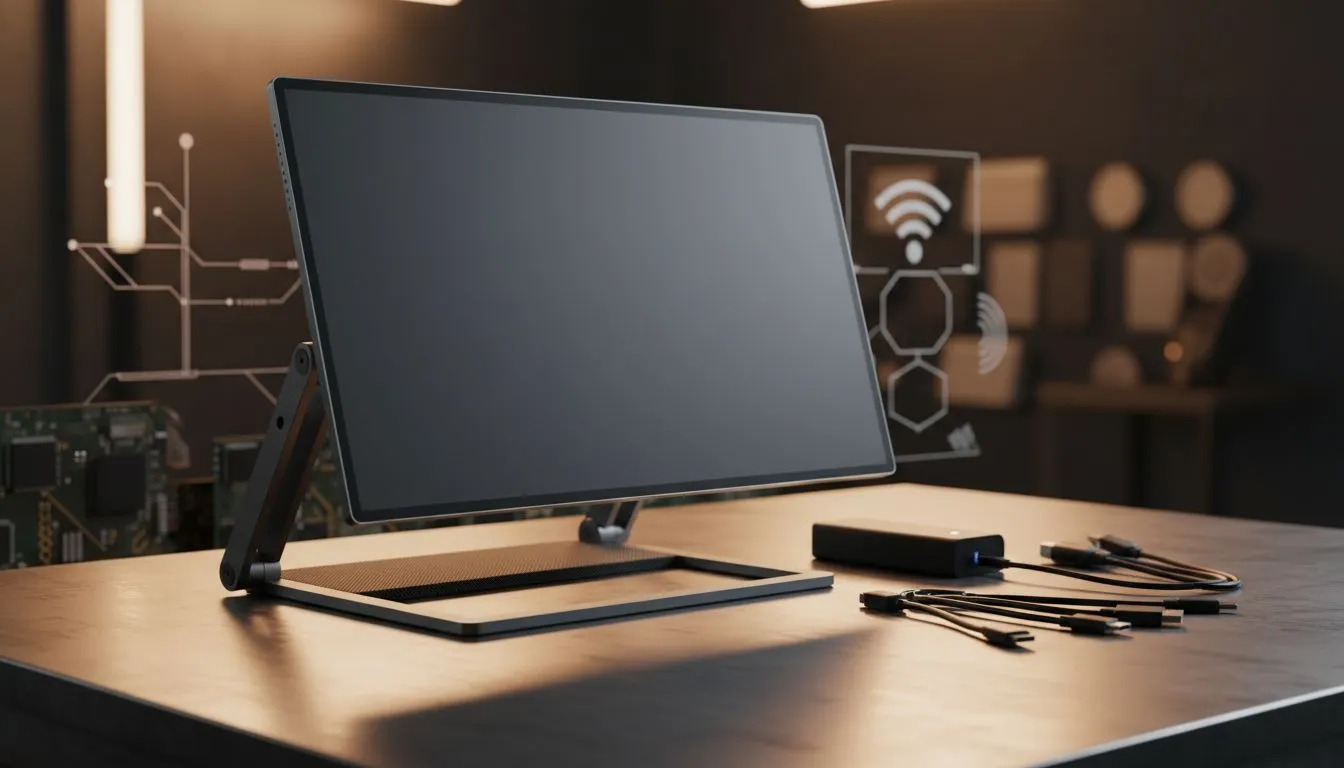
Working from a coffee shop in Sandton or a hotel in Cape Town? A second screen is no longer just a luxury. It is a productivity powerhouse. However, buying the wrong portable display can lead to frustration and wasted ZAR. Our Smart Mobile Monitor Checklist: Battery, Connectivity, Stand & Build ensures you get the best value for your hard-earned money. 🔧
Battery Life and Power Efficiency
One of the first things to consider in your Smart Mobile Monitor Checklist: Battery, Connectivity, Stand & Build is how the device draws power. Many portable PC monitors rely entirely on your laptop for juice. While this keeps the unit light, it drains your primary device quickly.
If you travel frequently, look for models with built-in batteries. These can provide several hours of independent use. This is a lifesaver during unexpected load shedding. If the monitor lacks a battery, ensure it supports "pass-through charging" via USB-C. This allows you to power both the monitor and your laptop with a single wall plug.
Power Management Tip ⚡
When using a mobile monitor without its own battery, your laptop battery will drain significantly faster. Always carry a 65W GaN charger to power both devices through a single USB-C cable. This keeps your setup minimal and your productivity high during long sessions.
Connectivity and Port Versatility
Connectivity is the backbone of any portable setup. Most modern displays use USB-C with DisplayPort Alt Mode. This allows a single cable to handle both video and power. However, not all laptops support this... always double-check your ports first.
A secondary Mini-HDMI port is also vital. It ensures compatibility with older laptops or gaming consoles. For those who enjoy gaming on the go, sync technology is a must. Check if the screen supports FreeSync (AMD) or G-Sync (NVIDIA). These features prevent screen tearing during intense sessions. Even standard Adaptive Sync support can make a massive difference in visual fluidity. 🚀
Build Quality and Stand Design
The "Build" part of our Smart Mobile Monitor Checklist: Battery, Connectivity, Stand & Build focuses on durability. Portable screens live in backpacks. They need a solid chassis... preferably aluminium. A flimsy plastic frame might flex and damage the panel over time.
The stand is equally important. Some monitors use "origami" style magnetic covers. These are light but can be unstable on uneven surfaces. Integrated kickstands offer more stability and better tilt adjustment. This is essential for maintaining proper ergonomics during long work hours. ✨
Screen Technology and Performance
Do not compromise on visual quality just because a screen is small. Most high-quality mobile monitors use IPS panels. These provide excellent colour accuracy and wide viewing angles. This matters when you are sharing a screen with a colleague.
While most portable options are Flat to save space, some users still prefer Curved displays for their primary desktop rigs. For mobile use, a flat panel is generally the smarter choice for portability. This Smart Mobile Monitor Checklist: Battery, Connectivity, Stand & Build is your guide to finding that perfect balance between performance and mobility.
Ready to Find Your Perfect Match? The mobile monitor market is growing fast, but finding the right balance of specs is key. Explore our massive range of monitor specials and find the perfect portable partner to expand your digital horizon.











