

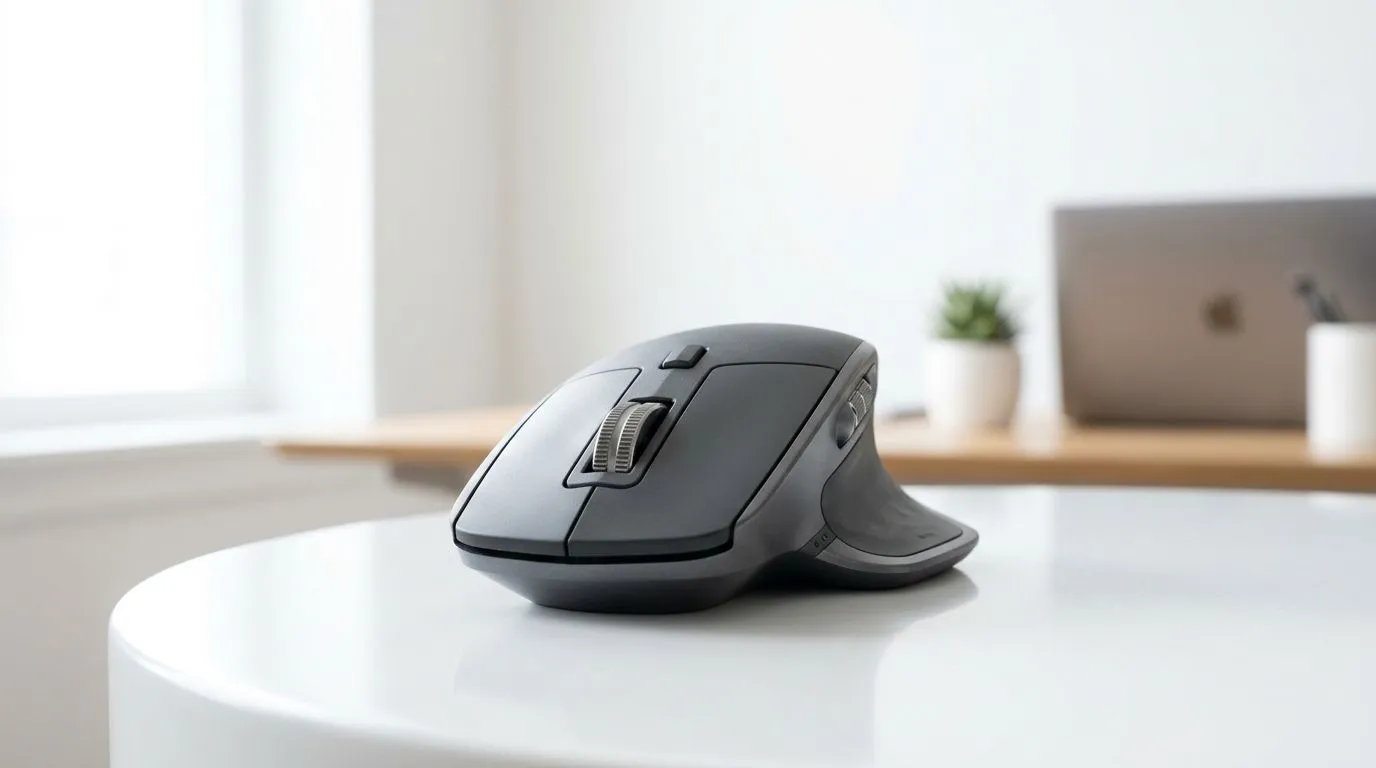
Bluetooth vs Budget vs Comfort: How Much Should You Spend on a Bluetooth Mouse in South Africa?
If you’ve ever tried to game or edit on a mouse that feels “almost right”, you know the frustration. In South Africa, prices swing wildly… and Bluetooth mice can be especially confusing. Should you spend R199, R499, or more? The trick is balancing comfort, battery life, and connection stability with your actual use, whether you’re on a Battlefield binge, building in Blender, or doing work in Excel.
In this guide, we’ll help you decide a realistic budget for a Bluetooth mouse in Mzansi, and what features are worth paying for.
What You’re Really Paying For (And What You Should Ignore)
Bluetooth mice are usually priced around convenience and portability. But you should pay for the parts that affect day-to-day performance. Here are the big ones:
- Ergonomics and grip: If the mouse doesn’t fit your hand, you’ll compensate. That leads to fatigue fast.
- Sensor consistency: For gaming and creative work, you want smooth tracking. Cheaper sensors can feel “floaty” or inconsistent.
- Battery and charging: A Bluetooth mouse can be great… until it dies mid-session.
- Latency and connection stability: Bluetooth can be stable, but interference and power-saving settings matter.
For reference shopping categories, Evetech carries options across mouse types, including wired and wireless accessories. Start with the aisle that matches your setup:
- Browse mouse accessories here: Mouse accessories at Evetech
- Compare with wired mice if you want maximum consistency: Wired mice on Evetech
The Budget Ranges That Actually Make Sense in South Africa
Most buyers fall into three bands. These aren’t hard rules, but they’re good anchors:
Entry Budget (Around R300–R800)
This is fine for basic browsing, office work, and light casual gaming. Expect compromises in sensor quality, switching between devices, and long-term comfort. If you’re sensitive to mouse feel, you’ll likely upgrade sooner.
Mid-Range (Around R800–R1,800)
This is the sweet spot for many South Africans because you get better build quality, more reliable tracking, and usually better ergonomics. If you bounce between laptop and desktop, Bluetooth also makes life easier.
Higher Spend (R1,800+)
At this level, you’re usually buying for comfort over hours, more consistent performance, and better battery and feature sets. If you’re gaming seriously or doing precision creative work, it’s easier to justify.
If you want a direct path through categories, Evetech lists wireless mice here: Wireless mice on Evetech
Quick Decision Guide: Bluetooth, Wired, or “Gaming Wireless”?
Not sure what’s right for you? Ask yourself one question: do you value zero hassle and maximum consistency, or do you value desk freedom?
- Choose Bluetooth if you want clean setups on laptops and you’re okay paying for comfort and consistency.
- Choose wired if “plug in and forget it” matters most to you.
- Consider gaming-oriented deals if you want performance-per-rand.
If you want to shop deals quickly, check: Best gaming mouse deals at Evetech
Setup Tips That Make Any Bluetooth Mouse Feel Better ✨
Even a good mouse can feel terrible with a poor setup. Try these before you blame the hardware:
Productivity Pro Tip ⚡
On Windows, turn off aggressive power saving for your Bluetooth device. Go to Device Manager, find your Bluetooth radio, open Properties, then check Power Management and uncheck anything that lets the PC “turn off” the device to save power. This can reduce stutter during long sessions and keeps your connection more consistent.
Also:
- Update mouse firmware and Bluetooth drivers when available.
- Use fresh batteries or fully charge before judging performance.
- If possible, keep your laptop or dongle away from USB 3.0 interference sources.
Where to Shop in Confidence (And Avoid Regret)
If you’re shopping specifically for a gaming-focused experience, don’t treat Bluetooth as “automatically worse”. Some models are tuned well, and a comfortable shape can matter more than people think. For broader options, browse Evetech’s category here: Gaming mouse options at Evetech
The best part? Once you pick your budget band, you can filter by what actually matters to you instead of chasing specs you’ll never notice.
Ready to Find Your Perfect Match?
Ready to Find Your Perfect Match? The Mac vs Windows debate is complex, but for maximum power, choice, and value in South Africa, Windows is hard to beat. Explore our massive range of laptop specials and find the perfect machine to conquer your world.











