

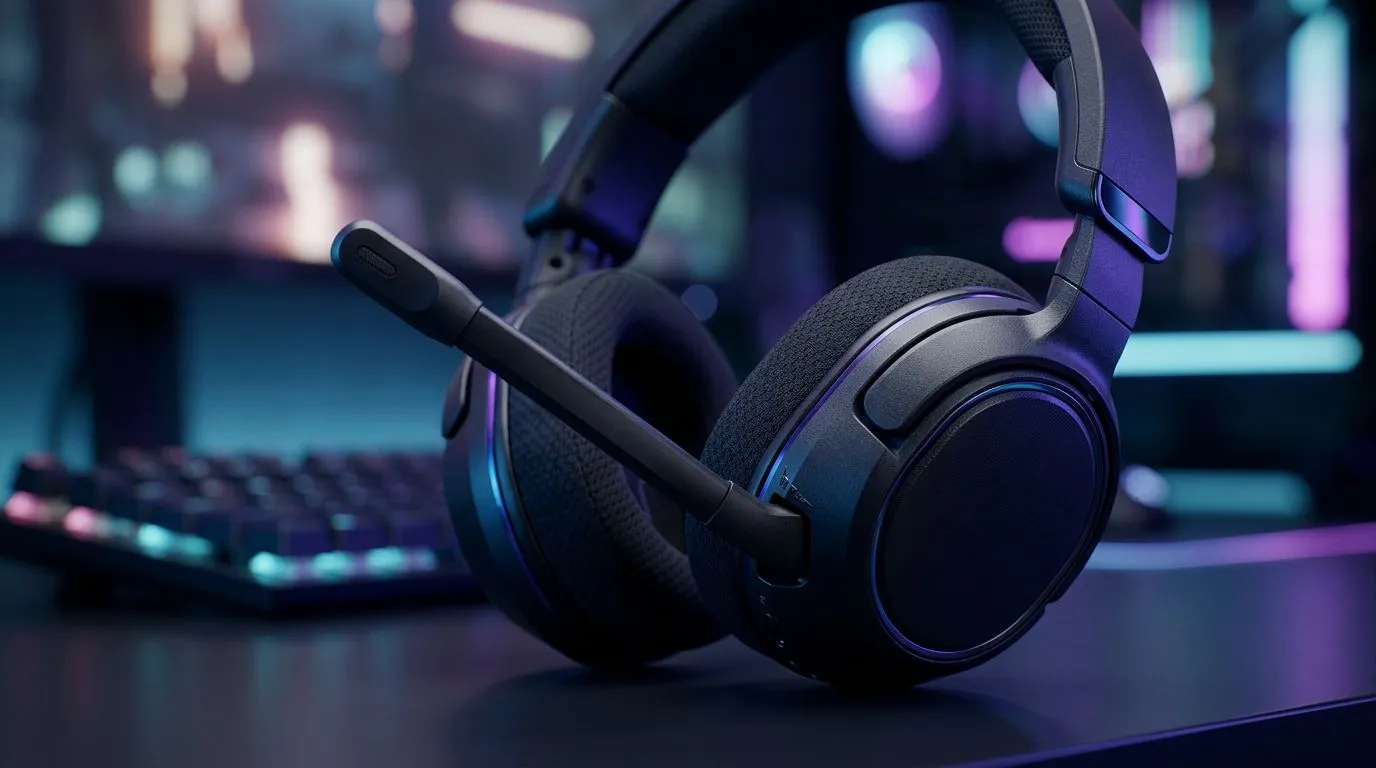
Swivel-to-Mute Microphone Fixes In-Game Chat Not Working
Ever had that awkward moment in Discord or Warzone when your squad can hear everything except you? One second you are calling the play... the next, your mic is dead silent. If you use a swivel-to-mute headset, the problem is often simpler than it feels. A tiny mechanical switch, a loose connection, or a Windows setting can block in-game chat completely. Let’s break it down properly 🔧
Swivel-to-Mute Microphone Fixes In-Game Chat Not Working: Start With the Obvious
Swivel-to-mute headsets are popular because they are easy to use. Flip the mic up to mute. Flip it down to talk. Simple... until the mute mechanism gets stuck, misreads its position, or Windows stops recognising the mic at all.
Before you assume the headset is dead, check these basics:
- Make sure the mic arm is fully lowered
- Reseat the headset plug or USB connector
- Confirm the correct input device is selected in Windows
- Check in-game voice settings, especially the push-to-talk toggle
- Test the mic in another app, like Discord or the Windows Sound panel
A surprising number of “broken” mics are just wrong-input problems. That is especially common after driver updates, game patches, or switching between a desktop and laptop.
Swivel-to-Mute Microphone Fixes In-Game Chat Not Working: What Usually Breaks
The swivel-to-mute hinge is a physical switch. Over time, dust, wear, or slight misalignment can stop it from signalling “unmute” properly. If the headset works when you wiggle the mic arm, that is a strong clue.
For players shopping around for a replacement or backup, Evetech’s mouse accessories range is a useful place to compare setup essentials. If you are also looking at a more complete desk refresh, the wired mouse selection and wireless mouse options can help you clean up your gaming station without guesswork.
If you want to hunt for value, have a look at the best gaming mouse deals. And if you are comparing features like sensor quality, grip shape, and button layout, the full gaming mouse category makes it easier to spot the right fit.
Swivel-to-Mute Microphone Fixes In-Game Chat Not Working: Fast Troubleshooting Steps
Here is the practical order I’d use at home:
1. Test the headset outside the game
Open Windows sound settings or a voice app. If the mic fails there too, the issue is hardware or system-level.
2. Check the mic input device
Windows can switch to your monitor, webcam, or another audio device without warning. Set the headset mic as the default input.
3. Inspect the mute mechanism
Swivel the mic up and down a few times. If audio cuts in and out, the switch may be dirty or worn.
4. Try another USB port or audio jack
Loose ports can cause partial detection. A fresh port removes that variable quickly.
5. Update or reinstall audio drivers
If the headset is fine in one app but not another, driver conflicts may be involved.
6. Review in-game voice permissions
Some titles need voice chat enabled separately. Others reset after updates.
Quick Fix ⚡
If your swivel-to-mute mic only works when tilted at a certain angle, clean the hinge area gently with compressed air. Then test the headset in Windows Sound settings before changing game settings. That can save you a lot of trial and error.
Swivel-to-Mute Microphone Fixes In-Game Chat Not Working: When It Is Time to Replace the Headset
If the mic only works intermittently, especially after months of use, the mute switch may be wearing out. That is normal for a headset that gets daily use. Gaming headsets are mechanical devices, and moving parts do not last forever.
At that point, compare repair effort with replacement value. A reliable headset is usually better than a bargain fix that fails again in two weeks. If your current model is older, you may also get cleaner voice pickup, better comfort, and fewer cable headaches with a newer set.
For South African buyers, the decision often comes down to convenience and total value in ZAR. If a replacement headset saves you from repeated chat issues, the long-term cost can make more sense than limping along with unreliable comms.
Swivel-to-Mute Microphone Fixes In-Game Chat Not Working: Final Checks Before You Queue Again
Before hopping back into ranked, do one last loop:
- Open your voice test
- Mute and unmute the mic manually
- Join a party chat or Discord test channel
- Confirm the game is using the same input device
- Keep the headset cable straight and fully seated
A stable mic means cleaner comms, fewer missed callouts, and less stress in clutch moments. That is worth sorting before your next session 🚀
Ready to Find Your Perfect Match? The Mac vs Windows debate is complex, but for maximum power, choice, and value in South Africa, Windows is hard to beat. Explore our massive range of laptop specials and find the perfect machine to conquer your world.











