

Quick Answer
South African students in 2026 need peripherals that work hard, survive campus life, and fit within a tight budget. The top five picks are a reliable wireless mouse, a compact mechanical keyboard, a USB-C hub, a quality headset for online lectures, and a laptop stand, each chosen for durability and value in the local market.
Why Peripheral Choice Matters for SA Students
Your laptop is the engine, but your peripherals determine how comfortable and productive your sessions are. Whether you are grinding through assignments at res, attending online tutorials, or pulling a late night in the library, the right peripherals reduce fatigue and improve focus. For NSFAS recipients whose R5,200 allowance covers the laptop itself, peripheral choices often come out of personal funds, making value-for-money the primary consideration.
The 5 Best Peripherals for Students in South Africa
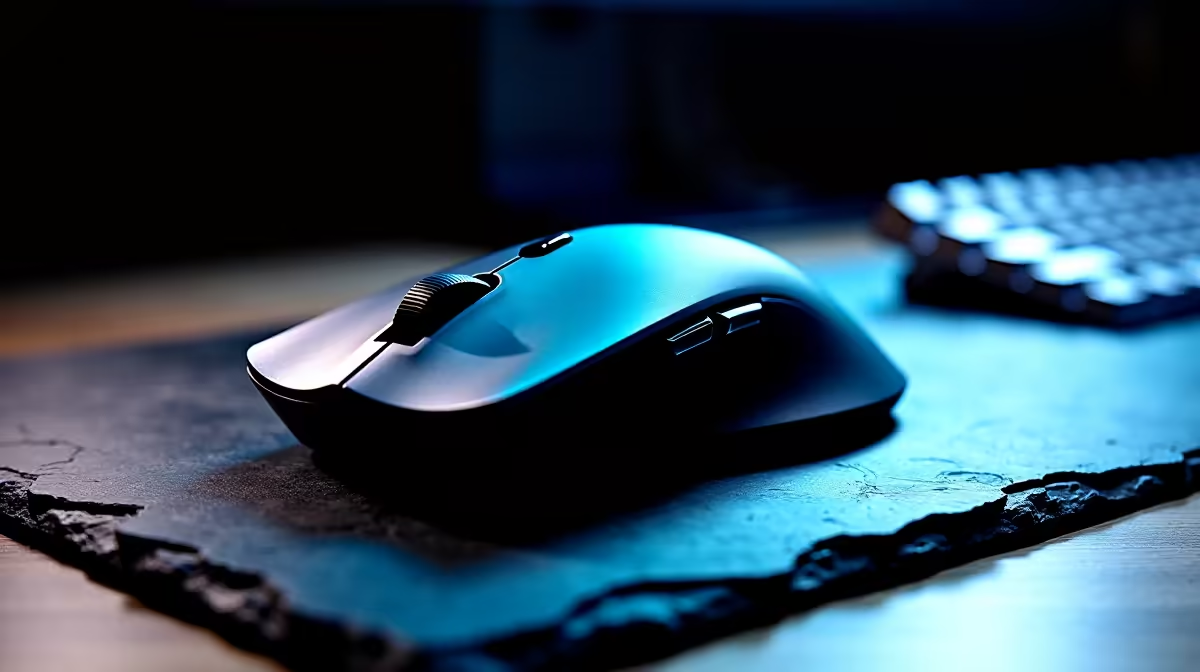
1. Wireless Mouse: Logitech M235 or M275 A wireless mouse removes desk clutter and works on any surface including your lap in lectures. The Logitech M235 and M275 are among the most reliable budget wireless mice available in South Africa, with 12-month battery life on a single AA battery. Pricing sits around R300-R450. Students who move between campus, home, and digs frequently will appreciate never dealing with a tangled cable.
2. Compact Mechanical Keyboard: Redragon K552 or K617 A compact tenkeyless or 60% mechanical keyboard costs R400-R700 locally and dramatically improves typing speed and comfort for essay writing and coding assignments. The Redragon K552 is widely available in South Africa, uses genuine Cherry-compatible switches, and has a metal backplate that survives bag transport better than membrane keyboards. If desk space in your res room is limited, a 60% layout removes the numpad entirely.
3. USB-C Hub Modern laptops increasingly ship with limited ports, and a 5-in-1 or 7-in-1 USB-C hub gives you back HDMI output, USB-A ports for a mouse and keyboard, an SD card reader, and sometimes ethernet. Branded options from Ugreen, Baseus, or Anker retail between R400-R800 in South Africa. Ethernet connectivity is particularly valuable at varsity residences where WiFi can be congested during peak study periods before exams.
4. Headset: HyperX Cloud Stinger Core or Redragon Lamia 2 A decent headset with a microphone is essential for online tutorials, group projects over voice calls, and blocking out ambient noise in shared spaces. The HyperX Cloud Stinger Core retails around R700-R900 in South Africa and delivers clear audio with a foldable microphone that mutes when raised. The Redragon Lamia 2 is a more budget-conscious alternative at R400-R600 with similar functionality.
5. Laptop Stand: Adjustable Aluminium Stand A laptop stand is the most underrated student peripheral. Raising the screen to eye level prevents neck fatigue that comes from looking down for hours, which matters enormously during exam study marathons. Paired with your wireless mouse and keyboard, a stand converts your laptop into a proper desktop-style workstation. Aluminium stands with adjustable angles are available locally for R300-R500 and fold flat for transport.
Getting the Most Out of Your Budget
The total cost for all five peripherals above can be kept under R2,500 if you shop carefully, which is achievable even without bursary support. Prioritise the USB-C hub and headset first if your laptop's built-in audio and ports are already limiting your workflow, then add the keyboard and mouse, with the stand as a final quality-of-life upgrade.
SA students living in res should consider a small desk mat as a low-cost addition that protects surfaces and gives a consistent feel for a mouse on any desk configuration.
Frequently Asked Questions
Are wireless peripherals reliable enough for online exams and tutorials?
Yes. A quality wireless mouse like the Logitech M235 has a range of 10 metres and a polling rate sufficient for all productivity tasks. For high-stakes online exams, using the USB dongle rather than Bluetooth reduces interference risk from the dozens of devices active in a student residence.
Can NSFAS funds be used to purchase peripherals?
NSFAS laptop allowances are typically intended for the laptop itself. Peripheral purchases generally come from bursary living allowances or personal funds. Check your specific institution's bursary conditions, as some provide a broader technology allowance that may cover accessories.
What is the most important peripheral for a student who already has a mouse?
If you already have a mouse, the next highest-impact peripheral is a USB-C hub if your laptop has limited connectivity, or a headset if you are attending online lectures without a proper microphone. Both address practical workflow limitations more directly than any aesthetic upgrade.
Do mechanical keyboards work with any laptop?
Yes. Any USB or USB-C keyboard works with any laptop running Windows, macOS, or Linux. A compact mechanical keyboard connects via USB-A (with a hub if needed) or directly via USB-C on newer models and requires no driver installation for basic typing functionality.
Ready to Find Your Perfect Match? Build your ultimate student setup on a budget. Browse Student Deals











