

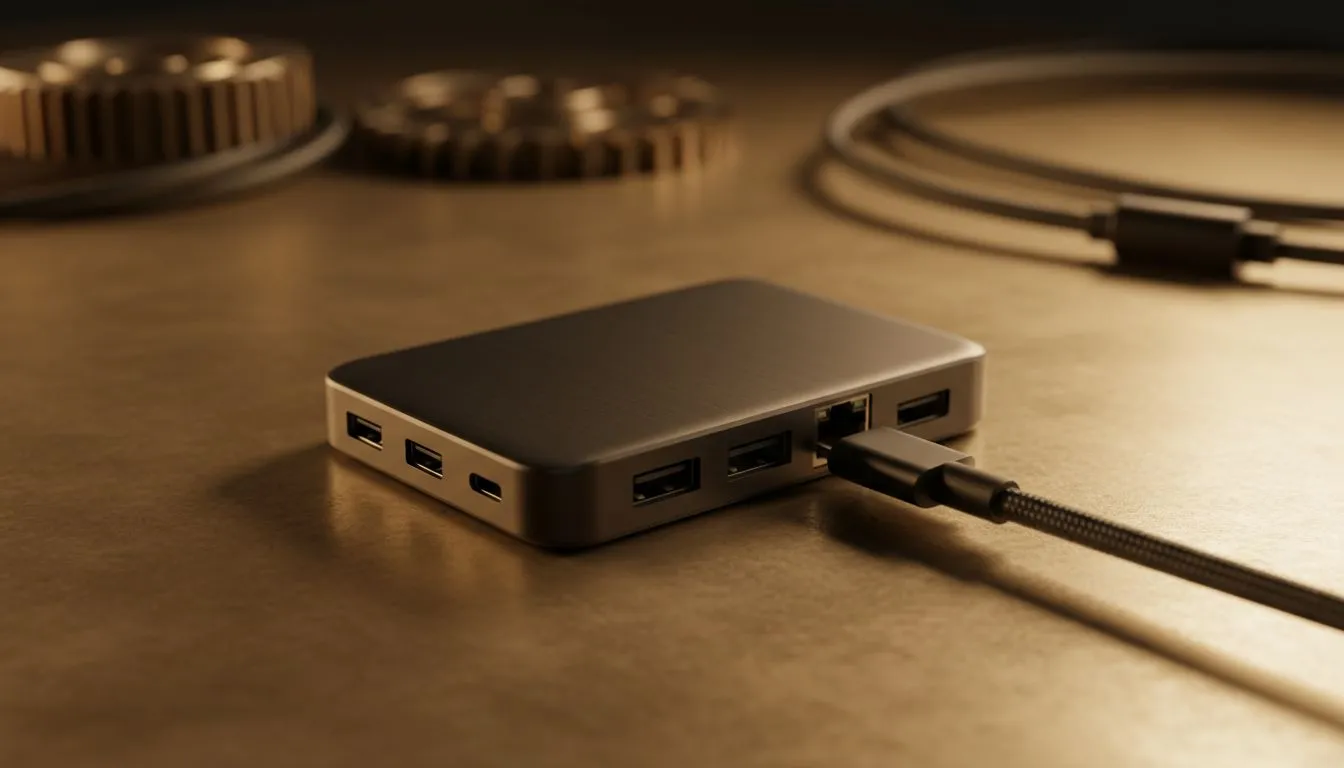
So, you’ve just unboxed a beautiful, sleek new laptop... only to find it has maybe two USB-C ports. While minimalist design is great, connecting your monitor, mouse, keyboard, and external drive suddenly feels impossible. A USB-C hub is the obvious answer, but buying the wrong one is a classic mistake. Before you grab the cheapest option, let's look at how to choose the right USB-C hub in South Africa and avoid some costly errors. ✨
Mistake #1: Ignoring Port Selection and Speed
The biggest pitfall is buying a hub that doesn't match your gear. It sounds simple, but the specifications are what truly matter. A budget hub might look the part, but if it bottlenecks your performance, it's a bad investment. You need to think about what you'll be connecting, both now and in the future.
Display Output: The 4K@30Hz vs 4K@60Hz Trap
This is crucial for anyone with a 4K monitor. Many cheap hubs advertise "4K HDMI," but they only support it at a 30Hz refresh rate. For gaming or even just smooth desktop use, 30Hz is a choppy, jarring experience. Always dig into the specs and confirm the hub supports 4K at 60Hz (via HDMI 2.0 or DisplayPort 1.2) for fluid visuals.
Data Transfer Speeds: Not All USB Ports Are Equal
Does the hub offer USB 2.0 or the much faster USB 3.0/3.1? For a wireless mouse dongle, USB 2.0 is perfectly fine. But if you plan on transferring large files from an external SSD, a USB 2.0 port will be painfully slow. Look for ports rated at 5Gbps or 10Gbps to save yourself hours of waiting. This level of performance is standard across many modern gaming accessories.
Mistake #2: Overlooking Power Delivery (PD)
Have you ever plugged your laptop into a hub with the charger connected, only to watch the battery percentage still go down? This is a classic symptom of poor Power Delivery. PD allows your hub to pass power from your wall charger through to your laptop, charging it while you work.
The mistake is not checking the hub’s wattage pass-through. If your laptop requires 65W to charge efficiently, but the hub only delivers 45W (using the rest to power its own ports), your battery will drain under heavy use. Choosing the right USB-C hub means matching its PD output to your laptop's needs.
Power Pro Tip ⚡
Check the wattage printed on your laptop's original power adapter (e.g., 65W, 90W). The USB-C hub you buy should have a Power Delivery output that's close to that number. If a product page doesn't clearly state the PD wattage, it's a red flag.
Mistake #3: Skimping on Build Quality
It’s tempting to save a few hundred ZAR by choosing a generic, no-name brand. This is rarely a good idea. A poorly constructed USB-C hub isn't just unreliable; it can be a risk to your expensive hardware. Common issues include:
- Overheating: Cheap components can get dangerously hot, throttling performance.
- Unstable Connections: Ports that randomly disconnect your monitor or external drive.
- Potential Damage: In the worst cases, a badly-made hub can short-circuit and damage your laptop’s motherboard.
Investing in a reputable brand ensures better heat management, reliable components, and safety certifications. You can often find great value by checking out current gaming accessories deals, where quality brands are frequently available at a discount. 🔧
Finding the Best USB-C Hub in South Africa
The "best" hub is the one that perfectly fits your workflow. Instead of searching for a single top product, define your needs first.
- For Gamers: Prioritise a hub with HDMI 2.0 (for 4K@60Hz), a Gigabit Ethernet port for lag-free online matches, and high-speed USB-A ports for your peripherals.
- For Creators: Look for multiple fast USB ports, an SD/microSD card reader for camera transfers, and high-wattage PD to power your machine through long renders.
By reading the specs and avoiding these common mistakes, you’ll find a device that truly enhances your setup. When you're ready to connect everything, Evetech has a massive selection of high-quality PC gaming accessories to get you started.
Ready to Expand Your Connectivity? Choosing the right USB-C hub in South Africa doesn't have to be complicated. Now that you know what to look for, you can buy with confidence. Explore our massive range of gaming accessories and find the perfect hub to unlock your setup's full potential.











