

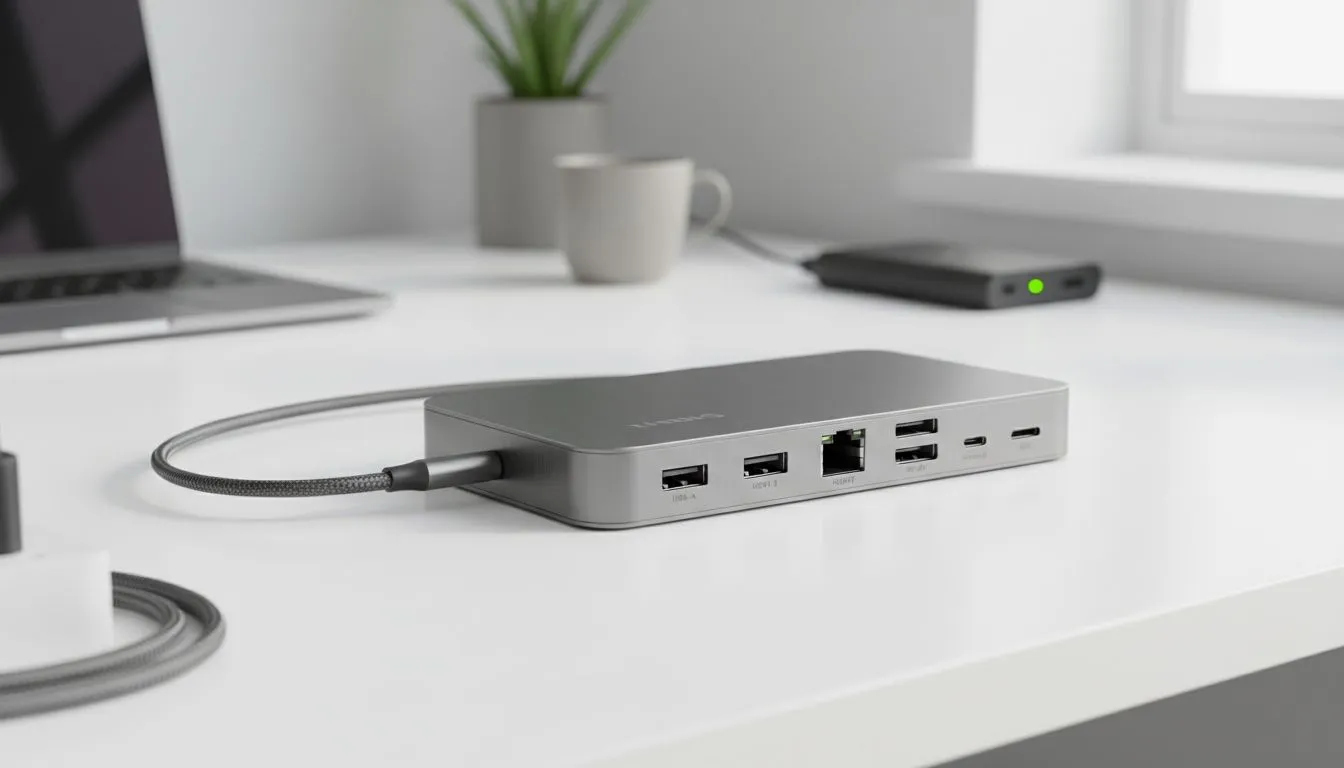
Loadshedding hits. Your laptop has one port. Your monitor goes dark, your mouse disconnects, and your backup drive won't connect. Sound familiar? For South Africans working from home, this chaos is a daily risk. But what if one small device could solve it all? A quality USB-C hub for working from home isn't just a convenience; it's your command centre for staying productive when the power goes out. Let's dive into the features that matter. 🔌
Beyond Basic Ports: Why Your WFH Setup Needs More
Modern laptops are sleek and powerful, but they often sacrifice ports for size. You might have one or two USB-C ports to handle everything from charging to data transfer. That’s where a versatile hub comes in, acting as a central docking station for all your gear. It’s a vital piece of kit that expands your connectivity, turning a single port into a powerhouse. Forget flimsy dongles; a proper hub is one of the most essential PC components and gaming accessories you can own.
The Best USB-C Hub Features for Surviving Loadshedding
When the lights go out, not all hubs are created equal. The right USB-C hub for working from home during loadshedding needs specific features to keep you online and efficient. Think of it as your personal productivity insurance policy against Eskom's schedule.
Power Delivery (PD) Passthrough Charging
This is the absolute non-negotiable feature. Power Delivery allows you to charge your laptop through the hub itself. You plug your laptop's charger into the hub, and the hub into your laptop. Why is this critical? It means you can connect your laptop to a UPS or a high-wattage power bank with one cable, while still running your monitor, keyboard, and mouse. Your single port now does everything, keeping you powered up for hours. 💪
HDMI or DisplayPort for Your Second Screen
Trying to work on a tiny laptop screen for two hours is a recipe for frustration and lost productivity. A hub with a dedicated HDMI or DisplayPort output lets you connect to your main monitor, even when the power is off (assuming your monitor is also plugged into your UPS). This ensures you maintain your full-screen workflow, which is a massive advantage for any professional. You can often find great value on peripherals in our gaming accessories deals section.
A Stable Ethernet Port
Wi-Fi can become unstable during loadshedding as neighbourhood networks interfere with each other or your router struggles. An ethernet port on your USB-C hub provides a rock-solid, wired internet connection directly from your router (which should be on a UPS!). For important Zoom calls or time-sensitive tasks, this stability is priceless.
Plenty of USB-A Ports
Don't forget the basics! You still need classic USB-A ports for your most reliable peripherals: your wired keyboard, your mouse, a webcam, or an external hard drive. Relying on Bluetooth accessories is risky when you can't be sure of their battery levels. Having a few USB-A ports ensures your core tools are always ready to go, and you can find a huge variety of these essential Gaming Accessories to complete your setup.
Loadshedding Pro Tip ⚡
Use your USB-C hub to create a "one-plug" battle station. Connect your monitor, keyboard, mouse, and power adapter to the hub. When loadshedding hits, you only have to move a single USB-C cable from your wall charger to your portable power bank or UPS. No more fumbling with five different plugs in the dark!
A well-chosen USB-C hub for working from home transforms your desk from a chaotic mess of cables into a streamlined, loadshedding-proof workstation. It's a small investment that pays massive dividends in productivity and peace of mind. 🖥️
Ready to Tame the Loadshedding Chaos? A powerful USB-C hub is the key to a streamlined, resilient work-from-home setup. Stop juggling cables and start being productive, no matter the schedule. Explore our massive range of PC accessories and find the perfect hub to conquer your workday.











