

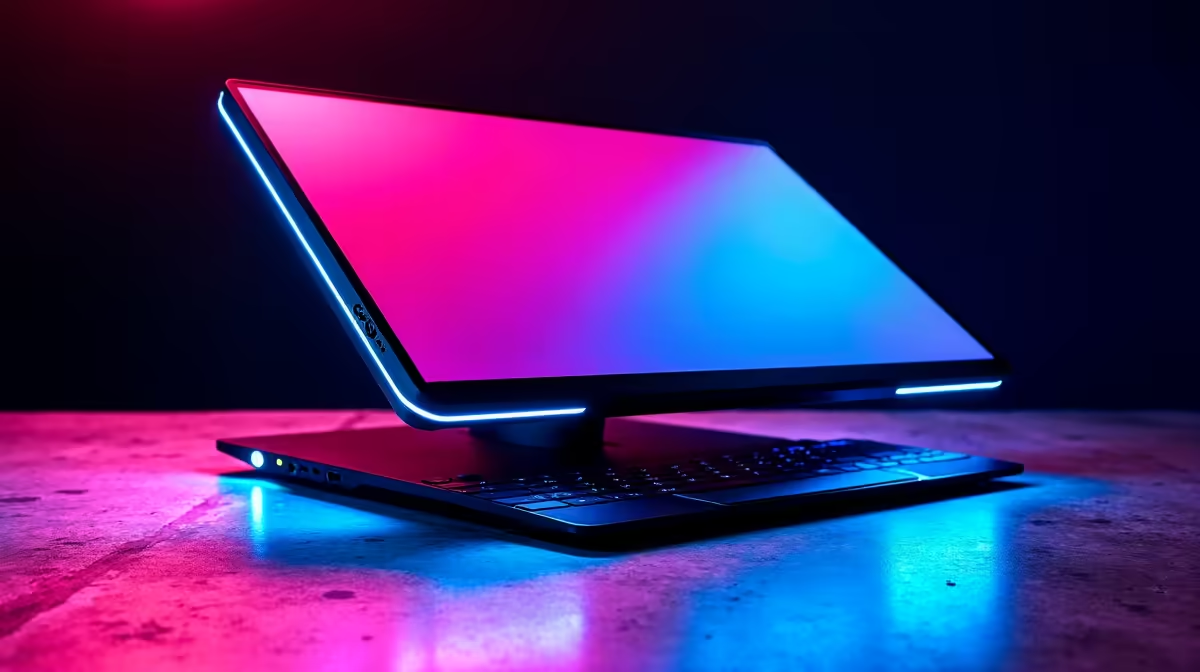
Stuck in another bout of loadshedding, trying to game on a tiny laptop screen? Or maybe you’re on the road and your Nintendo Switch display just isn’t cutting it. We get it. The dream is a bigger, better screen that just… works. Anywhere. This is where the portable gaming monitor steps in, and we put a top USB-C model through its paces to see if it’s the ultimate solution for South African gamers. 🚀
Why a Portable Gaming Monitor is a Must-Have
Let's be clear: this isn't just another gadget. A portable gaming monitor is a slim, lightweight screen that connects to your laptop, console, or even your phone with a single USB-C cable for both power and video. Forget clunky power bricks and tangled HDMI cables. It’s a full-HD (or higher) experience you can slip into your backpack. Unlike the massive desktop displays in the main PC monitors category, these are built for life on the move.
Our Evetech USB-C Test: First Impressions
We unboxed the ASUS ZenScreen, a popular choice, and the setup was almost laughably simple. One USB-C cable from our laptop to the monitor, and boom—it lit up instantly. Windows recognised it immediately. The build quality feels solid, with a clever magnetic case that doubles as a stand. It’s the kind of plug-and-play simplicity that feels like magic. ✨ This immediate ease of use is a core feature across most modern dedicated portable monitors available right now.
Pro Tip: Get the Right Port! ⚡
Not all USB-C ports are created equal. For single-cable video and power, your laptop or device needs a USB-C port that supports DisplayPort Alternate Mode (DP Alt Mode). Most modern gaming laptops have this, but always check your device's specs before you buy!
Putting the Portable Screen to the Test
So, how does it actually perform when the pressure is on? We ran it through three classic South African scenarios.
### Scenario 1: The Loadshedding Co-Op Session
With the main rig down, we fired up a gaming laptop for some Helldivers 2. We used the portable screen for our Discord and mission map, keeping the main display clear for the action. The result? No more alt-tabbing mid-fight. The IPS panel delivered vibrant colours and the response time was crisp enough for fast-paced action, holding its own against our full range of gaming monitors.
### Scenario 2: The On-the-Go Productivity Grind
Working from a coffee shop, the second screen was a lifesaver. We had our code on the laptop screen and the live preview on the portable monitor. It’s a genuine dual-monitor setup that fits in a bag. While it can't match the sheer immersion of immersive curved monitors for a home office, its flexibility is unmatched.
### Scenario 3: Upgrading a Nintendo Switch
This was the real treat. Plugging a Switch into the portable monitor transformed it. Playing Tears of the Kingdom on a crisp 15.6-inch screen instead of the built-in 7-inch one is a massive upgrade, especially for a device that's all about portability.
Is a Portable Monitor Worth Your Rands?
So, who is this for? If you're a student, a remote worker, a frequent traveller, or a console gamer looking for a bigger mobile screen, a portable gaming monitor is an excellent investment. You can often find some of the best monitor deals in South Africa that make these devices surprisingly affordable.
However, if you work exclusively from home and have the desk space, you might be better served by one of the high-resolution stationary 4K monitors that prioritise pixel density over portability. It’s all about your specific needs.
Finally, a great screen deserves great support. Ensure your setup is complete with the right cables and stands by checking out some quality monitor accessories to protect your investment and maximise usability. 🔧
Ready to Upgrade Your On-the-Go Setup? A portable monitor offers incredible flexibility for work and play, especially in South Africa. Explore our wide range of portable monitors and find the perfect travel-friendly screen to conquer your world.











