

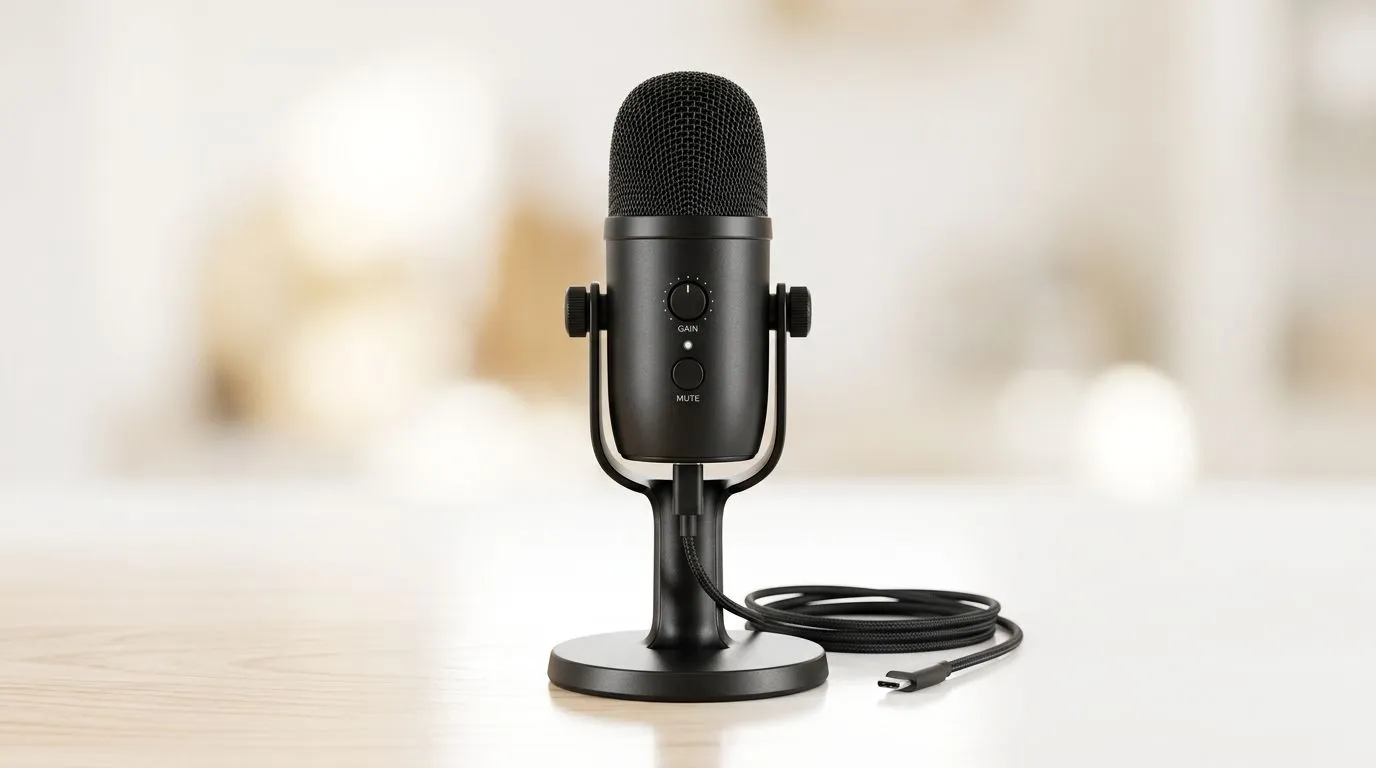
USB microphone for gamers, streamers and Zoom calls 🎧
USB Microphone: Versatile Use from Gaming to Zoom — if you want clearer chat, crisper streams and reliable calls, a single plug-and-play mic can simplify everything. South African gamers know latency and simplicity matter; a good USB microphone gives studio-like clarity without a mixer. Read on for practical setup tips, pairing ideas and where to shop locally.✨
USB microphone: why choose one?
USB microphones give great sound with minimal fuss. They’re ideal when you need solid voice clarity for Discord, Twitch, or Teams calls without extra audio gear. For a straightforward kit that covers mic, boom and accessories, Evetech’s streaming essentials hub is a useful starting point — check their curated streaming essentials for compatible combos and extras (cables, pop filters and shock mounts) https://www.evetech.co.za/PC-Components/buy-streaming-essentials-369.aspx.
Short story: from noisy desk to clear comms
Last year a Cape Town streamer switched from a headset mic to a USB condenser. Viewers noticed better vocals within a day; the streamer reported fewer mic-tilt disasters and less post-editing. That ease of use is the core benefit: plug in, pick levels, and focus on play.
USB microphone: setup and pro tips 🔧
Good sound is more than the mic model. Here’s what actually improves clarity:
- Position: place the mic 15–25 cm from your mouth and slightly off-axis to reduce plosives.
- Gain: start low and increase slowly to avoid clipping. Use real-time monitoring if available.
- Room treatment: soft furnishings cut reflections; a simple foam panel behind the mic helps.
- Software: choose sample rate and bit depth that match your platform; 48 kHz is common for streaming.
Mic Placement Tip ⚡
Keep the mic a fist-width away and aim it slightly past your mouth. Pop filters and a foam windscreen tame plosives; use monitoring to set gain so peaks never hit 0 dB.
For Corsair fans wanting a styled desk that matches peripherals and RGB, browse Corsair-focused streaming bundles on Evetech here: https://www.evetech.co.za/PC-Components/buy-streaming-essentials-369.aspx?brands=CORSAIR — pairing helps with software integration and lighting synchronisation.
USB microphone: match with cameras and lights ✨
A balanced stream needs visuals as much as sound. If you’re upgrading your webcam alongside a mic, Evetech offers a solid range to suit entry-level to pro setups — see their webcams collection for camera options that pair well with USB mics https://www.evetech.co.za/PC-Components/buy-webcams-145.aspx. And if you want mood lighting that reacts with music or alerts, Cololight panels can add flair without extra audio complexity — peep the Cololight options here https://www.evetech.co.za/PC-Components/buy-streaming-essentials-369.aspx?brands=Cololight.
Choosing the right mic for your use
- Casual gamer or frequent Zoom user: an affordable USB dynamic or condenser mic is perfect.
- Streamers who also record vocals: look for 24-bit/48 kHz support and low self-noise. For complete kits, compare bundle options on Evetech’s streaming essentials page to see what suits your desk and budget https://www.evetech.co.za/PC-Components/buy-streaming-essentials-369.aspx.
USB microphone: final checklist before you buy
- Does it support plug-and-play on Windows and macOS?
- Is there headphone monitoring and a gain knob?
- Will it sit comfortably on your desk or on a boom arm?
Answering these makes the purchase simpler and helps you avoid returns.
Ready to Find Your Perfect Match? The Mac vs Windows debate is complex, but for maximum power, choice, and value in South Africa, Windows is hard to beat. Explore our massive range of laptop specials and find the perfect machine to conquer your world.











