

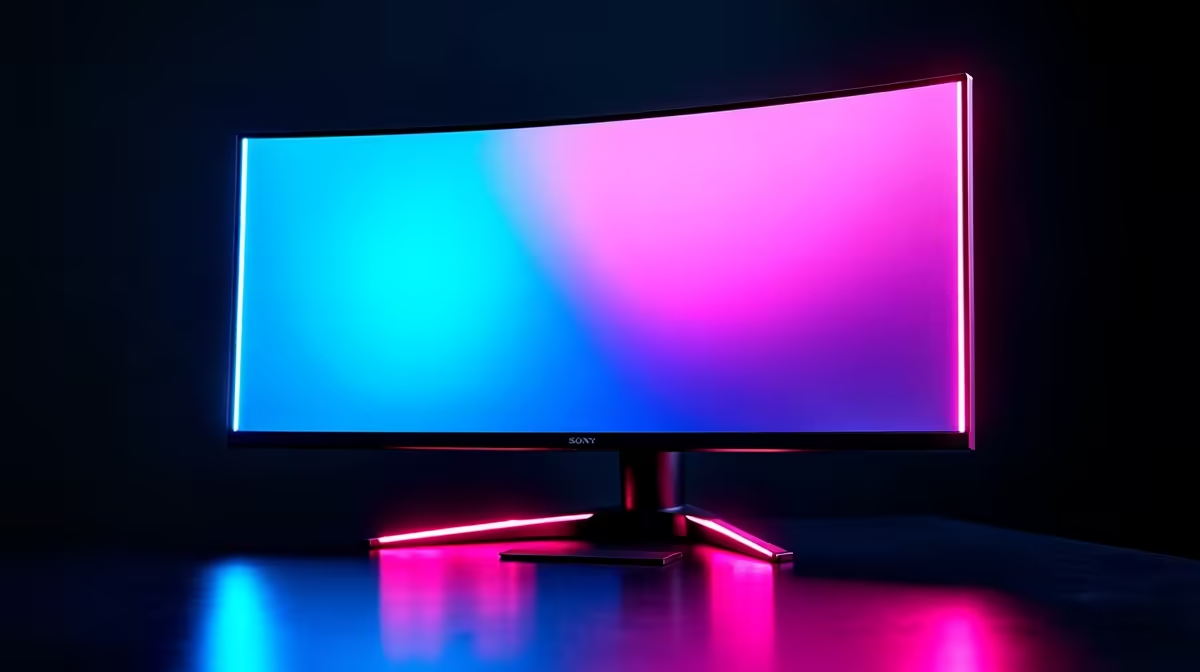
Optimising Your Game Settings for a 32-Inch Gaming Monitor
If you’ve recently invested in a 32-inch gaming monitor, you already know the wow factor it brings to your setup. But getting the best out of your screen isn’t just about size or resolution — the right game settings make a big difference. Whether you’re chasing ultra-smooth frame rates or vibrant visuals, tuning your setup for a 32-inch display can elevate your gameplay in ways you didn’t expect ⚡.
Many gamers in South Africa are upgrading to larger monitors, so let’s explore which game settings work best on a 32-inch gaming monitor and how to unlock silky smooth performance.
Key Settings to Enhance Visuals on a 32-Inch Gaming Monitor
Resolution and Refresh Rate: The Dynamic Duo
For a 32-inch gaming monitor, 2560x1440 (QHD) resolution strikes the perfect balance between crisp visuals and hardware demands. If your monitor supports 144Hz or higher refresh rates, enable it — this makes motion smoother and FPS more responsive.
Most gaming PCs run well at this resolution, and if you want to see what monitors fit these specs without breaking the bank, check out Evetech’s extensive monitor selection.
Graphics Quality: Prioritise What You See
On a 32-inch screen, textures and shadows become more noticeable. Set textures to high for detailed environments, but keep shadow quality at medium to avoid frame drops unless your GPU can handle ultra effortlessly. Turn off motion blur and depth of field for sharper, clearer images during intense moments.
Balancing Graphics and Frame Rates
Start with high texture quality and scale down effects like anti-aliasing if your frame rates dip under 60 FPS. This keeps visuals sharp without sacrificing gameplay fluidity.
Adjusting In-Game Settings: Specific Tips for South African Gamers
Field of View (FOV)
A wider FOV on your 32-inch monitor helps you spot enemies lurking at the edges, ideal for fast-paced shooters. Around 90 to 110 degrees is sweet for console-style controllers, but PC gamers with mouse precision might nudge it up for maximum visibility.
HDR and Colour Calibration
If your 32-inch monitor supports HDR, enable it in your game’s display settings to enjoy richer colours and deeper blacks. However, if HDR makes the colours look too washed out or over-saturated, recalibrate using your monitor’s settings or tweak gamma levels in-game.
To explore gaming rigs that can handle these settings without a hitch, browse the latest gaming PC deals from Evetech — they often come with the ideal specs for modern 32-inch displays.
Monitor Setup and Ergonomics for the Best Experience
Proper Distance and Height
Sit about an arm’s length away (roughly 60-70 cm) from your 32-inch monitor. This reduces eye strain and lets you take in the whole screen comfortably. Adjust the height so the top of the screen is just below your eye level — a small angle tilt can also ease neck tension during long sessions.
If you’re upgrading your entire setup, Evetech also has a range of ready-made pre-built PC deals designed to complement large displays, saving you time and hassle.
Cable Management and Peripheral Control
Use high-quality HDMI 2.0 or DisplayPort 1.4 cables for stable, high-bandwidth connections — they’re critical for maintaining refresh rates and resolution without flicker. Pair your setup with a mechanical keyboard and high-DPI gaming mouse for the best responsiveness on larger screens.
Looking for a portable option? Evetech’s selection of gaming laptops has models with larger displays that adapt your settings perfectly, great for gaming anywhere in South Africa.
Staying Ahead With Ongoing Deals and Performance Boosts
South African gamers want value — so keep an eye on Evetech specials for upgrades and accessories that optimise your 32-inch gaming experience without heavy prices.
Simple changes like updating your GPU drivers, ensuring your OS runs in game mode, and using optimised power settings can push your frame rates higher. These small tweaks keep gameplay smooth and visuals sharp even as games get more demanding.
Ready for a display upgrade? Transform your gaming with expertly matched gear — Shop now at Evetech for performance that leaves lag in the dust.











