

Rendering a 4K video on a blistering February afternoon in Durban or Pretoria is a true test of hardware. As your processor works overtime, temperatures spike. If your rig cannot handle the heat, your render times will plummet. You are probably asking yourself: what is the best cooling solution for content creation PC in SA climate? Let us break down how to keep your workstation icy.
Choosing the Ultimate Thermal Setup ⚡
Video editing in Premiere Pro and 3D rendering in Blender push processors to their absolute limits. Unlike gaming, which fluctuates in intensity, exporting a massive project puts a sustained maximum load on your CPU. This creates serious heat very quickly.
If you rely on a basic stock cooler, your system will throttle speeds to protect itself. This adds frustrating hours to your workflow. Upgrading your setup with premium CPU coolers is essential for maintaining peak performance. You need robust heat dissipation to protect your expensive hardware and your sanity.
Battling the South African Heatwave ☀️
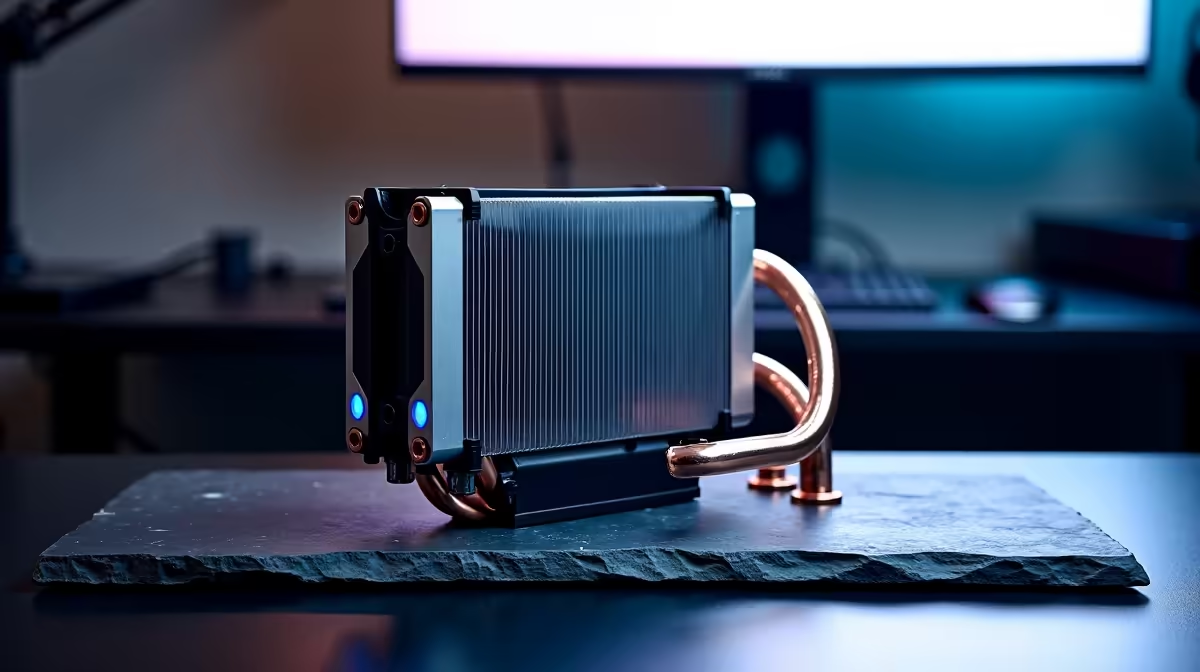
Our local weather adds another layer of complexity. A scorching summer day with an ambient room temperature of 32 degrees means your PC starts at a disadvantage. For heavy workloads, an All-in-One (AIO) liquid cooler is often the superior choice in these conditions.
Liquid transfers heat away from the processor much faster than standard air towers. Even when browsing the best gaming PC deals, savvy creators always check the radiator size. A 240mm or 360mm AIO ensures your workstation stays completely stable during those marathon editing sessions.
Pre-Configured Rigs vs DIY Airflow 🔧
If building a PC from scratch feels overwhelming, you are not alone. Many professionals prefer systems that are already optimised for heavy lifting. Exploring pre-built PC deals takes the guesswork out of thermal management.
Expert technicians ensure that intake and exhaust fans are perfectly balanced inside high-airflow mesh cases. Good airflow pushes cool air over your motherboard components and quickly exhausts hot air out the back. This prevents a pocket of stagnant hot air from choking your graphics card.
Airflow Pro Tip 🔧
Always ensure your PC case has a positive pressure setup. This means having more intake fans than exhaust fans. It keeps dust out of your system and ensures a constant supply of cool air for your CPU and GPU during long renders.
Mobile Content Creation and Upgrades 🚀
Sometimes you need to edit on location or at a client office. High-performance laptops now feature advanced vapor chamber cooling to handle intense production tasks. Prefer mobility over a bulky desktop setup? Checking out notebooks for sale in South Africa is a smart move. Just remember to use a cooling pad or keep the bottom vents clear when rendering on the go.
Finally... keeping your workstation icy does not have to cost you thousands of ZAR. Keep a close eye on weekly component specials to grab high-end fans or liquid coolers without breaking the bank.
Ready to Freeze Your Render Times? Beating the South African heat requires serious hardware, but Evetech has you covered. Explore our massive range of cooling solutions and PC specials to find the perfect thermal upgrade for your content creation journey.











