

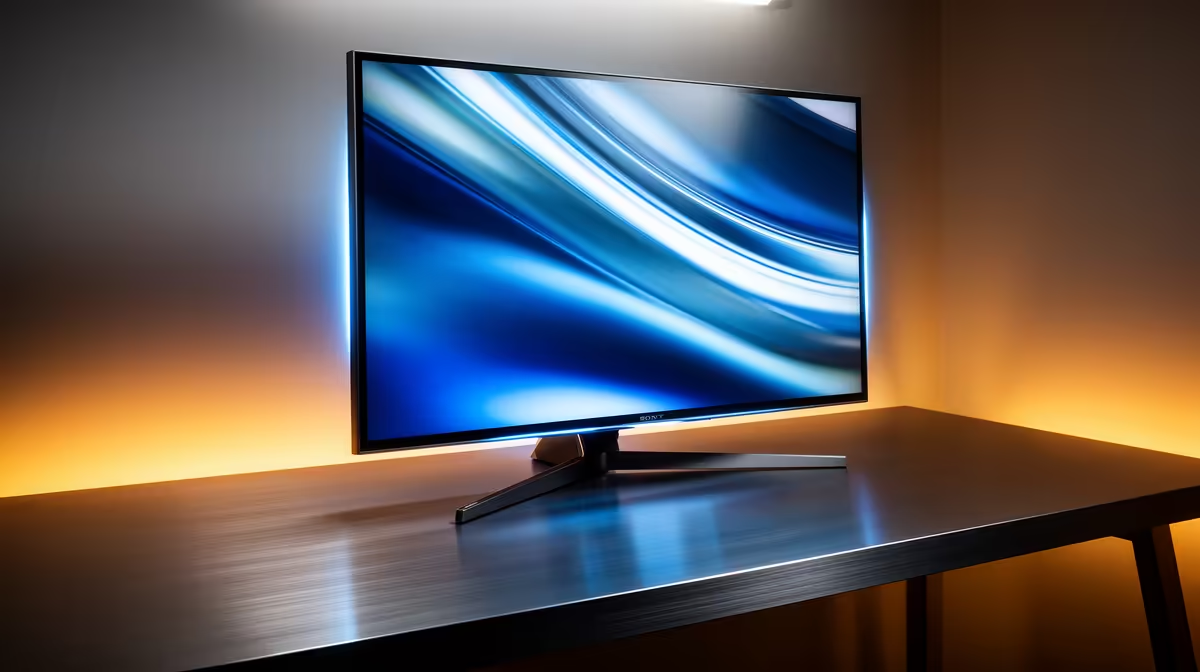
You dropped serious ZAR on a powerhouse notebook for video editing and 3D design. But when the workday ends, you want to launch Cyberpunk 2077 or Warzone. The built-in screen is great... but a 15-inch display just doesn't cut it for immersive play. So, what monitor pairs best with a content creator laptop for gaming? Let us explore how to balance perfect colour accuracy with raw speed.
Bridging the Gap Between Work and Play 🚀
Modern high-end laptops pack desktop-level graphics cards. They can easily push high frame rates. However, creative work demands perfect colour reproduction. Gaming, on the other hand, demands high refresh rates and low response times.
When buying the right monitor, you need a hybrid solution. Look for a 1440p (QHD) display with a fast IPS panel. IPS technology offers the brilliant colour gamut required for Photoshop or Premiere Pro. At the same time, modern IPS panels deliver 144Hz or 165Hz refresh rates... perfect for competitive gaming.
Connectivity Pro Tip ⚡
Check your laptop ports before buying a display. A monitor with a USB-C input supporting DisplayPort Alt Mode and Power Delivery lets you display video, transfer data, and charge your laptop using just one cable. It keeps your desk neat and load-shedding ready.
The Ultrawide Advantage ✨
For video editors, screen real estate is everything. A 34-inch ultrawide monitor gives you a massive horizontal canvas. You can stretch out your timeline while keeping your asset bins visible. When you launch a game, that 21:9 aspect ratio wraps around your peripheral vision for unmatched immersion. Just ensure your laptop graphics card has the headroom to drive those extra pixels.
Refresh Rates vs Resolution 🖥️
A 4K monitor looks incredible for graphic design. Yet, pushing 4K resolution in modern games will thermal-throttle most mobile GPUs. That is why 1440p is the absolute sweet spot. It provides enough pixel density for crisp editing while keeping your in-game frame rates buttery smooth.
If you find yourself needing even more power for 4K gaming, a laptop might eventually hit its limit. Many hybrid users eventually shift heavy rendering to dedicated gaming PCs or explore pre-built PC deals for a permanent home studio setup. But for a single-machine lifestyle, a QHD 144Hz monitor is the ultimate companion.
Maximising Your ZAR Value 💸
Tech prices in South Africa require smart budgeting. You don't need to spend upwards of R15,000 to get a display that handles both Adobe Creative Cloud and Steam. Many 27-inch QHD monitors offer incredible value for hybrid users today.
Keep a close eye out for discounts. You can often find premium screens hiding in the latest tech specials, allowing you to upgrade your workstation without breaking the bank. Stretching your Rand means you can save up for better peripherals down the line.
Ready to Upgrade Your Visuals? Finding the perfect balance between creative colour accuracy and gaming speed is crucial. Explore our massive range of monitor specials and find the exact screen to elevate your workspace and dominate your lobbies.











