

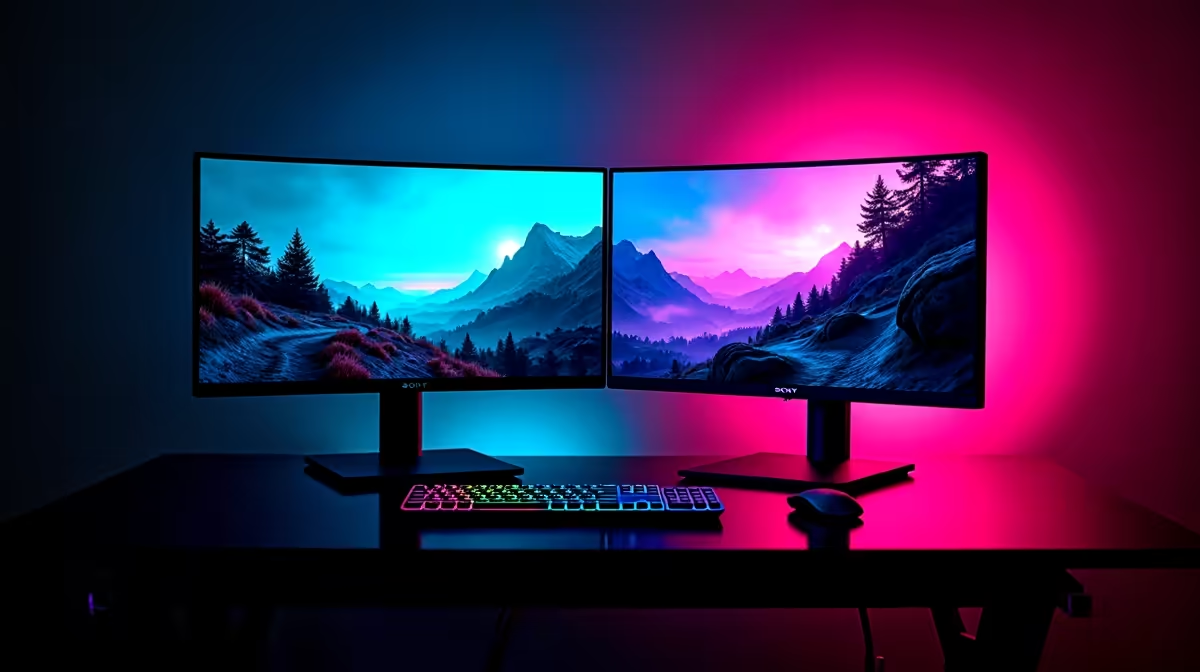
Finding the Perfect Gaming Monitor Combo ⚡
Choosing what monitor pairs best with your gaming setup can feel like a puzzle. South African gamers crave smooth visuals and performance without breaking the bank. Whether you’re upgrading from a basic display or building a rig around a high-end gaming monitor, matching monitor specs matters more than you think. From refresh rates to screen size, your next monitor could turn any session into a vivid, lag-free adventure.
Key Features to Look for in a Gaming Monitor Pair
The best monitor pairs with your primary gaming screen by complementing its features. For example, if you have a 144Hz gaming monitor, the secondary display should ideally keep up with at least 60Hz to avoid jarring frame rate differences when multitasking.
Refresh Rate and Response Time
Gaming monitors often boast refresh rates of 120Hz or higher, with response times below 5ms. Your paired monitor should at least match a 60Hz refresh rate for smooth desktop use or media consumption. This keeps the transition between screens comfortable during gameplay breaks or streaming chats.
Resolution and Size
Pairing a 4K monitor with a 1080p screen can feel unbalanced due to pixel density and scaling differences. Most gamers find that two monitors with similar resolutions (1440p + 1440p or 1080p + 1080p) offer the best synergy. Regarding size, aim for matching screen sizes or ensure the secondary monitor is slightly smaller to keep your focus on the main display.
For affordable options and a wide range of gaming monitors, you can browse top picks at Evetech’s monitor selection tailored for South African gamers.
Synchronising Colours and Connectivity
Your monitors should support similar colour profiles for consistent visuals across screens—something critical when gaming or streaming. Look for IPS panels for rich colour accuracy, especially if you toggle between gaming and content creation.
Connectivity-wise, ensure your graphics card supports the right ports for both monitors. HDMI and DisplayPort remain staples, with DisplayPort preferred for higher refresh rates. Confirm your PC can drive multiple monitors smoothly; otherwise, consider upgrading your setup with one of the best gaming PC deals from Evetech.
Simple Sync Tip
Consistent resolution and refresh rate across your monitor duo can drastically reduce eye strain and give you a cohesive gaming space.
Gaming Monitor Pairings for Different Setups 🚀
Dual 1080p Monitors
Affordable yet reliable, two Full HD monitors work well for entry-level or budget-conscious gamers. This setup fits nicely with mainstream builds and offers good multi-tasking for streaming or Discord chats.
Primary 1440p with Secondary 1080p Monitor
Many South Africans prefer pairing a crisp 1440p gaming monitor with a 1080p second screen for media or guides. This mix balances cost and visual fidelity without overwhelming your graphics card.
Looking for a fresh system that handles dual monitors with ease? Evetech’s pre-built PC deals are designed to support high-performance gaming and multitasking without technical headaches.
Ultrawide Plus Standard Monitor
For that immersive edge, pair an ultrawide gaming monitor with a standard monitor on the side for chat, streams, or browsing.
If you prefer gaming on the go, check out Evetech’s latest gaming laptops for portable power while keeping dual monitor options at home.
Final Thoughts: Balance Your Setup for Maximum Play
Choose a secondary monitor that matches or complements your main gaming display’s specs. Pay attention to refresh rates, resolution, panel type, and connectivity. Make sure your PC can support your chosen monitors to avoid bottlenecks.
Maximise your gaming experience by shopping the latest specials at Evetech. South Africa’s gaming community knows well: the right gear makes all the difference.
Upgrade Your Gaming Space Today Discover the best gaming monitors and PC builds tailored for you. Shop now at Evetech for performance that leaves lag in the dust.











