

Quick Answer
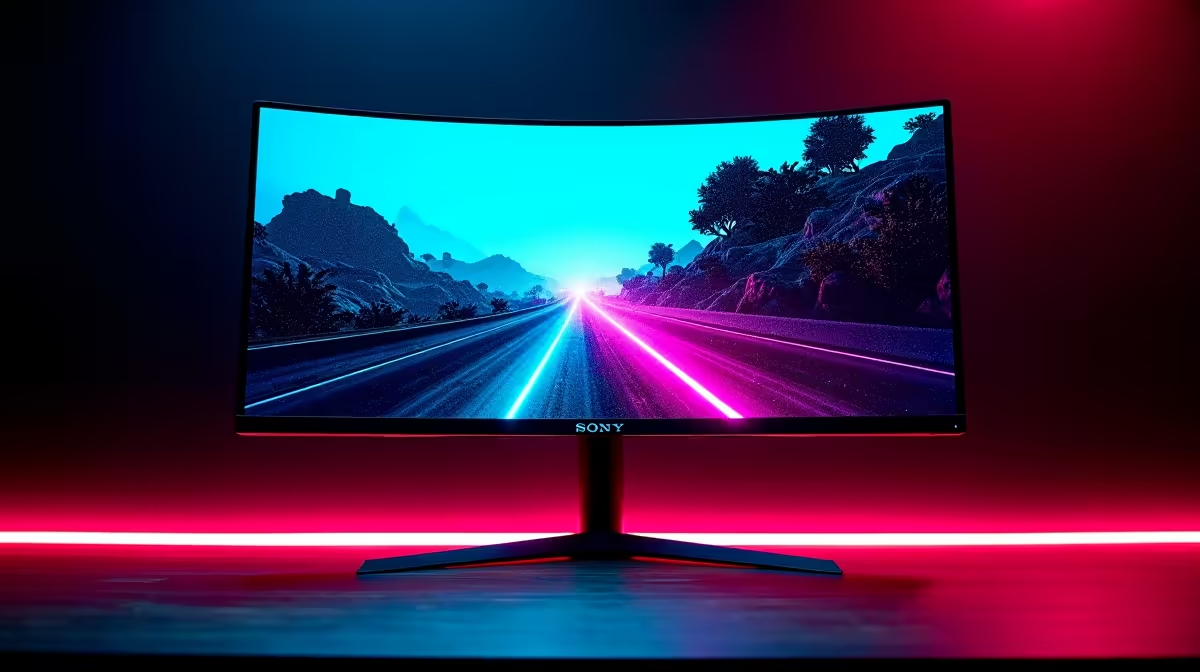
For MSI Claw gaming, a 27-inch 1440p monitor with at least 144Hz refresh rate and IPS panel offers the best balance of image quality and performance when used as a home base display.
Why the MSI Claw Needs a Dedicated Monitor Setup
The MSI Claw is a handheld gaming PC that runs full Windows, which means it can be connected to an external monitor via USB-C or a dock - turning your portable gaming rig into a desktop-class experience in seconds. Unlike a console, the Claw outputs variable resolutions and frame rates depending on the game, so your monitor needs to be flexible enough to handle everything from 60fps indie titles to 120fps competitive shooters.
In South Africa, where loadshedding can make portable gaming essential during outages, the Claw-plus-monitor combo gives you the best of both worlds: take the handheld to your room when the power is out, then dock it to a proper display when the grid is back. This hybrid approach is increasingly popular among SA gamers who want one device for multiple scenarios.
The Claw's Intel Arc GPU is capable but not a powerhouse at 1440p. You want a monitor that lets you run 1080p games at high frame rates while still looking sharp on a larger screen. A 1440p monitor with good upscaling or a native 1080p high-refresh panel at 24-27 inches gives you the sweet spot.
Resolution and Refresh Rate - What Actually Matters
For competitive gaming on the MSI Claw, a 1080p monitor at 144Hz or higher is the most practical pairing. The Claw's Arc GPU can comfortably push 1080p at 100-144fps in less demanding esports titles, meaning you will actually use those frames. Going to a 240Hz 1080p panel makes sense if you play games like CS2 or Valorant where frame rate is everything.
If you prefer richer visuals and play more story-driven or RPG content, a 27-inch 1440p IPS monitor at 144Hz is the recommended step up. The Intel Arc GPU can handle 1440p at 60-90fps in many titles with medium settings, and IPS panels deliver the colour accuracy and wide viewing angles that make single-player games look stunning. Prices for quality 27-inch 1440p monitors in SA typically range from R3,500 to R7,500 depending on the brand and features.
Avoid 4K monitors for Claw pairing - the GPU simply cannot push 4K at playable frame rates in modern games, and you will spend more on the monitor than you need to. The sweet spot is 1080p or 1440p at high refresh.
Panel Technology and Connectivity for the MSI Claw
IPS panels remain the gold standard for most MSI Claw users because they combine good response times with excellent colour reproduction and wide viewing angles. If you play in a bright room or share your screen with others, IPS eliminates the washed-out look you get with older TN panels at off angles. VA panels offer deeper blacks and better contrast for dark atmospheric games, though they can show ghosting in fast motion.
Connectivity is critical when pairing a monitor with the Claw. Look for monitors with USB-C with DisplayPort Alt Mode support if you want a single-cable solution - one cable handles video, audio, and can charge the Claw simultaneously. HDMI 2.0 or 2.1 is also a safe bet if you use a dock. Make sure the monitor supports at least 1080p at 144Hz over HDMI, as some cheaper panels cap HDMI at 60Hz and require DisplayPort for the full refresh rate.
Adaptive sync support - either FreeSync or G-Sync Compatible - rounds out a great monitor for Claw use. Because the Arc GPU's frame output varies by scene, adaptive sync eliminates screen tearing without the input lag of traditional V-Sync, keeping the image smooth even when frame rates dip.
Recommended Monitor Sizes for Your Setup
Desk space in SA student res rooms or compact gaming setups is often limited, and monitor size should match your viewing distance. For a desk where you sit 50-60cm from the screen, a 24-27 inch monitor is ideal. At that range, a 27-inch 1440p display gives you great pixel density without the need to move your eyes constantly across the screen.
If you have a larger desk and sit further back, a 32-inch 1440p monitor becomes viable and delivers an immersive experience for single-player games. However, for competitive multiplayer where you want everything in your peripheral field without head movement, 24-27 inches is the tournament standard for a reason.
Ultrawide monitors (21:9) are a tempting option, but check game compatibility first - the MSI Claw and some games have limited ultrawide support, and you may end up with black bars on many titles. A standard 16:9 ratio is the safest and most universally supported choice for Claw gaming.
Frequently Asked Questions
Q: Can the MSI Claw output to an external monitor?
A: Yes - the MSI Claw has a USB-C port that supports DisplayPort Alt Mode, allowing you to connect directly to a compatible monitor with a USB-C cable or through a dock using HDMI. This lets you use the Claw as a desktop gaming PC when docked.
Q: What resolution should I choose for a monitor paired with the MSI Claw?
A: 1080p at 144Hz or 1440p at 144Hz are the two best options. 1080p delivers the highest frame rates for competitive gaming, while 1440p gives you sharper visuals for story-driven titles. Avoid 4K as the Claw's Arc GPU is not optimised for it.
Q: Does the MSI Claw support FreeSync or G-Sync monitors?
A: The Claw's Intel Arc GPU supports both FreeSync and G-Sync Compatible monitors, so adaptive sync will work with most modern gaming monitors. This is especially useful because the Claw's frame output can vary, and adaptive sync keeps the image tear-free.
Q: How much should I budget for a monitor to pair with the MSI Claw in South Africa?
A: A solid 1080p 144Hz monitor starts from around R2,500 to R3,500, while a quality 27-inch 1440p 144Hz IPS panel typically costs R4,500 to R7,000 in South Africa. The investment is worth it given that the monitor will serve you long after any handheld upgrade.
Also at Evetech: All Monitors | Graphics Card Deals
Ready to Find Your Perfect Match? Shop at Evetech











