

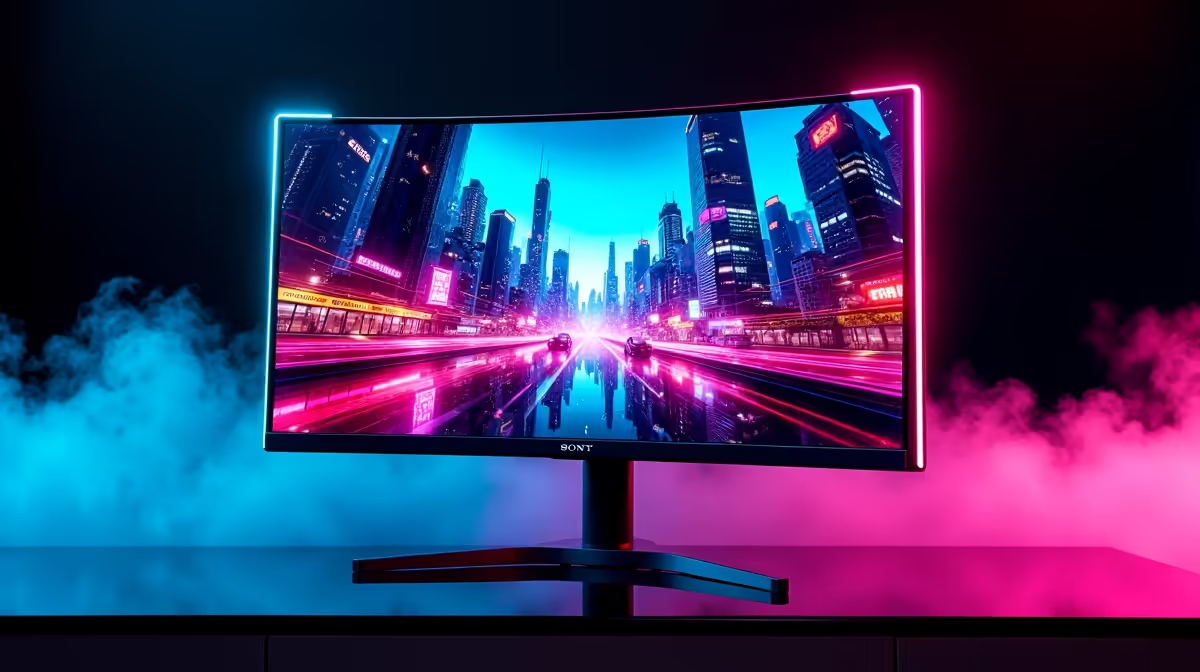
Choosing the Best Monitor for RTX 4070 Ti Super Gaming in SA
South African gamers upgrading to the NVIDIA RTX 4070 Ti Super want a monitor that truly unlocks the card's power. But which screen suits this GPU best? Whether you're chasing silky-smooth frame rates or vibrant colours, the right display makes all the difference. Let’s explore the top options that bring out the RTX 4070 Ti Super’s full gaming potential — tailored for SA gamers and tech enthusiasts alike. 🎮⚡
Key Features to Consider When Pairing Monitors with RTX 4070 Ti Super
The RTX 4070 Ti Super handles high refresh rates and resolutions with ease. To match its capabilities, pick a monitor with:
- At least 144Hz refresh rate (240Hz if you play competitive shooters)
- 1440p resolution for balanced detail and performance
- NVIDIA G-SYNC compatibility to prevent screen tearing
- IPS or VA panel technology for vibrant colours and wide viewing angles
For a hands-on look, you can browse an extensive range of buy monitors that complement the RTX 4070 Ti Super perfectly.
Why 1440p Is the Sweet Spot with RTX 4070 Ti Super
True 4K gaming is still heavy on any graphics card, even a potent RTX 4070 Ti Super. Most South African gamers find 1440p the ideal compromise — delivering crisp images and hitting high frame rates without demanding too much from your PC. This resolution brings sharper details and better immersion than 1080p, yet remains playable with ultra settings in popular titles.
You should also consider the refresh rate. The RTX 4070 Ti Super can push over 100 FPS in many AAA titles at 1440p, so a monitor with at least 144Hz refresh rate makes sense.
Matching Monitors with Your Entire Gaming Setup
If you are looking for the entire package, check out some of the best gaming PC deals on Evetech which often feature RTX 4070 Ti Super builds paired with optimised monitors.
Additionally, South African gamers streaming or multitasking may want a larger ultrawide screen. Many ultrawides support high refresh rates and G-SYNC, so don’t overlook them for immersive gaming and extra workspace.
For laptop users wanting RTX 4070 Ti Super equivalent performance, the selection of notebooks for sale in South Africa is growing steadily, though external monitor compatibility remains key.
Why G-SYNC Matters
Synchronising your monitor directly with your RTX 4070 Ti Super’s frame output cuts down screen tearing dramatically—no distractions during tight gameplay moments.
Expert Insight: The Monitor Panel You Should Pick
IPS panels are the go-to for vibrant colour accuracy and wide viewing angles. This matters when gaming in a brightly lit room or sharing your monitor with friends. Even though IPS panels traditionally had slower response times, modern gaming monitors have mastered this — some models boast as low as 1ms response.
VA panels offer better contrast ratios but can have minor ghosting. If dark scenes and deep blacks excite you, a high-quality VA panel might be your friend.
Evetech’s pre-built PC deals often recommend monitor pairings of both panel types alongside the RTX 4070 Ti Super. This guides you to pick what suits your gaming style best.
Final Considerations: Refresh Rate vs Resolution vs Price in SA
South African gamers have budget realities to consider — high-end monitors with 240Hz and 1440p or 4K can be pricey. But with careful choice, you can hit the sweet balance for under R10,000.
Remember, the RTX 4070 Ti Super will deliver peak performance with a monitor that matches its bandwidth. If you lean towards fast FPS titles, prioritise refresh rate over ultra-high resolution. For immersive single-player games, richer colours and resolution slightly edge out super high frame rates.
Explore Evetech’s full selection of graphics cards to ensure your GPU and monitor combination fits your gaming ambitions and budget.
Perfect Your Gaming Setup Don’t wait to elevate your game. Shop now at Evetech for the best monitor picks that pair flawlessly with your RTX 4070 Ti Super.











