

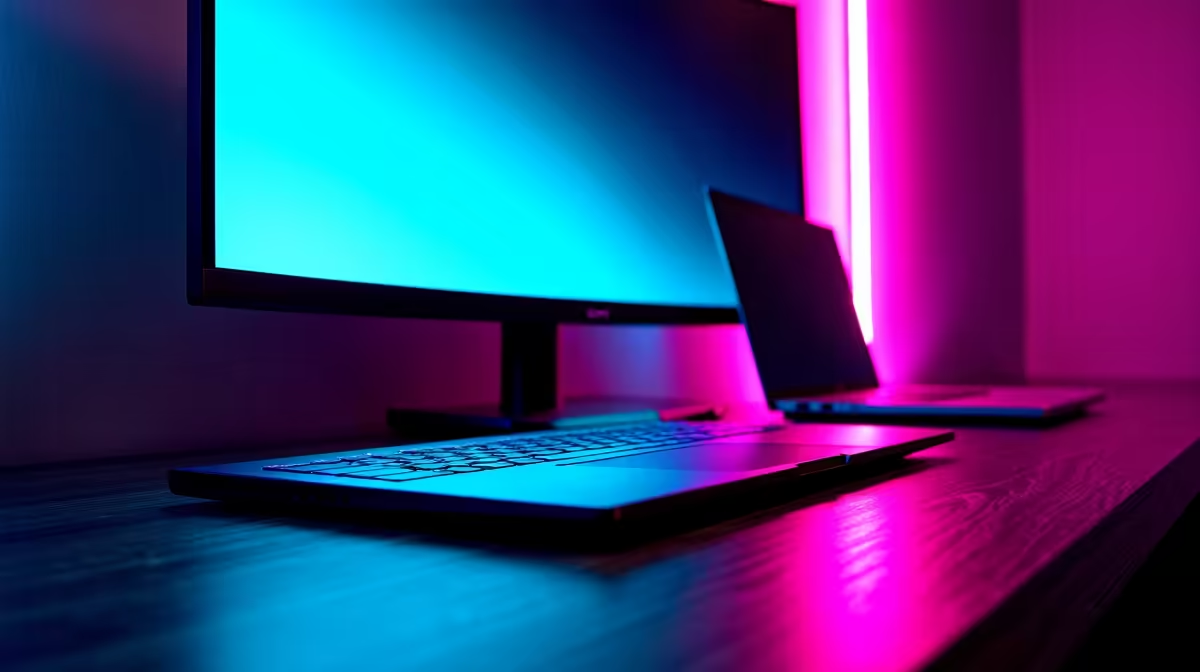
Why Matching Your Ultrbook with the Right Monitor Matters ⚡
Ultrabooks are sleek and portable, perfect for gaming on the go in South Africa’s vibrant gaming scene. But pairing your ultrabook with the best monitor for gaming can transform your setup from good to outstanding. A great monitor not only boosts visuals but also reduces input lag — essential when every millisecond counts. Curious which monitor pairs best with an ultrabook for gaming? Let’s dive in.
Key Features of a Monitor That Goes Well with an Ultrabook for Gaming
The best monitor for ultrabooks balances portability with performance. Look for these essentials:
- Screen Size and Resolution: 24 to 27 inches hits a sweet spot — enough screen without overwhelming your desk. If your ultrabook supports 1080p or 1440p, matching the monitor’s resolution to these levels avoids scaling issues.
- Refresh Rate and Response Time: Aim for a refresh rate of at least 75Hz, though 120Hz or higher gives you noticeably smoother gameplay. Response time of 5ms or below keeps visuals crisp, avoiding ghosting effects.
- Connectivity: Your ultrabook likely has USB-C or HDMI. Selecting a monitor with USB-C passthrough or multiple HDMI inputs is a smart move.
- Colour Accuracy and Panel Type: IPS panels offer superior colour and viewing angles, ideal for a rich gaming experience without colour fade.
For a closer look at these specs, check out Evetech’s comprehensive selection of PC monitors for sale. It’s packed with options suited for all budgets — from casual gamers to serious competitors.
Real-Life Experience: From Ultrabook to Big Screen 🚀
One fan shared how upgrading from their ultrabook’s built-in display to a 27-inch IPS monitor changed their gaming. The monitor’s higher refresh rate made fast-paced shooters feel smoother and input lag practically disappeared. At the same time, streaming and multitasking flourished thanks to the extra screen real estate.
South African gamers should consider pre-built PC options too, where the whole setup is balanced for peak performance. Evetech’s pre-built PC deals offer great inspiration if you want your gaming setup to move beyond just an ultrabook.
Pro Tip for Smooth Gaming Setup
When you connect your ultrabook to an external monitor, tweak your display settings to extend rather than mirror. It lets you play fullscreen with zero scaling issues and keeps your ultrabook’s screen free for other tasks.
Ultrabooks and Monitor Setup in South Africa: What to Buy and Where
When choosing a gaming ultrabook, you want to consider the right specs to maximise your monitor’s potential. Some of the best options take advantage of powerful GPUs and modern ports for seamless connectivity. Explore the latest laptops and ultrabooks available in South Africa to ensure compatibility.
If you’re hunting for outright value, also explore the best gaming PC deals at Evetech. Having a powerful desktop rig can complement your ultrabook’s portability by offering an unbeatable local gaming hub.
Finally, keep an eye on Evetech specials for exclusive ZAR deals on monitors and laptops alike. Good timing can save you serious rand.
Wrap-Up: What Monitor Pairs Best with an Ultrabook for Gaming?
In South Africa’s gaming community, the right monitor paired with your ultrabook boosts immersion, responsiveness, and multitasking. Prioritise a size and refresh rate that gives fluid performance, while ensuring connectivity fits your ultrabook’s ports.
The goal? A balanced setup that turns everyday gaming into a smooth, visually stunning session — without splashing too much cash.
Upgrade Your Gaming Setup Today Elevate your gaming with the perfect monitor that complements your ultrabook. Shop now at Evetech for performance that leaves lag in the dust.











