

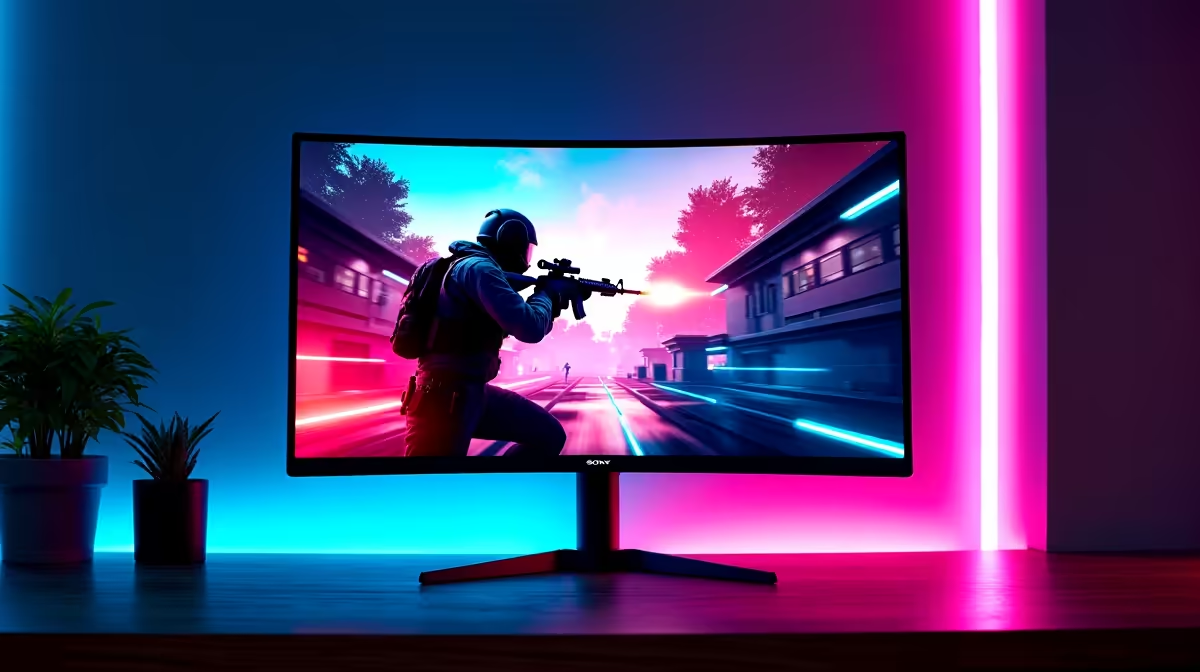
Optimising 4K Monitor Settings for the Best FPS in South Africa
If you’ve recently upgraded to a 4K monitor for gaming, you might have noticed a dip in your frame rates. South African gamers know that smooth FPS can mean the difference between victory and defeat. But what settings should you use on 4K monitors to get the best FPS without sacrificing crisp visuals? Let’s break down simple, effective tweaks to balance image quality and speed ⚡.
Adjusting Refresh Rate and Resolution for Smooth Gameplay
First, ensure your 4K monitor is running at its native refresh rate. Many budget models default to 60Hz, but some support 120Hz or higher — ideal for competitive games. To check or change this:
- Right-click your desktop and open Display Settings.
- Select your 4K monitor, then click Advanced Display Settings.
- Adjust the refresh rate to the highest available option.
Running your monitor at native 3840×2160 resolution can strain your GPU. Lowering resolution scale in your game’s graphics settings to around 75-85% can boost FPS substantially. You’ll still enjoy sharp images, with less GPU load.
For South African gamers eyeing a new screen, browse the latest range of 4K monitors at Evetech. They stock brands with varying refresh rates and sizes, all suited to local gaming budgets.
Tuning In-Game Graphics and GPU Settings for 4K
Modern AAA titles can melt your FPS at 4K if every setting is maxed. Lowering shadow quality and disabling unnecessary effects like motion blur visibly improves frame rates. If your GPU supports it, enabling technologies like NVIDIA DLSS or AMD FSR can upscale lower resolution to 4K with minimal quality loss.
In the GPU control panel, set power management mode to “Prefer maximum performance” and use the latest drivers. These tweaks ensure your card squeezes as many FPS as possible without bottlenecks.
For a high-performance foundation, check out top gaming PC deals or ready-to-go pre-built gaming rigs local to South Africa which come optimised for 4K gaming.
Monitor Connection and Cable Considerations 🎮🔧
4K at high refresh rates demands a solid connection standard. HDMI 2.0 supports 4K 60Hz, but HDMI 2.1 or DisplayPort 1.4/2.0 are better for 4K 120Hz or higher. Using a subpar cable might throttle your FPS indirectly by limiting bandwidth.
When buying equipment, also consider the portability and power of gaming laptops — many come with 4K panels and dedicated GPUs tuned for balance in FPS and visuals.
Stay Ahead with the Latest Tech and Deals ⚡
4K gaming performance is constantly evolving with new GPUs and monitors. Keep an eye on Evetech’s specials to grab timely upgrades and accessories that boost your rig’s power.
Maximise FPS on Your 4K Monitor
Try disabling V-Sync in your game settings to reduce input lag and sometimes boost FPS. Pair this with frame capping at your monitor’s refresh rate to avoid screen tearing without major performance loss.
Ready to elevate your gaming setup? Whether you want the crispest display or highest FPS, Shop now at Evetech for performance that leaves lag in the dust.











