

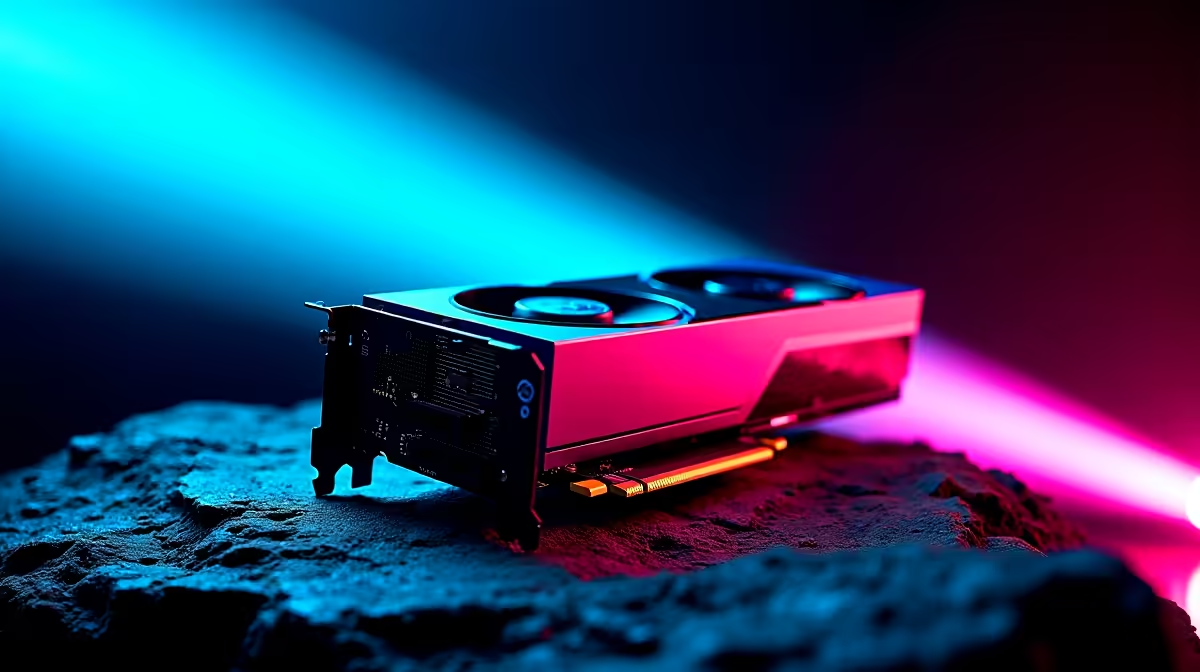
Maximising FPS with Intel Arc B580 Settings for South African Gamers ⚡
If you're gaming on an Intel Arc B580 GPU, you want every frame you can get—especially with high-stakes titles popular here in South Africa. Unlocking peak FPS means more fluid gameplay and better competitive edges. But what settings should you use on Intel Arc B580 for best FPS without sacrificing too much visual fidelity? Let's break down exactly how to tune your graphics card for smooth play and killer visuals.
Understanding Intel Arc B580: Power Meets Efficiency 🔧
The Intel Arc B580 is designed to deliver solid gaming performance at a mid-range price point. Its architecture supports DirectX 12 Ultimate and hardware-accelerated ray tracing, but performance tuning is key to get consistent high FPS. South African gamers looking to optimise performance will want to adjust settings both in the Intel Graphics Command Center and individual games.
For processing raw power, pairing your Arc B580 with a strong CPU is vital. Explore a wide selection of processors that unlock your GPU’s full potential without bottlenecks.
Optimising Graphics Settings for Best FPS on Intel Arc B580 🚀
1. Update Your Drivers
Always start by installing the latest Intel Arc drivers. These updates often contain game-specific optimisations and improvements for stability.
2. Fine-tune In-Game Settings
For the best FPS on Intel Arc B580, prioritise these settings:
- Resolution: Stick to 1080p for the smoothest play. If you want more detail, 1440p is possible but may lower FPS.
- Texture Quality: Set to Medium. High textures use more VRAM and can drag FPS down.
- Shadow Quality: Lowering shadows to Low or Medium frees GPU cycles without major visual loss.
- Ray Tracing: Disable or set to Low since it impacts FPS heavily, despite the card’s support.
- Anti-Aliasing: Use FXAA or turn it off. MSAA can tank FPS on mid-range cards.
3. Adjust Intel Graphics Command Center
Use the Intel Graphics Command Center to tweak global settings:
- Enable performance mode over balanced or power saving.
- Turn on Vertical Sync only if screen tearing bothers you; otherwise, keep it off for max FPS.
- Use custom fan curves to manage temperature without throttle.
If you're upgrading or building a new rig to pair with your Intel Arc B580, consider checking out Evetech’s best gaming PC deals for ZAR-priced options that balance cost and performance.
Pro Tuning Tip
Adjust Intel's power limit slider higher within the GPU software. This lets your B580 push a bit harder on demanding scenes, boosting FPS by a few frames per second without overheating.
Complement Your Setup with the Right Hardware 🖥️
Your GPU can only shine if the rest of your rig supports it. Selecting a quality motherboard and fast RAM matters, but so does considering other components in your PC build.
For hassle-free compatibility and support, check out Evetech’s pre-built PC deals that include balanced systems featuring the Intel Arc B580 and compatible processors. Pre-built rigs offer peace of mind with warranty and expert assembly.
Locally, many gamers also seek portable solutions. If you’re looking for laptops that handle gaming with Intel Arc GPUs well, browse our carefully picked range of gaming notebooks for sale in South Africa geared towards performance and value.
Wrapping Up: Prioritise Balanced Settings for FPS & Visuals
Getting the best fps on Intel Arc B580 isn’t about maxing every setting. Instead, focus on balanced graphics options and ensuring your PC components play nicely together. Updated drivers, smart settings in-game, and solid hardware choices can raise your frame rates where it counts, giving you smoother, more immersive gameplay sessions.
For more GPU options or to upgrade, visit Evetech’s extensive graphics cards selection. With competitive prices and reliable stock, you won’t miss a beat in your gaming journey.
Gear Up for Peak Performance Don’t settle for laggy gameplay—Shop now at Evetech for performance that leaves lag in the dust.











