

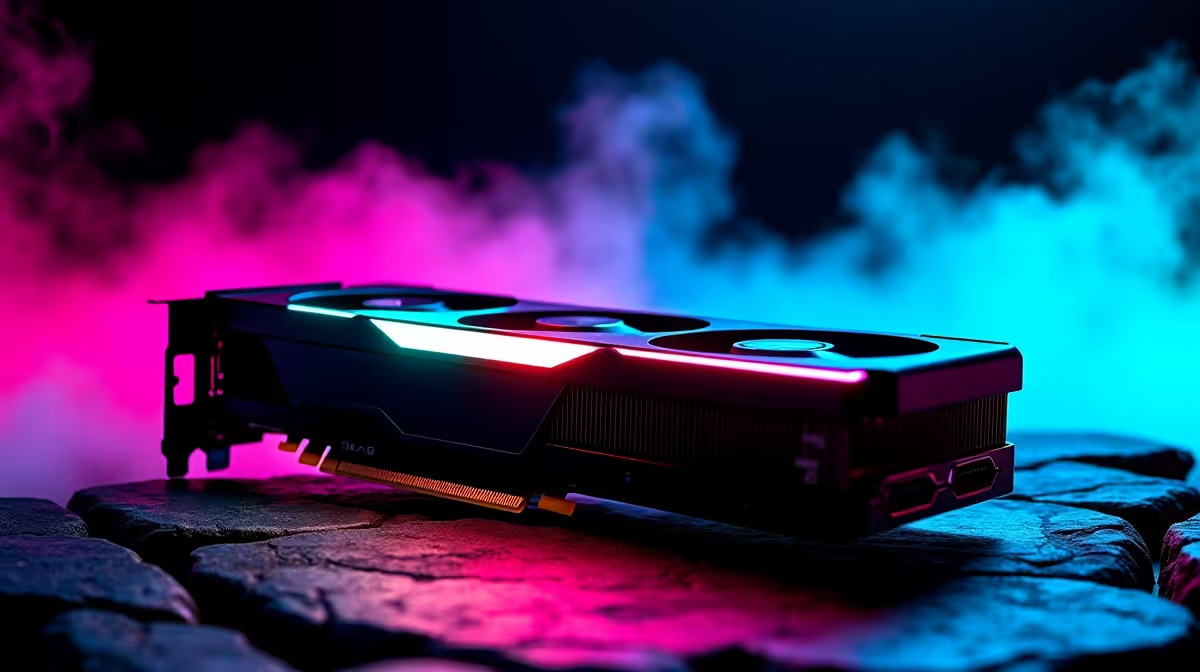
Load shedding might interrupt your gaming sessions... but low frame rates shouldn't. If you recently picked up AMD's powerhouse GPU, you are probably wondering what settings should you use on RX 7800 XT for best FPS. Pushing maximum frames at 1440p requires a delicate balance between visual fidelity and raw performance. Let us dive into the ultimate tweak guide to get true ZAR value from your rig. 🔧
Finding the Sweet Spot for RX 7800 XT Performance
The RX 7800 XT is an absolute beast for modern titles. However, leaving every single slider on "Ultra" is a rookie mistake. Before touching in-game menus, ensure your AMD Adrenalin drivers are fully updated. Outdated software can cost you precious frames and introduce annoying stuttering.
Bottlenecks are also a real threat to your frame times. If your older CPU is holding back your shiny new GPU, you will never see those high numbers. In that case, it might be time to browse the best gaming PC deals available right now. Alternatively, grabbing one of our balanced pre-built PC deals ensures your processor can actually keep up with this graphics card.
Crucial In-Game Adjustments for Best FPS
Shadows and volumetric lighting are notorious performance killers. Dropping these settings from Ultra to Medium can instantly boost your frames by up to 20 percent. You will barely notice the difference in visual quality during fast-paced firefights. Textures can safely stay on High or Ultra thanks to the generous 16GB of VRAM on the 7800 XT.
Ray Tracing looks incredible... but it hits AMD cards incredibly hard. Keep it off for competitive shooters. Post-processing effects like motion blur and depth of field should also be disabled. They consume unnecessary system resources and make spotting enemies much harder.
If you travel often and want desktop-level performance on the go, exploring our laptops for sale is a smart move. For desktop users, always keep an eye out for weekly specials to score massive savings on high-refresh-rate monitors. A 144Hz display is essential to actually see the extra frames you are generating. ✨
Adrenalin Software Pro Tip ⚡
Enable AMD Radeon Anti-Lag and Smart Access Memory (SAM) in your Adrenalin dashboard. SAM allows your CPU to access the entire VRAM at once, providing a free 5 to 10 percent FPS boost in supported titles.
Upscaling Magic... FSR and Frame Generation
When asking exactly what settings should you use on RX 7800 XT for best FPS, FidelityFX Super Resolution (FSR) is your best friend. Setting FSR 3 to "Quality" mode renders the game at a slightly lower resolution before intelligently upscaling it. This delivers a massive performance injection while keeping edges incredibly crisp. Combine this software magic with AMD Fluid Motion Frames (AFMF) for single-player adventures, and you will easily saturate your display.
Are you still relying on an aging graphics card? You can buy graphics cards directly from our massive local inventory to kickstart your flawless 1440p journey today. 🚀
Ready to Dominate at 1440p? Tweaking your settings is only half the battle. To truly experience what AMD's latest architecture can do, you need the right supporting hardware. Explore our massive range of PC components and build the ultimate high-FPS gaming rig today.











