

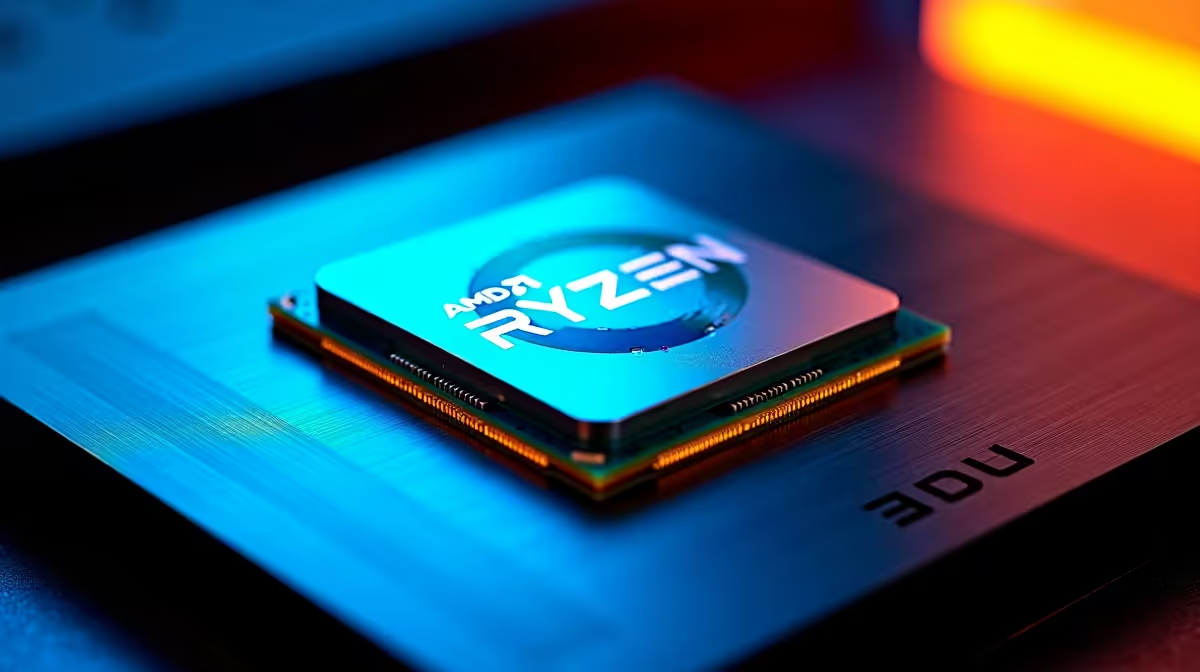
You just dropped a decent chunk of ZAR on the new AMD Ryzen 7 9700X. It is an absolute beast out of the box... but are you actually getting every frame you paid for? Many South African gamers plug in their new chip and forget to tweak the BIOS. Let us explore exactly what settings you should use on Ryzen 7 9700X for best FPS.
Essential BIOS Tweaks for Maximum Performance ✨
Before you launch into your favourite shooter, you need to enable AMD EXPO. This ensures your memory runs at its advertised speeds rather than the sluggish default. Fast RAM feeds your CPU data much faster... and that translates directly to higher frame rates.
The sweet spot for the Ryzen 9000 series is usually DDR5-6000 with low latency. Setting this correctly helps sync your entire system up beautifully. If you are planning a fresh build around this chip, browse our massive range of desktop processors to find the perfect motherboard pairing.
Mastering Precision Boost Overdrive (PBO) 🚀
The real performance magic happens when you enable Precision Boost Overdrive. PBO allows your processor to safely push past its base limits when thermal headroom allows. For the Ryzen 7 9700X, pairing PBO with a negative Curve Optimizer is the ultimate trick.
Try setting your Curve Optimizer to a negative offset of 15 or 20. This lowers the voltage... which reduces heat while sustaining much higher boost clocks. Less heat means more stable FPS during intense gaming sessions. Not keen on tinkering in the BIOS yourself? You can always grab one of our expertly tuned best gaming PCs where the hard work is already done for you.
Cooling Pro Tip ❄️
The Ryzen 7 9700X is designed to push thermal limits. Ensure you have a robust AIO liquid cooler or high-end air cooler installed. Lower temperatures in the South African summer directly translate to higher boost clocks... giving you a massive FPS bump.
Windows Power Plans and Software Updates 🔧
Do not let software bottleneck your premium hardware. Always update to the latest AMD Chipset drivers directly from the source. Once installed, select the "High Performance" power plan in your Windows settings. This stops your operating system from aggressively parking cores while you are trying to clutch a ranked match.
If you prefer a machine that arrives ready to plug and play, our pre-built desktop computers are fully optimised before shipping to your door.
Balancing Graphics and CPU Power
Your processor works hand-in-hand with your graphics card. If you play competitive titles at 1080p, your Ryzen 7 9700X does most of the heavy lifting. At 1440p or 4K, your GPU takes over the workload. Make sure your system is perfectly balanced for your monitor.
Even if you prefer gaming on the go, modern gaming laptops now offer desktop-class tuning software to help you squeeze out extra frames. Always keep an eye on the latest Evetech specials to upgrade your GPU or cooling setup without breaking the bank.
Ready to Maximise Your Frame Rates? Getting the best FPS takes the right hardware and a bit of tuning. Whether you are building a new Ryzen powerhouse or upgrading your current rig, Evetech has you covered. Explore our incredible PC component specials and dominate your next match today.











