

Quick Answer
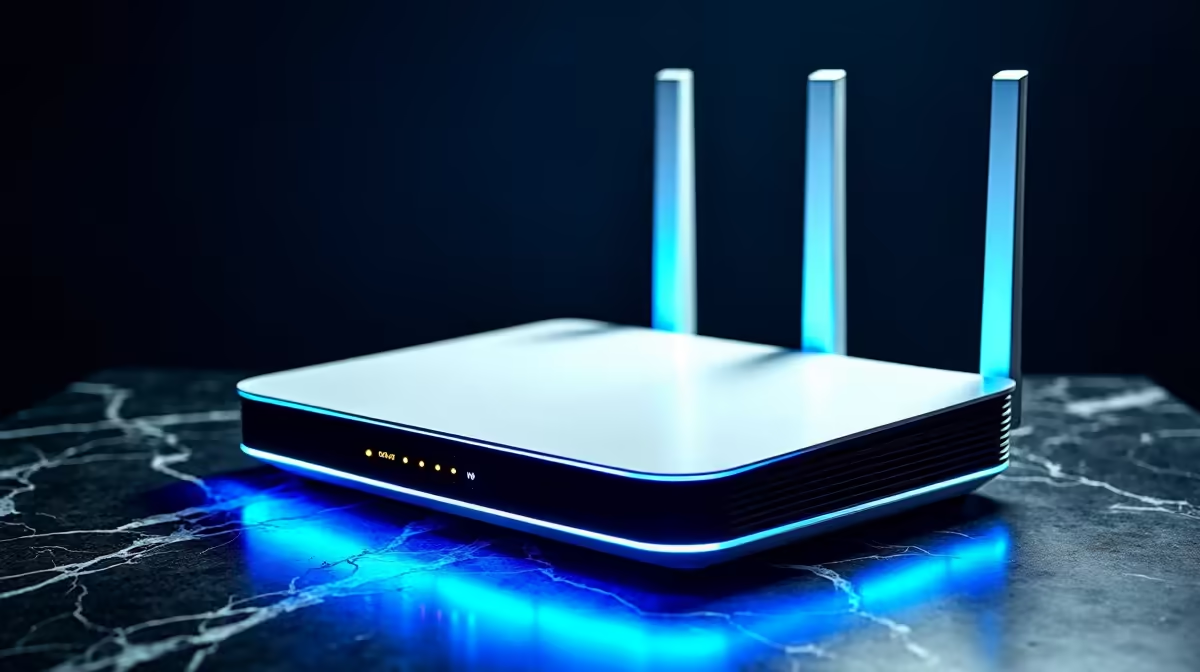
For a solid WiFi 6E setup in South Africa, place a tri-band router like the ASUS RT-AXE7800 or TP-Link Deco XE75 centrally, run a Cat6 backhaul where possible, set the 6GHz band for high-speed devices only, and pick channels 37 or 53 for clean spectrum. Pair with a UPS to survive loadshedding without router reboots and you'll squeeze multi-gig speeds across a typical SA home.
What WiFi 6E Actually Adds in 2026
WiFi 6E adds the 6GHz band to the existing 2.4GHz and 5GHz bands. That extra spectrum is wide-open in SA right now because few devices use it, which means almost no interference from neighbours, microwaves or older gear. Expect 1.5-2.5Gbps real-world speeds on the 6GHz band when you're within line of sight of the router, dropping to roughly 800Mbps-1.2Gbps through walls.
Compared to WiFi 6, the practical wins are: lower latency for cloud gaming and video calls, better simultaneous device handling, and headroom for fibre lines now hitting 1Gbps in SA metros.
Best WiFi 6E Setup for South African Homes
Here's the practical setup that works for most SA properties:
- Router: ASUS RT-AXE7800, TP-Link Archer AXE75, or Netgear Nighthawk RAXE300
- Mesh option: TP-Link Deco XE75 / XE200 or ASUS ZenWiFi ET8 for double-storey homes
- Placement: Central, elevated, away from metal cabinets and brick chimneys
- Backhaul: Cat6 ethernet between mesh nodes if at all possible
- Surge protection: Cabled into a quality SPD plus router on UPS
Tri-band is non-negotiable for 6E. Dual-band 6E doesn't really exist - the third band IS the 6GHz one. Mesh systems like the Deco XE75 give better coverage in larger SA homes (think 200m2+) than a single router.
Optimal Settings for the SA Spectrum
Once the router is up, dive into the admin panel and apply these:
- 2.4GHz: Channel 1, 6 or 11. 20MHz width. Mostly for IoT and old phones.
- 5GHz: Channels 36-48 (UNII-1), 80MHz width. Most devices live here.
- 6GHz: Channel 37 or 53, 160MHz width. PSC channel for max compatibility.
- WPA3 only for new networks, WPA2/WPA3 transitional if you have older devices.
- Smart Connect: Off, especially for the 6GHz band. Devices that should use 6GHz benefit from a separate SSID.
- 802.11ax / WiFi 6 mode: Forced on, not auto.
- Band steering: Off if you have IoT issues, on for newer device fleets.
In SA, the 6GHz spectrum is still effectively empty, so you don't need to worry about channel scanning the way you do on 2.4GHz.
Cabling, ISP and Loadshedding
WiFi only matters if your wired backbone can keep up. For fibre lines above 200Mbps, use Cat6 from your ONT to the router and Cat6 between mesh nodes. SA fibre install crews often leave you with crusty Cat5e - replace it. A 20m Cat6 cable is around R249 and a punch-down tool is R299, well worth the upgrade.
Loadshedding kills routers slowly. Repeated power-cycle stress shortens router lifespans and forces firmware to reload, which annoys long-running game sessions and Zoom calls. A 600VA UPS (around R1,299) running just the ONT, router and switch keeps you online through stage 4 cuts. For varsity students working from home, this single upgrade is the highest-ROI tech buy you can make.
Frequently Asked Questions
Is WiFi 6E worth upgrading to from WiFi 6?
If you have devices that support 6E (newer iPhones, Galaxy S22+, modern laptops, recent gaming desktops with Intel AX210 cards), the upgrade is genuinely worth it for the cleaner 6GHz spectrum. If your fleet is older, stick with a high-end WiFi 6 router and revisit when you replace devices.
Does WiFi 6E reach further than WiFi 6?
No, 6GHz signals attenuate faster through walls than 5GHz. You get more bandwidth at shorter range. That's why mesh systems and proper placement matter more on 6E than they did on older WiFi standards.
Should I disable older WiFi modes?
Don't disable 2.4GHz unless you're certain nothing on your network needs it - SA homes still have plenty of smart bulbs, doorbells and printers stuck on 2.4GHz. Disabling 802.11b legacy mode is fine and gives you a small efficiency win on the 2.4GHz band.
Ready to Find Your Perfect Match? Upgrade to WiFi 6E and build a network that handles loadshedding, gaming and streaming together. Shop routers at Evetech











