

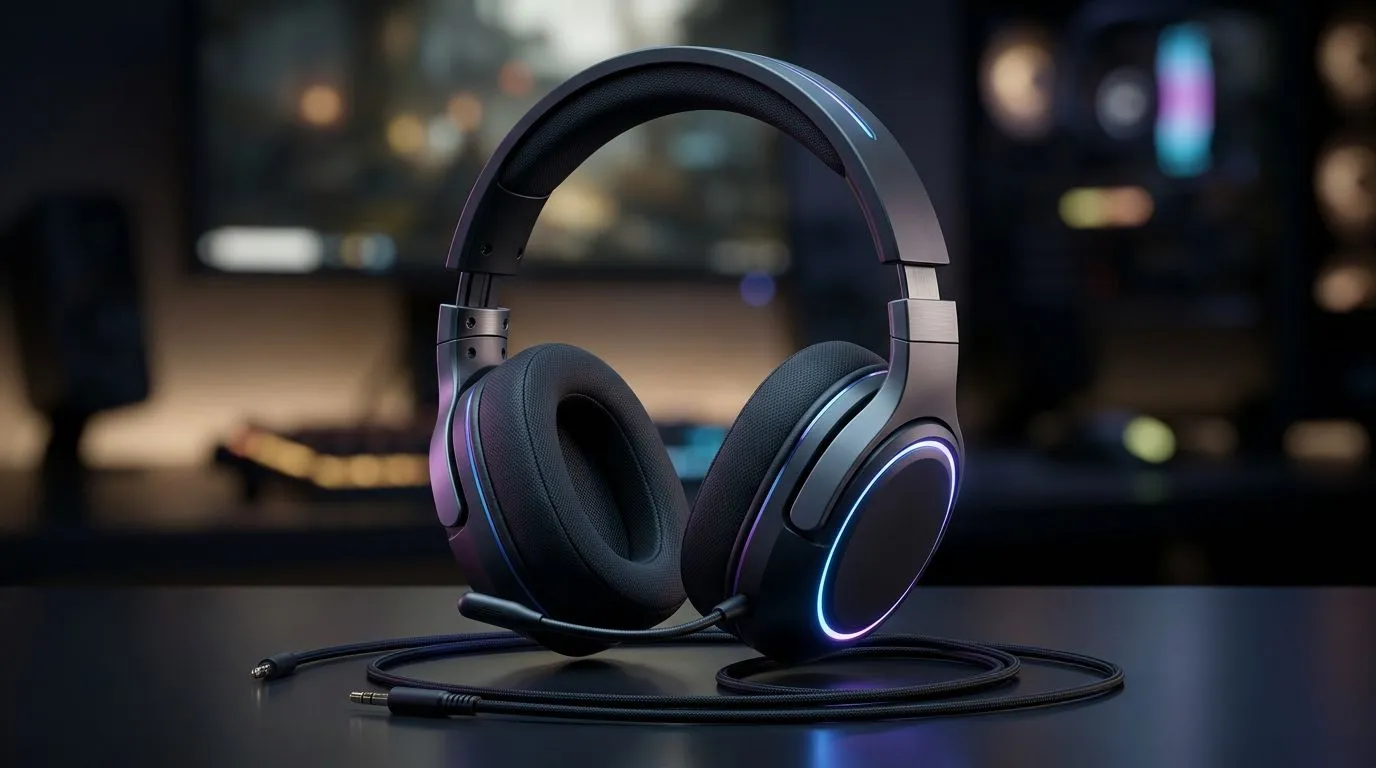
Wired Gaming Headset for Mobile and Work from Home Use: The “Two-Worlds” Problem
If you game on your phone between matches and then hop into a work meeting after, you know the struggle… one headset for everything usually means compromises. A wired gaming headset can solve that. No Bluetooth pairing tantrums, no low-battery panic, and usually better mic consistency for calls. 🎧
In this guide, we’ll look at what to prioritise so your wired headset feels great on mobile, while still sounding sharp for work from home. We’ll also share a few setup tweaks that make a real difference in South Africa’s everyday Wi‑Fi and load-shedding reality.
Wired Comfort and Reliable Connectivity for Mobile + WFH
A wired headset is still the simplest option for phones, PCs, and consoles that have the right ports. The biggest win is consistency: the audio signal doesn’t depend on wireless range or battery level. ⚡
When choosing a wired gaming headset for mobile and work from home use, focus on these essentials:
- Comfort for long sessions: Look for soft ear cushions and a flexible headband. You want “wear it through a full meeting” comfort.
- Mic clarity for calls: A detachable boom mic (or a well-positioned fixed mic) helps your voice sound natural.
- Port compatibility: Many phones need an adapter depending on the audio jack. If you’re plugging in via 3.5mm, make sure your phone supports it or that you plan for the adapter.
If you want a popular option to start from, check out the Razer Barracuda X Chroma Wireless Headset (Phantom White) deal page for a sense of how Razer positions comfort and audio for mixed use (even if it’s wireless, it’s useful for comparing features and pricing): Browse the Razer Barracuda X Chroma deal at Evetech
Audio Tuning: What “Good for Gaming” Means for Calls
Gaming headsets often chase positional audio so footsteps feel trackable. For WFH, the same tuning can help your voice cut through background noise. But don’t assume. The “right” headset depends on your environment.
Here’s what to aim for:
- Balanced mids: This helps speech sound clear instead of hollow.
- Controlled bass: Too much bass can mask consonants in voice calls.
- Noise handling: If you work from a shared room or near a fan, a headset with good isolation will reduce the “room sound”.
If you’re shopping specifically in the Razer ecosystem, use Evetech’s category page to compare current headphone and headset lines without getting lost in random listings: Explore more Razer headphone and headset options on Evetech
Setup Tips That Improve Sound Fast (No Tech Degree Needed) 🔧
Small changes beat big upgrades. Here are practical tweaks you can do today:
- Adjust mic placement: Keep the mic 1–2 finger widths from your mouth, angled slightly downward.
- Set your input correctly: On Windows, pick the headset mic in sound settings. On mobile, switch audio output back to the wired device after apps launch.
- Dial your EQ per use: If you can, set one profile for gaming (slightly brighter) and one for calls (more natural mids).
Productivity Pro Tip ⚡
On Windows, use the built-in Sound settings to test your headset mic and then set it as the default input. You’ll hear the difference immediately, especially for Discord calls and Teams meetings, because the system stops using your laptop mic.
Also… don’t forget cable management. A twisted cable near your desk can create intermittent audio issues that feel “haunted” during matches. Route it behind your monitor stand and leave a bit of slack.
Choosing the Right Wired Model: What to Compare Before You Buy ✨
Before checkout, compare these specs (and your own use case):
- Driver size and tuning: Helps determine overall clarity and bass control.
- Mic type: Boom mics usually offer better voice pickup than basic inline mics.
- Build and comfort: Gaming hours plus meeting hours add up fast.
If you want to browse more general options, start here and narrow down by fit and features: See Evetech’s headphone and headset range
Wired headsets aren’t just “old school”. For mobile + work from home, they’re often the most dependable path to clean audio and stable call performance.
Ready to Find Your Perfect Match? Wired headsets can be the easiest way to get consistent audio across mobile and work, without the hassle of battery drain or pairing. Browse and choose confidently with the right fit for gaming and calls. Explore our massive range of gear on Evetech and upgrade today: Shop Evetech headset specials now.











