

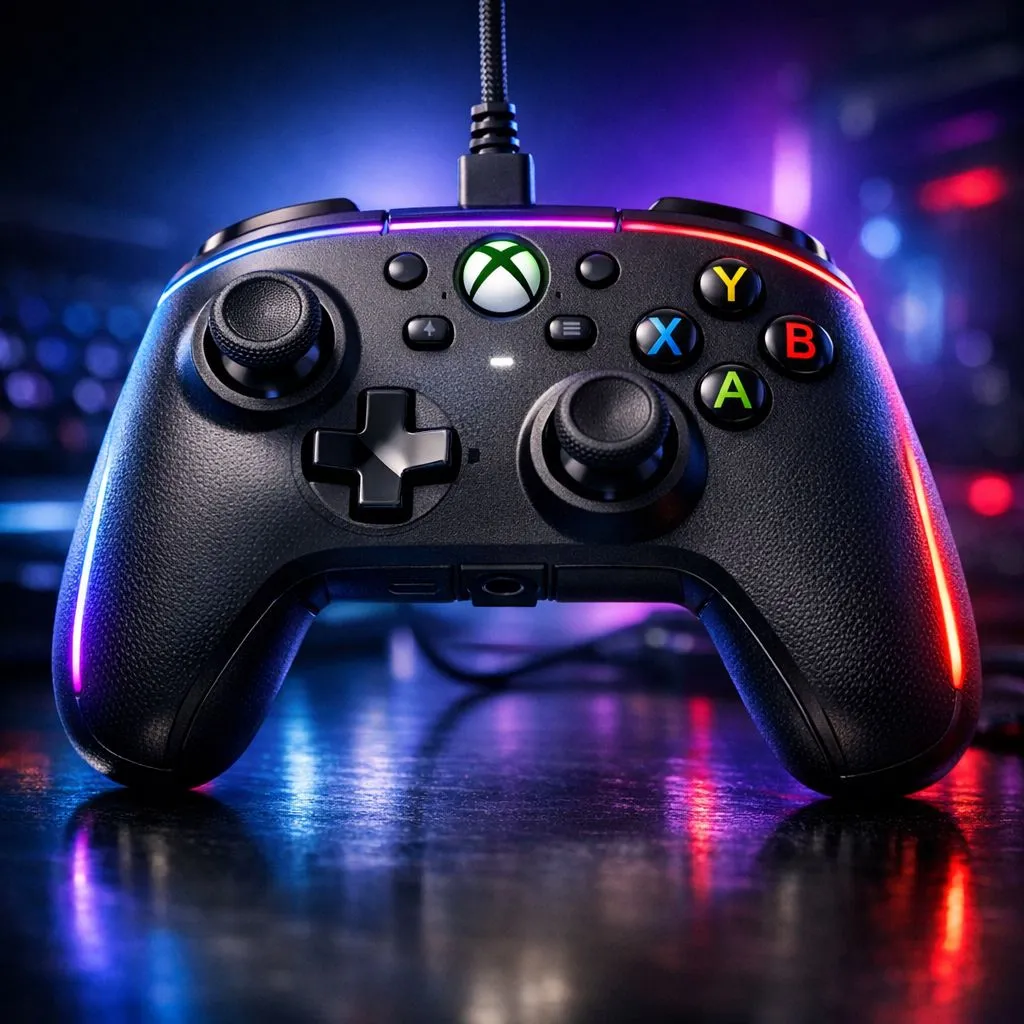
Wired RGB Gaming Controller for Xbox Series X|S and PC: Features That Matter
If you game on Xbox Series X|S, jump to PC, and still want that “only one more game…” feel, the right controller is everything. RGB is fun, sure… but the real win is how the Wired RGB Gaming Controller for Xbox Series X|S and PC: Features translate into tighter aim, smoother inputs, and fewer annoying disconnects. 🔥
This guide breaks down what to look for before you buy, plus how to set it up properly on both platforms so you get consistent performance every session.
Wired RGB Gaming Controller for Xbox Series X|S and PC: Features Explained (No Fluff)
A “wired” controller isn’t just nostalgia. It usually means consistent signal and less guesswork about lag, especially when your Wi-Fi is busy. For Xbox and PC players in SA, wired also reduces the “why does it stutter now?” moment mid-match.
Here’s what the best wired RGB controllers typically include, and what you should verify in the listing:
Comfort + Button Layout for Real Play
Long co-op nights in Fifa, Warzone, or Rocket League punish bad ergonomics. Look for:
- A comfortable grip shape that suits your hands
- A button layout that matches your play style (especially for paddles/remappable buttons, if present)
RGB That Doesn’t Get in the Way
RGB should enhance visibility, not distract. Prefer controllers that let you:
- Adjust brightness
- Switch effects (or turn them off)
- Keep lighting consistent across sessions
Compatibility: Xbox Series X|S + PC
Check that the controller is explicitly meant for Xbox Series X|S and PC. Some controllers are “works on Xbox” but with limited features. You want full, reliable support so remaps and profiles behave as expected. (If you’re buying online, double-check the compatibility section before checkout.)
Setup Pro Tip 🔧
On PC, go into Steam settings (Controller) and confirm your controller is detected before you launch a game. Then test it using the in-app input tester so you can spot dead zones, stuck triggers, or sensitivity mismatches early. This saves you from blaming your aim when it’s actually calibration.
Buying in South Africa: Get More Value, Faster
Gaming gear in SA can get pricey fast. If you’re shopping for a controller, it helps to compare options by platform support and features like remapping and wired stability. If you’re exploring alternatives, you can browse Evetech’s controller buying guide for a shortlist you can trust.
- If you want a more tournament-focused style, take a look at the Razer Wolverine V3 Tournament Edition here: Razer Wolverine V3 Tournament Edition 8K deal
- For broader options, start with: Buy gaming controllers at Evetech
- Want to narrow down quickly by brand? This filtered page helps: Buy Raze gaming controllers
Wired RGB Gaming Controller for Xbox Series X|S and PC: Features Checklist (Before You Click Buy) ✨
Before you pay, run this quick check:
- Wired support confirmed (and cable length fits your desk setup)
- Xbox Series X|S compatibility stated
- PC compatibility stated
- RGB controls: brightness/effects or the ability to turn it off
- Remapping options (only if you plan to use them)
- Warranty/support (especially important for high-use controllers)
One last thing… if you’re switching between Xbox and PC, keep your controller preferences consistent. Set dead zones and sensitivity the way you like, then test the same game for 5 minutes on each platform. Small differences can feel massive during ranked matches.
Ready to Find Your Perfect Match?
Ready to Find Your Perfect Match? Wired RGB controllers are great… but the best one is the one that fits your play style and your setup. Browse Evetech’s controller range and choose with confidence. Explore our massive range of laptop specials and find the perfect machine to conquer your world.











