

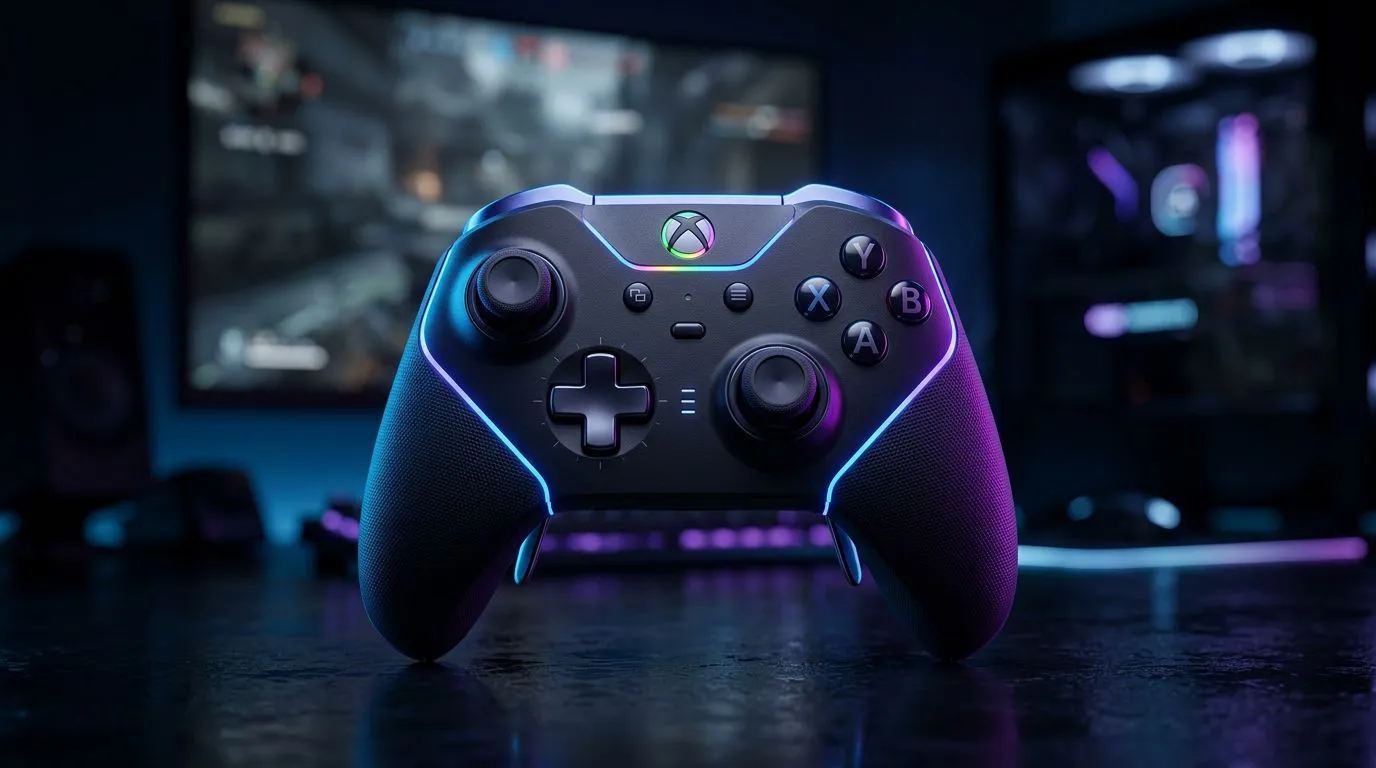
Wireless gaming controller South Africa: Quick start hook
Looking for the best wireless gaming controller South Africa gamers actually use? Whether you're grinding ranked on PC, couch co‑op on a console, or building a compact gaming rig, this short guide tells you what matters first: latency, battery life, platform support and local availability. Read on for practical buying tips, product links and a simple checklist to stop buyers remorse. 🎮✨
Wireless gaming controller South Africa: Features to prioritise
Wireless controllers vary by button layout, latency and customisation. Prioritise low-latency connection (Bluetooth vs 2.4GHz dongle), comfortable ergonomics for long sessions, and whether the controller supports remapping or trigger stops. For an example of a tournament-ready wired/wireless hybrid with competitive features, see the Razer Wolverine V3 Tournament Edition on Evetech — it’s a good reference point for what premium controllers offer (specs and price details on the product page). See the product details here: Razer Wolverine V3 Tournament Edition listing on Evetech
Wireless gaming controller South Africa: Connectivity & compatibility
Make sure the controller you pick matches your platform. Many controllers are plug-and-play on Steam, while consoles require official or licensed support. If you prefer a brand-specific setup, browse controllers filtered by brand on Evetech to compare options side-by-side. This helps when checking warranty, driver downloads and compatibility notes before you buy. Compare brands and models here: Shop Razer controllers on Evetech ⚡
Wireless gaming controller South Africa: Battery life, repairability and budget
Battery estimates on manufacturer pages give a baseline, but expect real‑world runtimes to vary with vibration and LED use. Think repairability: controllers with modular faceplates or removable batteries are easier to service locally. If you’re on a budget, Evetech’s controllers range groups entry-level and premium picks so you can weigh features against ZAR prices and warranty terms. Browse the full controllers category to filter by price, platform and stock. Start comparing here: Browse gaming controllers at Evetech
Battery & Pairing Tip 🔧
When testing a wireless controller, try pairing it with your primary device before you buy. If possible, check that vibration, gyro and remap settings persist after a restart. Note how quickly the controller re-pairs; a hassle-free reconnection saves time on match day.
Wireless gaming controller South Africa: Buying checklist & pro tips
- Test latency: prefer controllers with 2.4GHz dongles for competitive play.
- Check platform support: Windows, Steam, Xbox, PlayStation, Switch — not all controllers support every platform natively.
- Warranty and stock: local warranty matters; Evetech product pages list stock and warranty info so you can budget in ZAR and confirm returns locally.
- Accessories: spare thumbsticks, charging docks and carrying cases extend controller life.
Micro-story: I swapped a cheap Bluetooth pad for a dongle-equipped controller and cut input lag in half during aim-heavy matches. The result? Fewer missed headshots and less frustration. Small hardware choices add up.
Wireless gaming controller South Africa: Final thoughts
Buying a wireless controller is about fit, feel and future-proofing. Prioritise low latency, check local warranty and, if you're unsure, test models in-store or order from vendors with clear return policies. 🚀
Ready to Find Your Perfect Match? Choosing the right controller is personal, but Evetech makes it simple. Explore our massive range of gaming controllers and find the wireless pad that fits your style and budget.











