

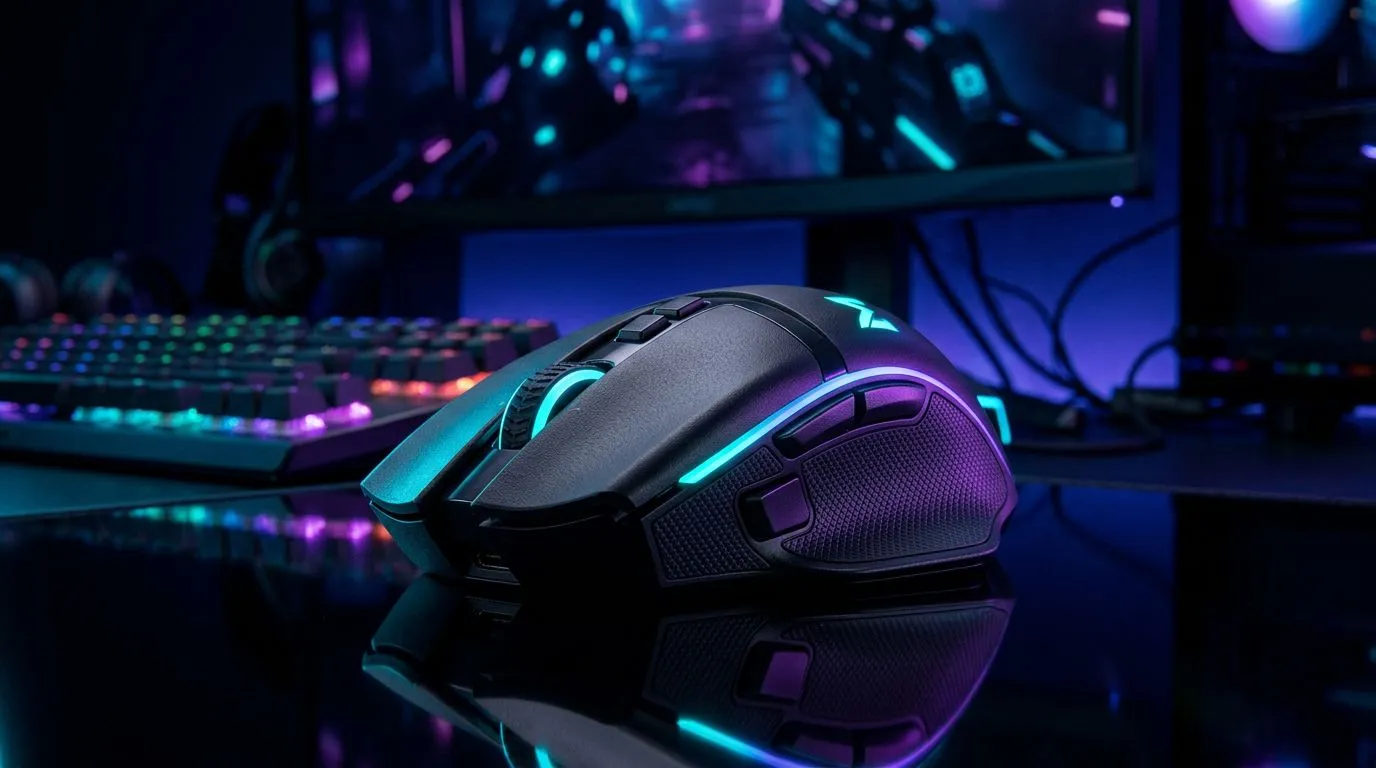
Wireless gaming mouse features that actually matter — quick hook
South African gamers: tired of buying a flashy mouse that stutters during clutch plays? This short wireless gaming mouse buying guide helps you cut through specs and hype. Learn the practical features that change aim, comfort and reliability — plus where to compare prices in ZAR so you buy right the first time. 🔧
Wireless gaming mouse buying guide — sensors and tracking
A top sensor matters more than RGB. Look for optical sensors with reliable tracking across DPI ranges; that keeps your aim consistent in FPS and MOBA play. For hands-on browsing of wireless models and sensor listings, check Evetech's wireless mouse selection for South African stock and specs: https://www.evetech.co.za/buy-wireless-mouse/x/1597.aspx.
Keep this in mind: higher DPI isn't always better. Match DPI to your playstyle and monitor resolution. Try a mouse with on-the-fly DPI switching so you can test sensitivity in-game.
Pro Aim Tip ⚡
When testing a wireless mouse, set the polling rate to the highest supported option and play a quick deathmatch to feel the difference. A good sensor and stable connection beat raw DPI numbers every time.
Connectivity and latency — wired vs wireless myths
Worried about lag? Modern 2.4GHz dongle tech is extremely good for gamers, and Bluetooth is fine for general use. If unforgiving milliseconds matter, compare wired and wireless model pages before you buy: Evetech’s wired mouse range helps you weigh options in ZAR and see specs side-by-side: https://www.evetech.co.za/buy-wired-mouse/x/1596.aspx.
Tip: test both dongle and Bluetooth modes where available. If your PC has USB-C only, confirm included adapters or dongle types before checkout.
Comfort, buttons and battery life — ergonomics that last
Comfort beats flashy extras. Choose a shape that supports your grip: palm, claw or fingertip. Battery life is meaningful, but real-world use varies with RGB and polling settings. Browse Evetech's deals to compare prices and battery notes in ZAR so you can budget sensibly: https://www.evetech.co.za/best-gaming-mouse-deals/x/054.aspx. 🚀
Also consider extra buttons and onboard memory for macros. If you use custom weights or replacement skates, check mouse accessories for pads, cable clips and grips here: https://www.evetech.co.za/buy-mouse-accessories/x/1595.aspx.
Practical testing routine and purchase checklist
Before you click buy, shortlist 2–3 models and test them for 10–15 minutes each. Try aim drills, web browsing and day-to-day work. Read user reviews and confirm warranty and returns for South Africa. For a quick view of general gaming mouse models and specs, Evetech’s main gaming mouse hub lists curated options and compatibility notes: https://www.evetech.co.za/components/gaming-mouse-117.aspx.
A small story from a Cape Town LAN: a player swapped to a smaller wireless mouse and cut tracking errors in half. The fix was ergonomic, not headline specs. That’s the point — match the mouse to your hands and playstyle.
Final thoughts — make the shortlist and try before you commit ✨
Keep your shortlist short. Prioritise sensor accuracy, comfortable shape, and reliable connectivity. Use Evetech pages above to compare ZAR pricing, specs and stock. Ready to test your next mouse?
Ready to Find Your Perfect Match? The Mac vs Windows debate is complex, but for maximum power, choice, and value in South Africa, Windows is hard to beat. Explore our massive range of laptop specials and find the perfect machine to conquer your world.











