

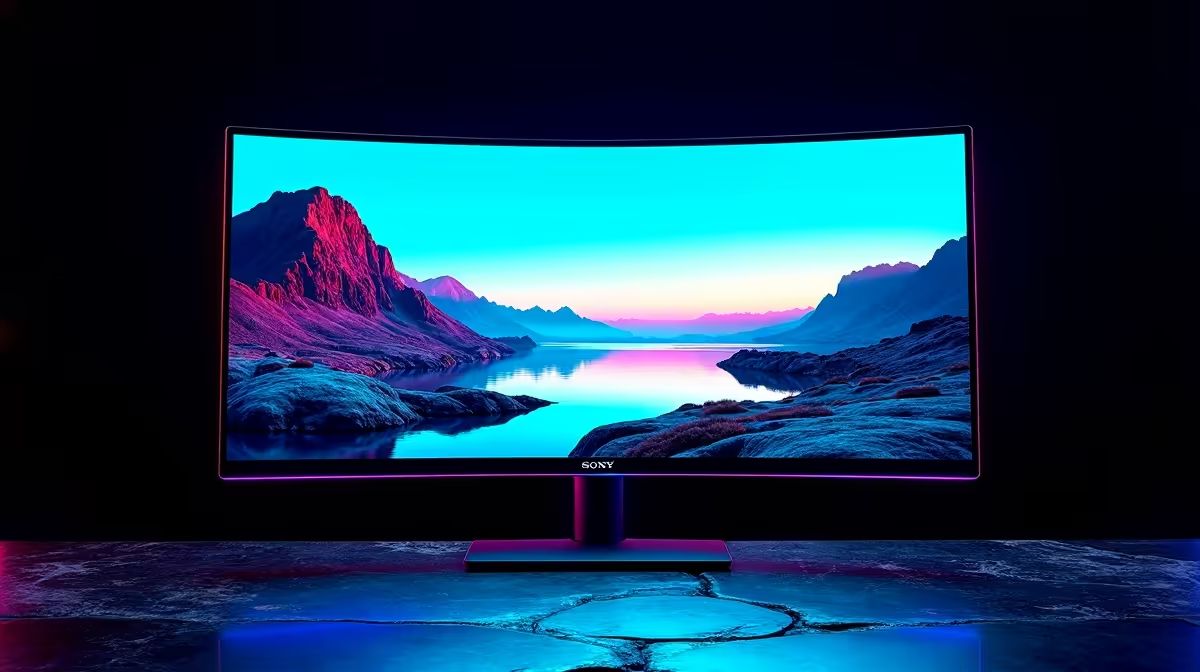
Ever spent hours editing a photo or video, only for it to look completely different on another screen? Or felt the vibrant world of your favourite game looked... a bit off? You're not alone. Inconsistent colour is a huge frustration for creators and gamers in South Africa. But what if your monitor could fix itself, ensuring perfect colour accuracy all the time? A built-in calibration gaming monitor might just be the solution we've all been waiting for. 🚀
What is Monitor Calibration, Anyway?
Simply put, monitor calibration is the process of adjusting your screen to conform to a known colour standard. It ensures that the reds, greens, and blues you see are the correct reds, greens, and blues. This isn't just for professional photographers anymore.
For gamers, it means experiencing a game exactly as the developers intended. Think of the moody, neon-lit streets of Night City or the lush, vibrant landscapes in the latest RPG. Proper colour brings these worlds to life. For competitive players, it can even mean better visibility in dark scenes.
For creators, it's non-negotiable. A monitor with accurate colour ensures your work looks consistent everywhere, from a client's laptop to a smartphone screen. Without it, you're just guessing. The range of modern gaming monitors is vast, but not all are created equal when it comes to colour.
The Old Way vs. The New Way ⚙️
Traditionally, achieving colour accuracy meant buying a separate device called a colorimeter. You'd hang this little puck over your screen, run special software, and wait. It works, but it's a manual process you have to remember to repeat every few weeks. It also means another piece of gear and more ZAR spent on monitor accessories.
A built-in calibration gaming monitor automates this entire process. These high-end displays have a sensor integrated directly into the frame. At scheduled times (or on-demand), the sensor swings into place, measures the screen's output, and adjusts it automatically. It’s a true set-it-and-forget-it system, delivering consistent, professional-grade results without any extra effort from you. This tech is becoming more common, especially in premium 5K and 4K monitors designed for hybrid use.
Quick Colour Check 🎨
Even without a calibrator, you can get a better picture. In your monitor's OSD (On-Screen Display), find the 'Colour Temperature' or 'White Point' setting. For most uses, setting this to 6500K (or D65) provides a neutral, standard white that's easier on the eyes and a good baseline for content.
Who Really Needs a Monitor with Built-In Calibration?
Let's be honest: this technology carries a premium price tag. So, is it for you?
If you're only a gamer, you can likely achieve great results with a factory-calibrated monitor from our wide range of PC monitors. But if you're a hybrid user—someone who games hard but also dabbles in photography, video editing, graphic design, or streaming—then a monitor with built-in calibration is a phenomenal investment.
It removes the barrier between your gaming passion and your creative hustle. You get the high refresh rates and low response times you need for gaming, plus the colour confidence you need for creative work, all in one display. Whether you prefer immersive curved monitors for single-player epics or even use portable monitors as part of a streaming setup, colour consistency across all screens is key.
The Future of Flawless Visuals ✨
So, is the built-in calibration gaming monitor the future? For the growing number of South African gamers who are also creators, the answer is a clear yes. It offers the ultimate convenience, guaranteeing that what you see is what you get, every single time. It saves you time, removes guesswork, and lets you focus on what you do best: winning the match or perfecting your creation. As the technology becomes more widespread, it will undoubtedly set a new standard for high-performance displays.
Ready to See the Difference? A great monitor is the window to your digital world. Whether you need professional colour accuracy or just an incredible gaming experience, the perfect display is waiting. Explore our best PC monitor deals and find the perfect screen to level up your setup.











