

Quick Answer
The Core i9-14900KS launched at a significant premium over the i9-14900K and offers marginal real-world gaming gains in return. For South African buyers, the launch-week price spike, combined with the rand's volatility against the dollar, makes it a poor value purchase unless you have a specific productivity workload that demands maximum single-core performance.
What the i9-14900KS Actually Offers
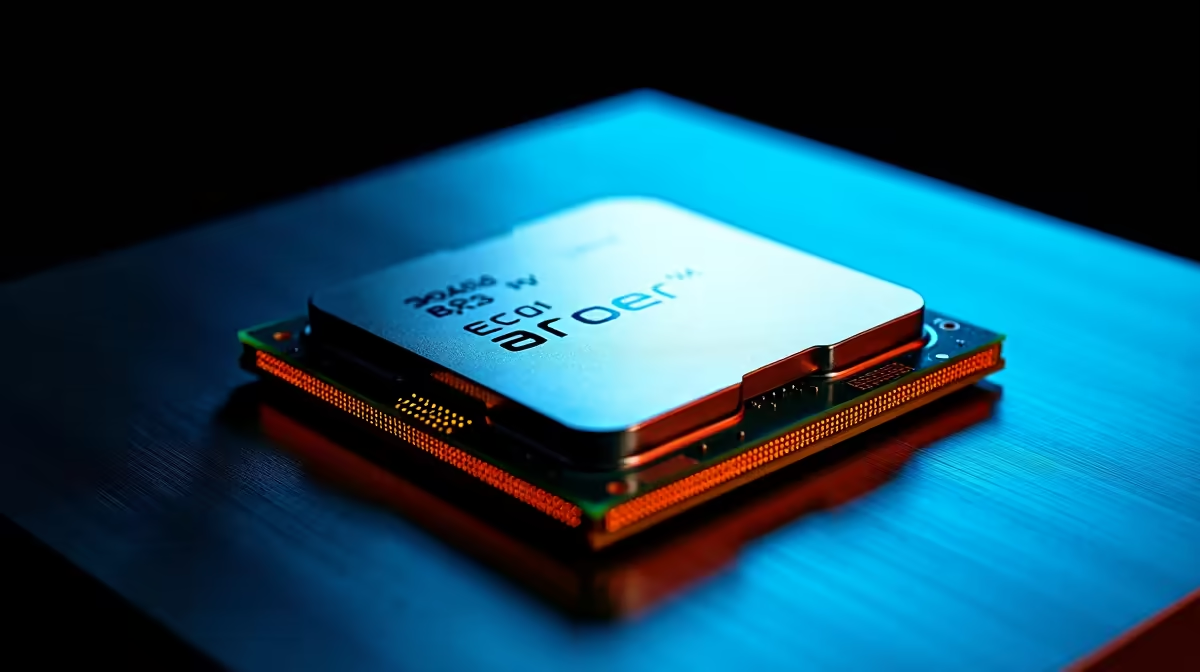
The Core i9-14900KS is Intel's highest-binned Raptor Lake Refresh chip, factory-boosted to 6.2GHz on performance cores. It shares the same core count as the i9-14900K (24 cores: 8P + 16E) and runs on the same LGA1700 platform. The KS designation means Intel selected silicon that passed stricter thermal and frequency testing, allowing that extra clock speed out of the box.
In gaming benchmarks, the i9-14900KS sits within 2-4% of the standard i9-14900K at 1080p, and the gap narrows further at 1440p and 4K where GPU headroom becomes the limiting factor. If you game at 1440p or higher, you will not feel the difference.
Where the KS shows its worth is in single-threaded professional applications: video rendering, large spreadsheet calculations, and real-time 3D modelling. If your workflow genuinely stresses single-core throughput, the faster boost clock has measurable impact.
SA Launch-Week Pricing Reality
Launch-week CPU pricing in South Africa typically lands 15-25% above steady-state pricing. Import duties, logistics costs, and the rand-dollar exchange rate all stack on top of the already-premium global launch price. South African buyers who purchase at launch are effectively paying twice over: once for the KS binning premium and again for the launch-week import markup.
Historically, Intel flagship CPUs drop meaningfully in price within 60-90 days of launch as initial stock constraints ease and retailers adjust margins. Waiting two to three months is the rational move for most SA buyers, especially when the rand strengthens or weakens unpredictably against the dollar.
Should You Buy Now or Wait?
Buy at launch only if you have an active professional workflow where faster render times directly translate to billable hours or competitive advantage. For gaming-only builds, the i9-14900K or even the i7-14700K delivers near-identical frame rates at a substantially lower price, money better spent on a GPU upgrade.
For builders already on an LGA1700 motherboard looking to squeeze more performance out of their existing platform, the KS upgrade path makes more sense than it does for new buyers starting from scratch who would also need a new board, cooler, and potentially DDR5 RAM.
FAQs
Does the i9-14900KS work with existing LGA1700 motherboards?
Yes, provided your motherboard manufacturer has released a BIOS update with support. Z790 and Z690 boards are generally compatible, but always verify on your specific board's support page before purchasing.
Is the i9-14900KS worth it for gaming in South Africa?
For pure gaming at 1440p or 4K, no. The frame rate difference versus the i9-14900K is below what most players can perceive. Spend the price difference on a faster GPU instead.
What cooler do I need for the i9-14900KS?
The i9-14900KS has a 253W PBP (previously called TDP). You need at minimum a 360mm AIO liquid cooler or a high-end air cooler rated for 250W+. Inadequate cooling will cause immediate thermal throttling.
Ready to Find Your Perfect Match? Compare the full range of Intel and AMD processors available for delivery across South Africa and find the CPU that matches your workload and budget. Shop CPUs and Processors











