

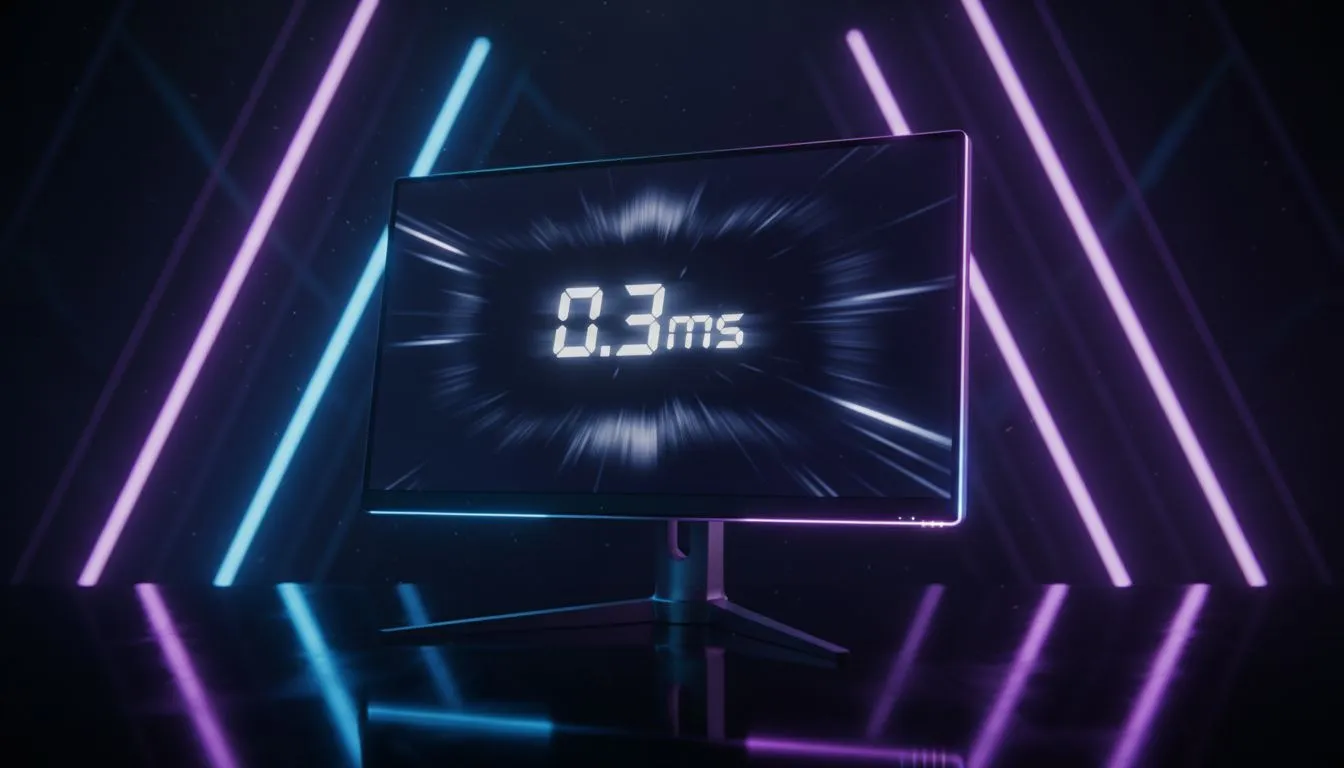
0.03ms response time: Why it matters for competitive play ⚡
If you chase milliseconds in Rainbow Six, Valorant or Apex, the difference between a flick and a miss can be tiny. Here’s why a 0.03ms response time matters, how it shows up in-game, and what South African players should actually look for when upgrading a monitor. Learn the real gains, trade-offs, and the Evetech monitor options that match competitive needs.
0.03ms response time: What the number actually means
"0.03ms response time" refers to how quickly a pixel can change from one shade to another. Lower numbers reduce motion blur and ghosting, especially in fast camera pans. That said, response time is only one part of the package — refresh rate, panel type and input lag all play big roles too. For a broad selection across budgets, check our curated best PC monitor deals. https://www.evetech.co.za/best-pc-monitor-deals/x/047.aspx
0.03ms response time vs refresh rate: the technical trade-offs
A panel with a tiny response time still needs a high refresh rate to deliver smooth frames. 240Hz or 360Hz panels paired with low response times show the clearest motion. If you’re comparing models, our PC monitors category lists specs and comparisons to help you decide. https://www.evetech.co.za/PC-Components/pc-monitors-89.aspx
0.03ms response time in fast-paced games: how it feels 🎮
In practice, that "0.03ms" improvement is most noticeable in twitch shooters and pro-level play. For single-player titles or slower-paced esports, perceptible gains are smaller. If you prefer immersive or competitive titles, explore our dedicated gaming monitor range to see which panels prioritise response time and refresh rate. https://www.evetech.co.za/all-gaming-monitors/x/1587.aspx
Choosing the right monitor type when 0.03ms is on the spec sheet
If you like wide FOV and cinematic scenes, curved monitors can also enhance tracking and immersion — but make sure the curved option doesn’t sacrifice response time for shape. We have a range of curved gaming displays if you want that wrap-around feel. https://www.evetech.co.za/buy-curved-monitors/x/1588.aspx
Pro Monitor Tip ✨
For best competitive results, pair a low response time panel with a high refresh rate (240Hz+), use DisplayPort where possible, and enable your monitor's fastest overdrive setting. Test in-game with consistent settings to judge perceived blur.
Portable and high-resolution choices: when to pick what
If you travel to LANs or tournaments, portable monitors give flexibility but often compromise slightly on top-end response times. Consider a portable model only if convenience matters more than shaving off every last millisecond. For portable gaming displays we stock practical, travel-ready options. https://www.evetech.co.za/buy-portable-monitors/x/1590.aspx
For creators who also game, 4K or 5K monitors prioritise pixel density over raw twitch responsiveness. You can still find fast 4K panels, and our 5K/4K monitor selection highlights those that balance clarity with speed. https://www.evetech.co.za/buy-5k-4k-monitors/x/1591.aspx
Accessories, calibration and real-world tuning 🔧
Remember: cables, GPU output and monitor drivers affect perceived latency. Good cables and a properly configured display profile reduce variable lag and ghosting. Browse monitor accessories to complete your setup — stands, cables and calibration tools matter. https://www.evetech.co.za/PC-Components/buy-monitor-accessories-368.aspx
Final thought: is 0.03ms right for you?
If you’re pushing for pro-level consistency, a panel advertising a 0.03ms response time can be worthwhile — but always judge the whole package. Look for balanced specs, test in-person where possible, and pick the display that matches your playstyle and budget. 🇿🇦
Ready to Find Your Perfect Match? The Mac vs Windows debate is complex, but for maximum power, choice, and value in South Africa, Windows is hard to beat. Explore our massive range of laptop specials and find the perfect machine to conquer your world.











