

Ever sat at a local LAN party wondering why your ping spikes while your mate's stays rock solid? You might think upgrading to 10Gbps Ethernet for gaming is the ultimate silver bullet for lower ping in LAN setups. But before you swap every cable in your house, let's look at what actually moves the needle for South African competitive players.
Understanding Latency vs Bandwidth in Gaming
In the world of networking, bandwidth and latency are two very different things. Think of bandwidth as the width of a highway... latency is the speed limit. Most modern titles like Valorant or Counter-Strike 2 use less than 1Mbps of data during active play. Having a 10Gbps pipe is like having a fifty-lane highway for a single motorcycle.
While 10Gbps Ethernet for gaming provides massive overhead, it doesn't inherently make a single packet travel faster from your PC to the server. However, it does eliminate local bottlenecks. If your household is full of people streaming 4K Netflix or downloading updates, a standard 1Gbps link can become saturated. Upgrading your PC with high-performance network adapters ensures your gaming traffic never has to wait in a queue.
Does 10Gbps Ethernet for Gaming Impact Your Ping?
In a strictly local LAN environment... where you are connecting to a server in the same room... the difference in ping between 1Gbps and 10Gbps is practically zero. We are talking about microseconds of difference. Human reaction time is roughly 200 milliseconds, so a 0.0001ms improvement won't help you hit that headshot.
The real benefit of 10Gbps Ethernet for gaming comes from reduced "jitter" and better packet handling under load. If you are hosting a local dedicated server for your friends, the increased throughput prevents the server from choking when twenty people connect at once. For the most stable connection, many South African gamers trust TP-Link networking gear to handle their high-speed data needs without dropping packets.
Upgrading Your Infrastructure for Local Play
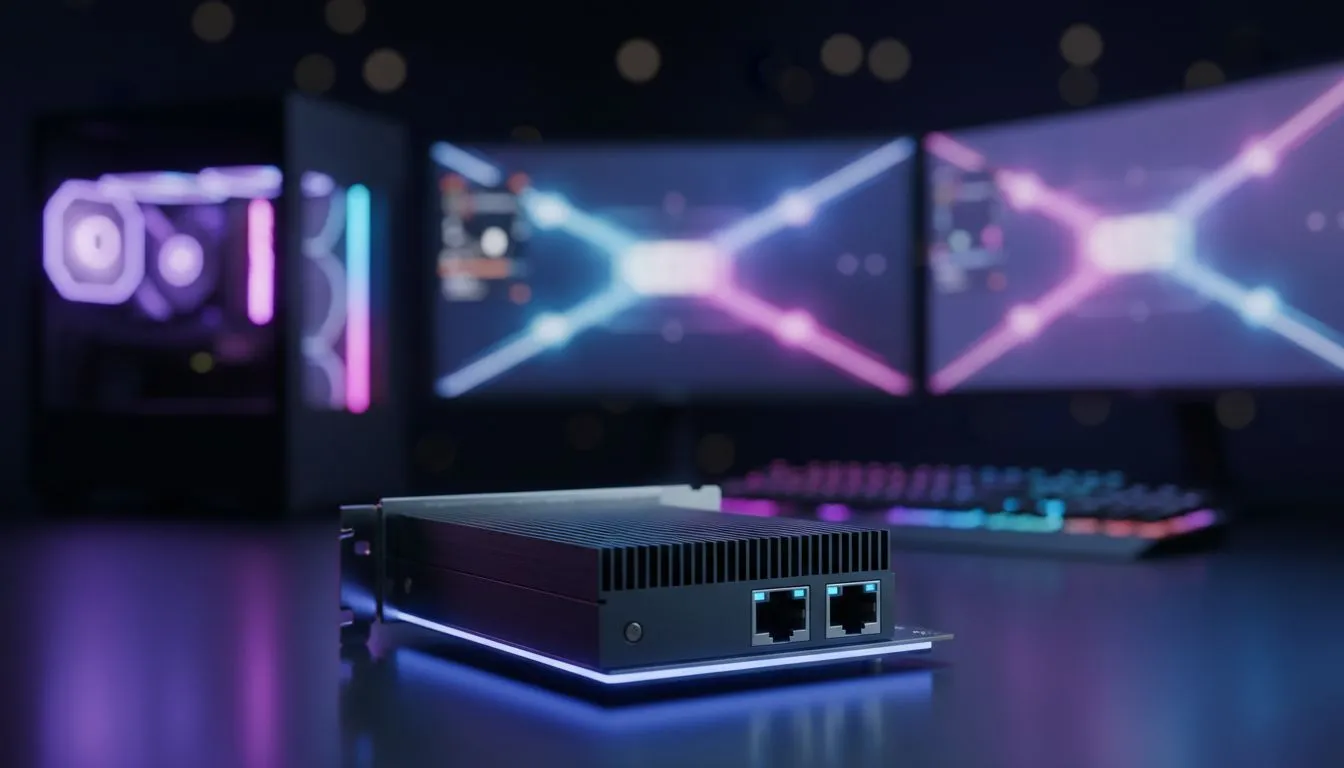
To actually see 10Gbps speeds, every link in your chain must support it. This includes your motherboard, your switch, and your cables. If you are using an older rig, you can easily add a dedicated PCIe card. Cudy expansion cards are a popular choice in SA for those looking to future-proof their setups without spending a fortune.
Networking Pro Tip ⚡
Always check your cable category before blaming your hardware. To reach 10Gbps speeds over longer distances, you need at least Cat6a or Cat7 cabling. Standard Cat5e cables are limited to 1Gbps... using them with a 10Gbps adapter is like putting budget tyres on a supercar.
Is It Worth the Investment?
For the average gamer in Johannesburg or Cape Town, 2.5Gbps is currently the "sweet spot" for value. However, if you frequently move hundreds of gigabytes of video files or host local tournaments, 10Gbps is a lifesaver. It won't magically turn a 50ms ping into 5ms... but it will make sure your local network is never the reason you lost a match. 🔧 🚀
Ready to Find Your Perfect Match? The 10Gbps vs 1Gbps debate is all about your specific needs, but for maximum stability and future-proofing in South Africa, high-end networking is hard to beat. Explore our massive range of network adapters and find the perfect hardware to dominate your next LAN.











