

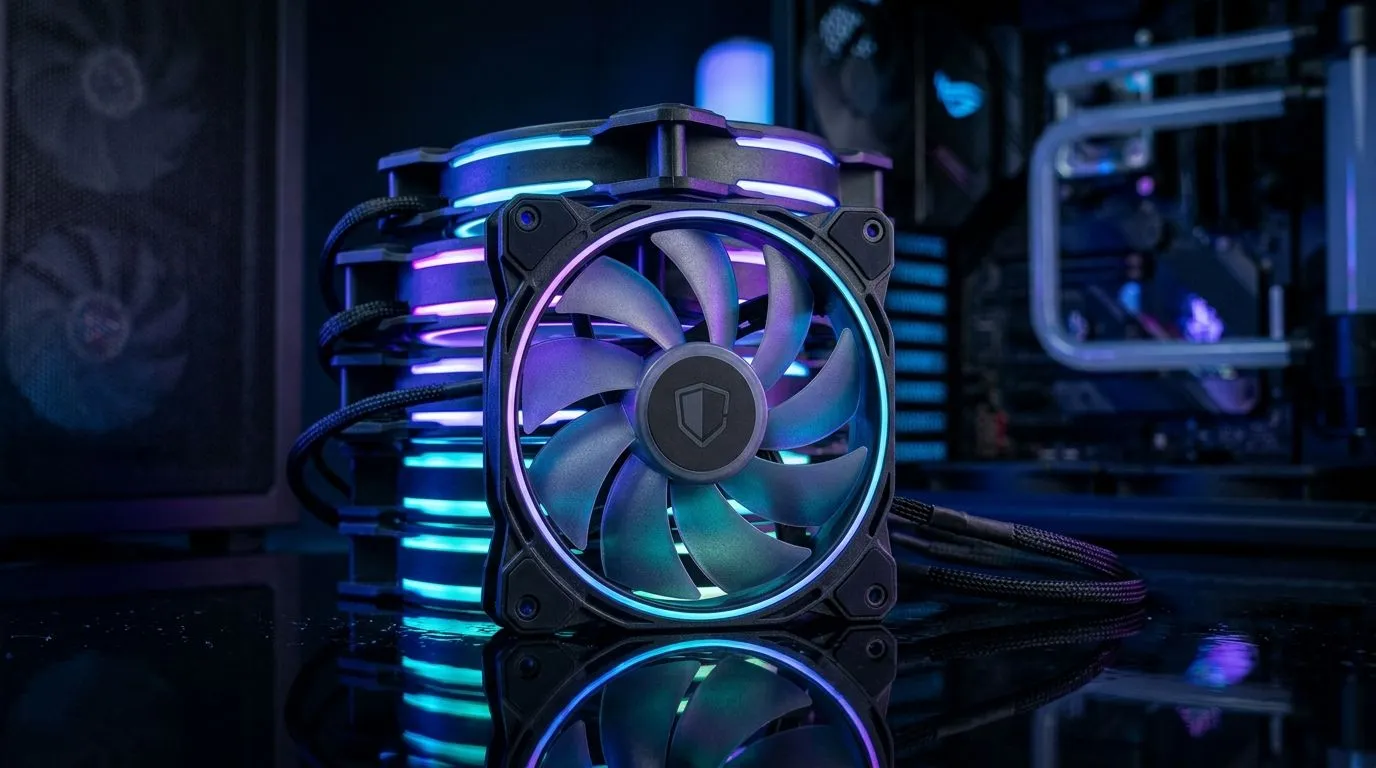
120mm Fans for Gaming Case: How Many to Buy in SA (and stop guessing)
If your PC is running hot after a long match or streaming session, airflow is usually the culprit… not your CPU. And if you’ve ever stared at a case fan spec sheet thinking “how many is enough?”, you’re not alone. In South Africa, where summer temps can spike fast and power can be unpredictable, getting fan numbers right helps stability, quieter gaming, and better boost clocks. Let’s dial it in for your setup.
120mm Fans for Gaming Case: How Many to Buy in SA (the practical rule)
Most gaming cases support 120mm or 140mm fans, and 120mm units are the “most common” size for a reason: lots of mounting points and easy compatibility. A good starting point for a typical mid-tower build is:
- Front intake + 1 rear exhaust + 1 top exhaust (3 fans total)
- More demanding builds (or warmer rooms): front intake + 2 top exhaust + 1 rear exhaust (4 fans)
- Large GPU / high-TDP CPU: aim for balanced intake and exhaust, often 5 fans depending on your case layout
Why balance matters? Fans don’t magically cool by themselves. The goal is steady pressure: fresh air comes in, hot air leaves. That reduces GPU hotspot temps and keeps your CPU cooler under sustained load.
Quick layout checklist (works for most SA builds)
Before you buy fans, check your case:
- Front: intake, ideally filtered
- Top: exhaust (especially helpful for CPU temperatures)
- Rear: exhaust, usually non-negotiable
- Side panels: only if your case includes a dedicated mount and your airflow needs it 🔧
If your case only supports 120mm, plan around the available holes. Evetech stocks 120mm case fans, so you can build your airflow kit without mixing random sizes.
120mm Fans for Gaming Case: How Many to Buy in SA (what to choose beyond “more fans”)
More fans can help, but only if they’re installed smartly. Focus on these three things before quantity:
- Airflow vs noise: higher airflow fans at sensible RPM usually beat “too many loud fans”
- Static pressure: front intakes and radiator fans benefit more from higher static pressure (filters and dust screens add resistance)
- Compatibility: your fan headers and controller matter. If you go ARGB/RGB, plan for how you’ll control it
Evetech’s fan selection makes it easy to match your preferences. Browse options like 120mm case fans on Evetech, then narrow by brand, lighting, or size.
Choose the fan style that matches your setup
Want RGB? Great, but don’t compromise airflow for looks. If you specifically want lighting effects, check RGB 120mm case fans and compare against non-RGB versions for value.
If you’d rather keep it clean and minimal, start with non-RGB (lighting none) 120mm fans.
Brands can also influence how consistent the fan curves feel. For example, you can filter by CORSAIR 120mm case fans or Deepcool 120mm case fans depending on what you trust.
120mm Fans for Gaming Case: How Many to Buy in SA (120mm vs 140mm reality check)
Sometimes the best “fan count” decision is actually about switching to 140mm. 140mm fans can move more air at lower RPM if your case supports them. If you’re staying strictly with 120mm, fine… just be sure you have enough mounts to keep front intake and exhaust balanced.
If your case has 140mm support, you’ll want to compare sizes. You can view:
Tip: stop overbuying fans you can’t use
Productivity Pro Tip ⚡
On Windows, use Task Manager to watch temps while you adjust fan headers (or fan curves). Aim for steadier temperatures during a game match or a short render. If temps barely change after adding one more intake, your bottleneck is likely GPU clearance or a clogged filter, not fan quantity.
120mm Fans for Gaming Case: How Many to Buy in SA (final recommendation)
If you want a simple SA-ready default:
- 3 fans for budget builds (front intake, rear exhaust, one top exhaust)
- 4–5 fans for smooth, quieter performance under load
- Add fans only where your case actually supports them, and always keep intake vs exhaust balanced 🔥
One last thing: clean filters matter. A “perfect fan count” with a clogged intake is still a hot PC. Check dust every few weeks during summer.
Ready to Find Your Perfect Match? The Mac vs Windows debate is complex, but for maximum power, choice, and value in South Africa, Windows is hard to beat. Explore our massive range of laptop specials and find the perfect machine to conquer your world.











