

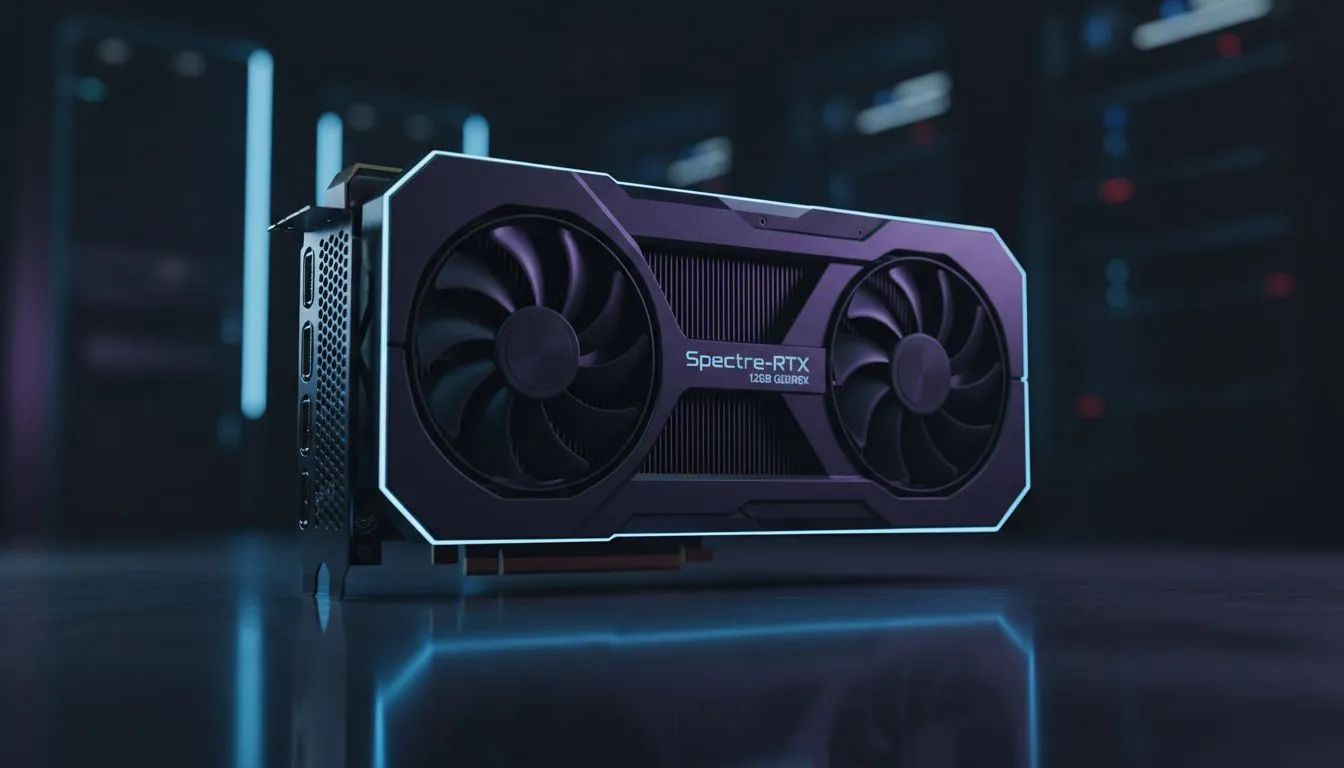
Understanding VRAM Demands in Modern Gaming
Ever loaded into a match only to see blurry textures that look like they belong on a PS2? It’s a common sight for South African gamers pushing high-resolution settings on older hardware. As modern titles demand more memory for intricate details... from fabric weaves on suits to rugged terrain... the 12GB VRAM for textures debate has become a central focus for anyone looking to upgrade their rig this year.
When you crank those settings to "Ultra," your GPU needs a place to store massive image files. If your card runs out of space, it starts swapping data with your system RAM. This leads to stuttering and "texture pop-in" that ruins the immersion of a late-night session. High-res tuxedo maps... essentially the complex material layers that define how light interacts with surfaces... are particularly heavy. To keep these visuals crisp, you should browse our latest NVIDIA and AMD graphics cards to ensure your hardware can keep up.
Why 12GB VRAM for Textures is the New Standard
For a long time, 8GB was the gold standard for 1080p gaming. However, as developers move toward the Unreal Engine 5 era, that ceiling is lifting. If you are playing at 1440p, 12GB of video memory provides a necessary safety net. It allows the GPU to cache high-resolution assets without hitting a bottleneck.
Many local gamers are currently looking at MSI graphics cards because they often feature robust cooling solutions that handle the heat generated by these high-memory workloads. Whether you are exploring the streets of a digital Cape Town or raiding in a fantasy world, having that extra buffer ensures your frames stay smooth when the action gets intense ⚡.
VRAM Monitoring Tip ⚡
Use an overlay like MSI Afterburner while gaming to track your "Dedicated Memory Usage." If you see the usage hitting within 500MB of your maximum capacity, it is time to dial back the texture quality or consider an upgrade to avoid micro-stutters during gameplay.
Choosing Between NVIDIA, AMD, and Intel
The market in South Africa has never been more competitive. While NVIDIA leads with features like DLSS, other players are offering incredible value for money. If you are on a strict budget but still want modern features, you might want to buy Intel Arc graphics cards. They have made massive strides in driver stability and offer great VRAM allocations for the price.
On the other hand, if raw rasterisation performance is your priority, you can buy AMD Radeon graphics cards. AMD is known for being generous with VRAM. This makes them a "future-proof" choice for gamers who don't want to upgrade again in twelve months. In the ZAR 7,000 to R12,000 range, you can often find cards that comfortably handle 12GB VRAM for textures without breaking the bank 🚀.
Beyond Gaming: High-Res Maps in Professional Work
It is not just about the latest AAA titles. For creators in Johannesburg or Durban working on 3D modelling and architectural visualisation, VRAM is even more critical. Rendering high-res tuxedo maps in software like Blender or Octane requires massive amounts of memory to prevent crashes.
For these specific tasks, standard gaming cards might not always cut it. You may need to look into specialised workstation graphics cards that are designed for stability and massive datasets. These cards ensure that your professional projects render accurately and quickly, saving you precious time during tight deadlines ✨.
Ready to Boost Your Visuals? Don't let low VRAM hold back your gaming or creative potential. For the best selection of high-performance hardware and the latest GPU deals in South Africa, we have you covered. Explore our massive range of graphics cards and find the perfect machine to conquer your world.











