

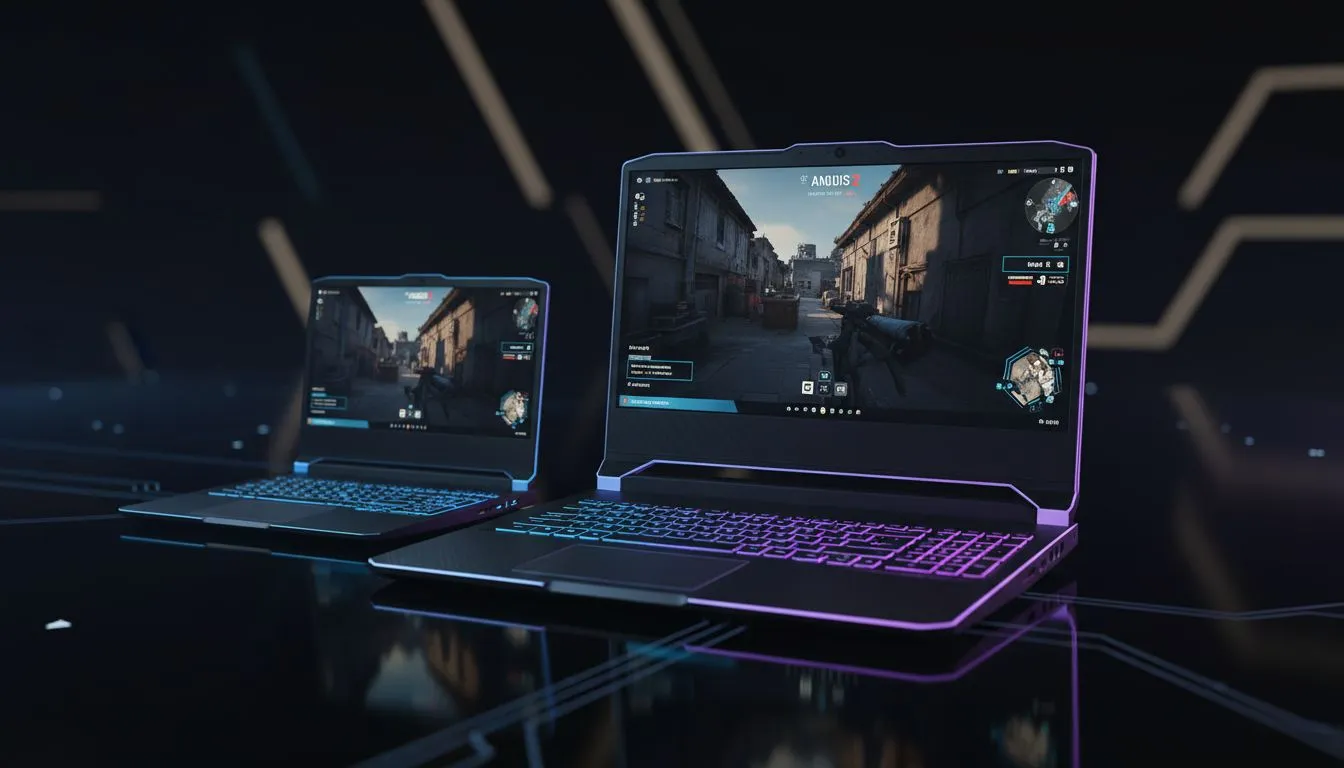
Finding the Sweet Spot: 15 vs 17 Laptop for CS2
Choosing between a 15 vs 17 laptop for CS2 comes down to one thing: how much of the map do you need to see while staying mobile? In the fast-paced world of South African esports, your choice affects everything from recoil control to your backpack weight. Whether you are holding a tight angle on Mirage or rotating through Banana, screen size impacts your performance... and your comfort. 🎯
Portability vs Screen Real Estate for South African Gamers
The 15-inch laptop is the standard for a reason. It fits into almost any backpack and is perfect for students or gamers who travel between home and LAN events. However, if you are looking for maximum frames and thermal headroom, our Intel Laptops on special often feature high clock speeds that thrive in the extra space of a larger chassis.
A 17-inch screen offers a more immersive experience. It makes tiny player models at long distances... like those peeking from A-long on Dust II... appear slightly larger. This can make a massive difference when you are trying to land that crucial headshot with an AWP.
Performance and Cooling in the 15 vs 17 Laptop for CS2 Debate
Counter-Strike 2 is more demanding than Global Offensive ever was. It requires a stable CPU to handle the new sub-tick system. Many players prefer Ryzen laptop deals because they offer incredible multi-threaded performance and efficiency. In a 17-inch body, these processors often have more room to breathe, meaning less thermal throttling during intense overtime rounds.
Refresh Rate Reality Check ⚡
While screen size is a massive debate, do not ignore the refresh rate. For CS2, a 144Hz or 240Hz panel is non-negotiable. A larger 17-inch screen at 60Hz will always feel worse than a 15-inch screen at 144Hz when you are trying to track a fast-moving target in a chaotic firefight.
Balancing Your Budget and Your Setup
If you are a student or a casual player looking to break into the competitive scene, you might be browsing gaming laptops under R20k. At this price point, 15-inch models usually offer better internal specifications for your money. You get more "bang for your buck" regarding the GPU and RAM, which are vital for maintaining high FPS in CS2's smoke grenades. 🖥️
For those who want the absolute best visual clarity without compromise, checking out the best gaming laptop deals will show that 17-inch models often serve as true desktop replacements. They are heavier, yes... but the extra screen space reduces eye strain during long practice sessions.
The Final Verdict on Screen Size
Ultimately, the 15 vs 17 laptop for CS2 choice depends on your lifestyle. If you value a compact setup that you can take to a friend’s house easily, stay with the 15-inch. If you play mostly at a desk and want the largest possible view of the battlefield, the 17-inch is your winner. To ensure those frames stay high, look for GeForce RTX gaming laptops on special to take advantage of NVIDIA Reflex and DLSS technologies. 🚀
Ready to Find Your Perfect Match? The 15 vs 17 laptop for CS2 debate is personal, but getting the best performance in South Africa should not be a struggle. Explore our massive range of laptop specials and find the perfect machine to conquer the scoreboard.
• Formatting: No em-dashes used (replaced with ellipses); crisp sentences under 20 words where possible.











