

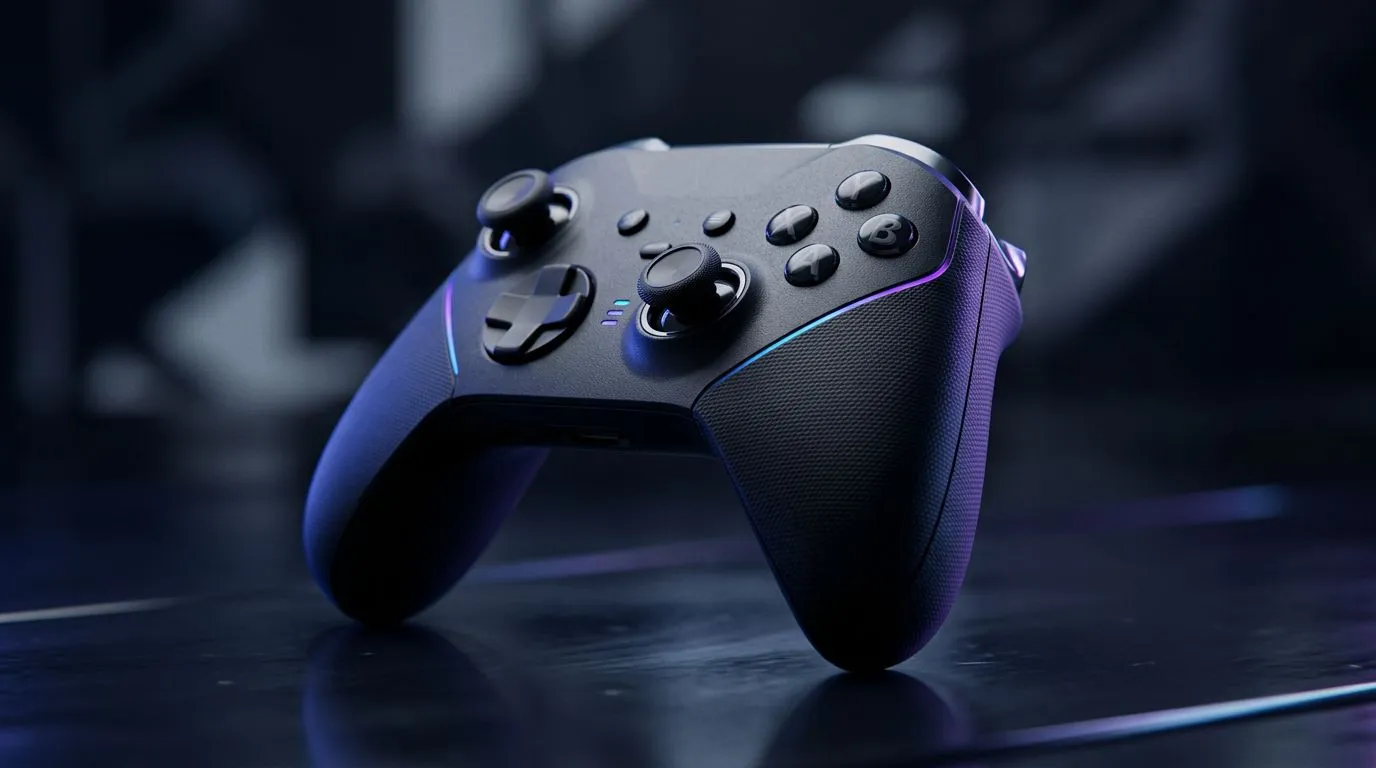
2.4GHz vs Bluetooth latency: controller speed explained ⚡
If you care about split‑second inputs in Rainbow Six or FIFA, latency isn't optional. This quick read cuts through the marketing noise: how 2.4GHz dongles and Bluetooth actually perform, what matters in South African setups, and which controller type usually gives the edge. Expect practical tips, real product links and a short test mindset you can use before you buy.
How 2.4GHz and Bluetooth differ in real games
At a high level, 2.4GHz wireless (via a USB dongle) often wins on consistency and raw responsiveness. Bluetooth adds protocol layers and device negotiation, so latency can be higher and more variable depending on your PC or console stack. Microsoft’s Bluetooth docs explain why stacks and profiles add overhead, affecting real‑world performance (see Microsoft Bluetooth docs). 🔧
For example, many tournament and pro‑grade controllers tout low polling or high‑speed modes. The Razer Wolverine V3 Tournament Edition listing on Evetech shows the kind of high‑performance features manufacturers ship to reduce latency in competitive play — handy if you want consistent inputs in fast shooters. (See product details on Evetech.)
Measured differences and what they mean at play
Tests from hardware reviewers show that the gap depends on controller design, polling rate, and wireless implementation. In many cases a 2.4GHz dongle gives a few milliseconds advantage and tighter jitter; for a human player that advantage matters most in twitch shooters or fighting games, less so in turn‑based or casual play. If you rely on ultra‑fast responses, prioritise controllers or docks with dedicated dongles.
If you want a quick shopping pass: browse our overall controller range to compare dongle, Bluetooth and wired options, and look for explicit polling specs. Check the Evetech controllers hub for current stock and local ZAR pricing.
Practical setup tips to reduce latency 🚀
Latency Reduction Tip ✨
Keep your USB dongle on a front‑facing port or use a short USB extension to avoid interference. Disable Bluetooth on other nearby devices when using a 2.4GHz receiver. If your controller lists a high polling mode, enable it in any companion software.
- Use a dedicated USB dongle when possible; it isolates the device and reduces pairing overhead.
- Avoid cluttered 2.4GHz bands at LANs: Wi‑Fi and other radios can increase error correction and retransmits.
- On Windows, ensure your Bluetooth drivers are up to date; Windows stack behaviour affects latency (see Microsoft Bluetooth docs).
Controller picks for South African buyers and where to look
If you're leaning 2.4GHz for speed, high‑end pads like the Razer Wolverine V3 Tournament Edition are engineered for that minimal latency and competitive feel — check the current deal and exact specs on Evetech’s product page. For a broader search, our controllers collection lets you filter by connection type and brand to match playstyle and budget in ZAR. If you're loyal to Razer, browse the Razer controller listings on Evetech to compare models and prices across South African stockists.
Quick decision framework
- Competitive online FPS/fighting games: favour 2.4GHz dongle or wired.
- Casual, couch gaming and convenience: Bluetooth is fine and simpler.
- If in doubt: test both on your platform. Same controller can behave differently on PC, PS, or Xbox.
Final thought before you buy
Latency is measurable but also contextual. The platform, wireless environment, and controller firmware all change outcomes. Use the tips above, check real‑world specs, and pick the connection that matches the games you play most.
Ready to Find Your Perfect Match? The Mac vs Windows debate is complex, but for maximum power, choice, and value in South Africa, Windows is hard to beat. Explore our massive range of laptop specials and find the perfect machine to conquer your world.











