

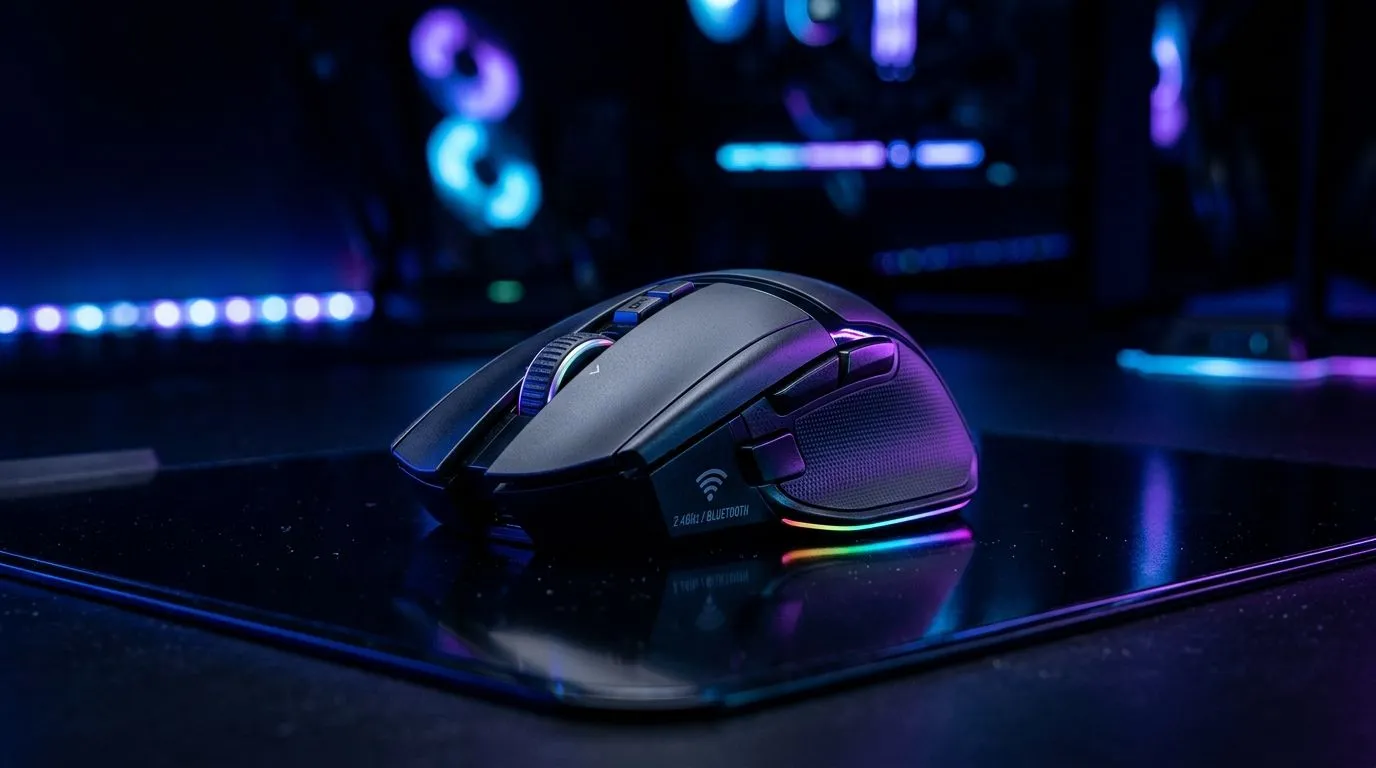
Why SA gamers debate 2.4GHz vs Bluetooth Mouse: Best Multi-Device Setup
If you game on a laptop, then also stream on the TV… your desk setup can get messy fast. One mouse. Two devices. Zero patience for lag. That’s where the 2.4GHz vs Bluetooth Mouse: Best Multi-Device Setup question matters. The right connection can feel instant, while the wrong one can make aiming feel “off”.
In this guide, we’ll break down the trade-offs in plain terms, then help you choose a setup that works for your daily grind. 🔧
2.4GHz vs Bluetooth Mouse: Best Multi-Device Setup (the real differences)
Latency and responsiveness
Most 2.4GHz wireless dongles are built for low-latency performance. In practice, that means smoother tracking while you flick, strafe, or do quick menu navigation. Bluetooth can be excellent too, but it shares resources with other Bluetooth devices and may show more variation under busy conditions.
Power and battery behaviour
Bluetooth often sips power on devices that support it well. 2.4GHz can run longer in some cases, but it depends heavily on the mouse and how aggressively it goes to sleep.
Range and stability
2.4GHz usually wins for consistency across a desk-length distance. Bluetooth depends more on how your device handles signal, interference, and background traffic. If your setup is near Wi-Fi routers or other 2.4GHz devices, placement becomes important.
Multi-device switching
This is where your workflow decides everything. Some mice support both modes, but many don’t. If you bounce between PC and laptop constantly, you’ll want a mouse that can truly switch quickly (or use two different dongles).
Productivity Pro Tip ✨
On Windows, use the PowerToys FancyZones utility to create custom snap layouts for your windows. It's a lifesaver for managing multiple apps on an ultrawide monitor, letting you organise your aim trainer, Discord, and your browser tabs without wasting time.
Choosing the right path for your desk setup
If you want the fastest “it just works” feel
Go 2.4GHz when your main goal is consistent responsiveness and gaming-grade stability. It’s also a smart pick for SA gamers who don’t want to tinker. Grab a reliable wireless mouse and start playing.
For shopping starters, browse Evetech’s wireless mouse options here:
And if you’re building from scratch, take a look at their gaming mouse category for models designed with performance in mind:
If your lifestyle is mostly laptop + Bluetooth convenience
Bluetooth makes sense if your devices are spread out, or you want fewer dongles on your table. It’s also convenient for office work, streaming, and casual play sessions where “peak esports” latency isn’t the only priority.
If you’re leaning Bluetooth-first, you’ll still find plenty of options in Evetech’s wireless selection:
If you’re done with wireless quirks entirely
For the “zero fuss” crowd, wired is still the most predictable. No pairing. No battery. Just input, always.
Check out wired models here:
A quick decision checklist (so you buy once)
Ask yourself:
- Do you switch devices constantly during a match or session? If yes, prioritise fast switching.
- Do you sit close to your router and other wireless gear? If yes, consider 2.4GHz first.
- Are you chasing tournament-level smoothness, or mostly working and casual gaming? That answer decides your connection type.
If you want to stay within budget, deals help. Evetech often runs strong pricing, so compare models and connection support:
2.4GHz vs Bluetooth Mouse: Best Multi-Device Setup (final recommendation)
For most South African desk setups, the best balance is usually:
- 2.4GHz for your gaming device (PC or console-compatible setup)
- Bluetooth for your secondary laptop or tablet (when you want convenience)
If your mouse supports both, you can keep one cursor flow across devices without constantly pairing and re-pairing.
If you’re ready to upgrade, use Evetech to compare specs and stock, then pick a mouse that matches your actual routine.
Ready to Find Your Perfect Match? The Mac vs Windows debate is complex, but for maximum power, choice, and value in South Africa, Windows is hard to beat. Explore our massive range of laptop specials and find the perfect machine to conquer your world.











