

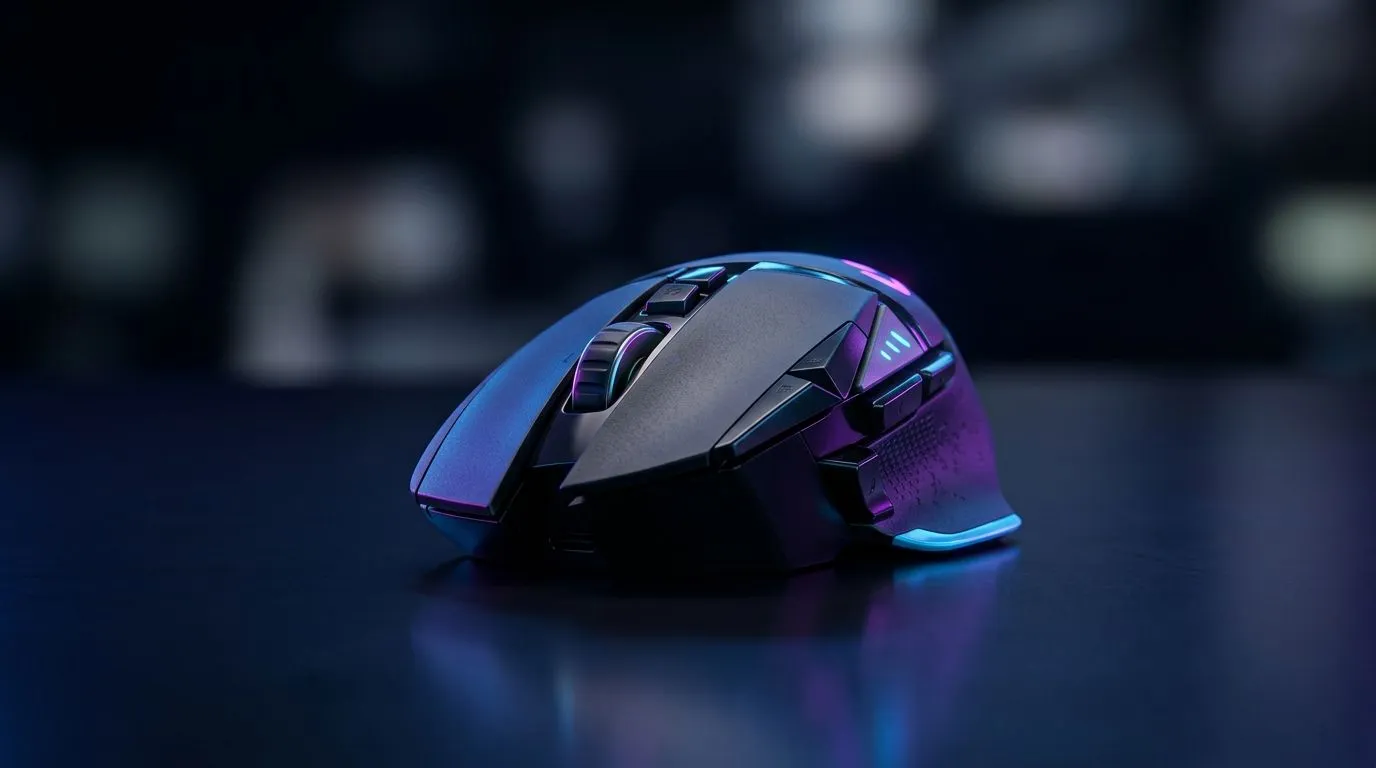
2.4GHz Wireless vs Bluetooth for Gaming Mice: why SA gamers feel the difference
If you’re gaming in SA on Wi‑Fi, you’ve probably heard the usual advice... “just go 2.4GHz”. But what does it actually change when you’re tracking targets in Apex Legends or flicking in Valorant? The short version: for mice, 2.4GHz wireless is usually built for low, consistent latency, while Bluetooth is more about convenience across devices. The real question is how you balance smooth aim against hassle. 🎮
In this guide, we’ll compare 2.4GHz Wireless vs Bluetooth for Gaming Mice: Latency & Convenience, with practical, buyer-friendly tips for local players who want dependable performance and a clean setup.
2.4GHz Wireless vs Bluetooth for Gaming Mice: latency explained in plain terms
Latency is the time between your movement and what the cursor does. With gaming mice, that matters because your aim corrections happen fast. In practice, 2.4GHz gaming dongles tend to offer:
- More predictable response (no pairing delays during gameplay)
- A dedicated link to the mouse receiver
- Better consistency under crowded Wi‑Fi conditions (common in SA apartments and student housing)
Bluetooth can work well, but it typically has more variables. The mouse may share the connection ecosystem with your phone, controller, or headset. Also, Bluetooth devices can be more sensitive to interference and device power-saving behaviours. That can translate into micro-stutter for players who are already tuned for precision.
Where should you land?
- Competitive shooter grind (ranked, tournaments, aim training): 2.4GHz wireless.
- Multi-device desk (laptop + tablet + PC): Bluetooth might be worth it for convenience.
We’ll keep it simple: for most gamers, 2.4GHz Wireless vs Bluetooth for Gaming Mice: Latency & Convenience lands on 2.4GHz as the default for “plug it in and lock in.”
Quick clarity: “wireless” doesn’t always mean the same thing
“Wireless” is one word. Inside the tech, it’s different. A gaming mouse using a 2.4GHz dongle is generally designed for near-zero fuss and stable response. A Bluetooth mouse is designed to flex across devices. Different priorities. Same desk reality. ⚡
Setup Pro Tip 🔧
On Windows, keep Bluetooth mice on a close distance from the PC and disable “Allow the computer to turn off this device” for the Bluetooth adapter in Device Manager. This reduces power-saving behaviour that can cause inconsistent response when you alt-tab or switch apps.
2.4GHz Wireless vs Bluetooth for Gaming Mice: convenience at the desk
Convenience is where Bluetooth can win... especially if you bounce between devices during the day. Imagine using your mouse on:
- Your gaming PC for ranked
- Your laptop for streaming or work
- A tablet for editing notes
Bluetooth can mean fewer dongles and less clutter. But if your main goal is reliable aim at 60–240Hz gameplay, the dongle method keeps your connection stable.
Here’s a practical way to decide before you buy:
- Item
- Item
- Item
For accessory planning and compatibility, start with the right mouse category and accessories. Check Evetech’s options here:
- Shop mouse accessories (including relevant gaming gear): Mouse accessories from Evetech
- If you want a guaranteed baseline, wired is always consistent: Explore wired gaming mice
2.4GHz Wireless vs Bluetooth for Gaming Mice: what to buy (and how to avoid regret)
When you’re choosing between wireless types, the biggest buyer mistake is forgetting that you’re not only buying a sensor. You’re buying a whole connection style.
If you want the “aim stays locked” experience, browse Evetech’s wireless lineup and look for models designed for gaming use (not only office work). Start here: Shop wireless gaming mice
Then, compare pricing and bundles. In SA, a great deal can turn “maybe later” into “okay, I’m buying now”. Keep an eye on local promos and mouse discounts: Best gaming mouse deals at Evetech
Finally, if you like to research properly (and most of us do after watching too many benchmark videos), use Evetech’s product category pages to narrow by features: Gaming mouse components on Evetech
That’s the smart path: choose your connection style first, then match it to your sensor preferences and grip.
2.4GHz Wireless vs Bluetooth for Gaming Mice: your next move
Need one last nudge? If you mostly game on one rig and care about consistency, 2.4GHz wireless is the safer bet. If you’re constantly switching devices, Bluetooth is convenient, and you can still game well if your setup is tidy and close-range.
Pick your priority… then let the mouse serve your aim, not the other way around. ✨
Ready to Find Your Perfect Match? The Mac vs Windows debate is complex, but for maximum power, choice, and value in South Africa, Windows is hard to beat. Explore our massive range of laptop specials and find the perfect machine to conquer your world.











