

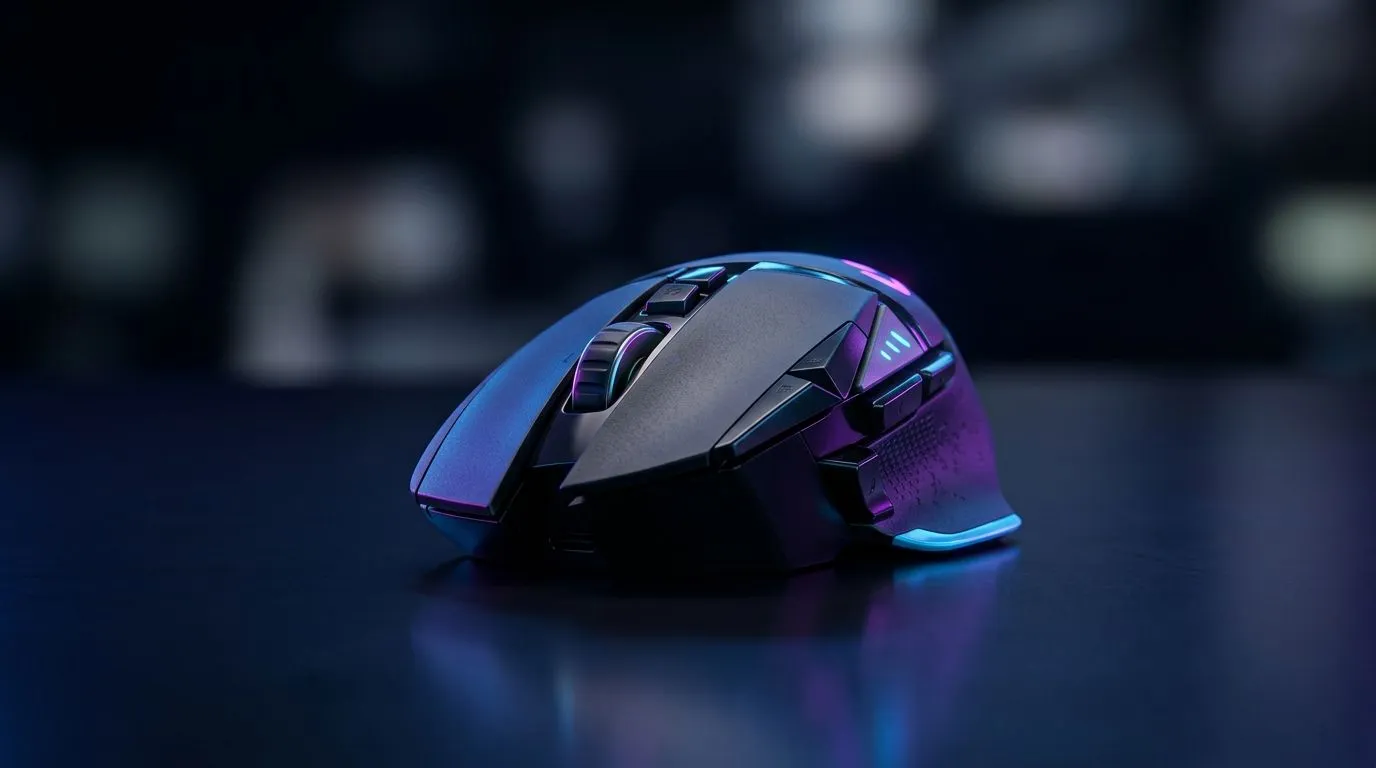
2.4GHz Wireless vs Bluetooth for Gaming Mice: Lower Latency that feels like “instant”
If you’ve ever turned a corner in Counter-Strike 2 and felt your mouse “lag behind” the movement… you’re not imagining things. In South Africa, loads of players choose what works best on their desk: clean signal, stable tracking, and a sensor that doesn’t stutter. ⚡ That’s why the choice between 2.4GHz wireless vs Bluetooth for gaming mice: lower latency matters. Let’s break it down in plain terms, then help you pick the right mouse for your setup.
Why 2.4GHz often wins for gaming latency (and why Bluetooth can feel different)
Most gaming-grade wireless mice use a 2.4GHz dongle, which is the key to consistent performance. Bluetooth, on the other hand, is designed for general-purpose devices and can share airtime with other Bluetooth devices.
Here’s the practical takeaway for SA players:
- 2.4GHz (dongle): typically prioritises a stable connection for input devices like mice.
- Bluetooth: can introduce variability depending on device pairing, profiles, and nearby interference.
To keep things honest: the exact latency depends on the mouse model, polling rate, and your PC settings. When you’re shopping, look for a dedicated gaming wireless product line and reputable specs rather than marketing fluff. 🚀
What to check before you buy: polling rate, battery mode, and receiver placement
Latency is only one part of the “feels right” equation. Your sensor and wireless link also matter.
Receiver placement and desk reality
Put the USB receiver closer when possible. A crowded USB hub or the back of your PC case can add friction. Even a simple extension cable can improve line-of-sight and reduce interference.
Battery and power-saving settings
Some wireless mice change behaviour when they enter low-power modes. If you use Windows, make sure power saving for USB devices is not throttling your link.
Connectivity Pro Tip 🔧
On Windows, go to Device Manager → Universal Serial Bus controllers, open your USB Root Hub, and ensure power saving is not turning off the device. Also try a different USB port for the 2.4GHz dongle to reduce interference from other peripherals.
Compare your options on Evetech
If you want the fastest “try it, feel it” path, browse the categories that are built for gaming-first behaviour:
- For wired responsiveness with zero wireless variables, check wired gaming mice here: https://www.evetech.co.za/buy-wired-mouse/x/1596.aspx
- If you’re leaning wireless and want models designed for competitive play, start with wireless mice: https://www.evetech.co.za/buy-wireless-mouse/x/1597.aspx
- For accessory add-ons that can improve desk setup, explore mouse accessories: https://www.evetech.co.za/buy-mouse-accessories/x/1595.aspx
Real-world pick: choosing between 2.4GHz wireless and Bluetooth in SA gaming setups
Think about your room and your kit. If you have a crowded desk with multiple wireless devices, 2.4GHz usually gives a more consistent experience for fast movement. If you need a clean, minimal setup and you’re already using Bluetooth headphones and controllers, Bluetooth can still work. It’s just more dependent on your environment.
A quick local check many South Africans run: do you often game at the same time as loading music, talking on Discord, or running wireless controllers? If yes, 2.4GHz’s dedicated link can be the calmer choice.
If you’re shopping right now, deals matter. ZAR stretch is real… so grab the best price without sacrificing the basics:
- See best gaming mouse deals for current value: https://www.evetech.co.za/best-gaming-mouse-deals/x/054.aspx
- Or browse the gaming mouse category for quick spec matching: https://www.evetech.co.za/components/gaming-mouse-117.aspx
Quick checklist before checkout (so you don’t regret it later)
Before you press “add to cart”, confirm:
- The mouse is marketed as gaming wireless (usually 2.4GHz dongle).
- Your sensor feels smooth (avoid “just barely okay” tracking for FPS).
- Your USB setup won’t block the receiver.
- You’re comparing against wired latency if you want certainty.
That’s how you avoid the classic “it was fine in the shop… but not at home” problem. ✨
Ready to Find Your Perfect Match? The Mac vs Windows debate is complex, but for maximum power, choice, and value in South Africa, Windows is hard to beat. Explore our massive range of laptop specials and find the perfect machine to conquer your world.











