

Breaking the 1Gbps Ceiling in South African Homes
Tired of seeing your 500Mbps or 1Gbps fibre line crawl when the whole family is online? You’ve invested in a mesh system, yet the lag persists during frantic Warzone sessions. The secret often isn't your ISP... it's the physical ports on your hardware. Upgrading to 2.5Gbps Ethernet ports can finally unlock the true potential of your home network, ensuring your wired and wireless performance remains top-tier. ⚡
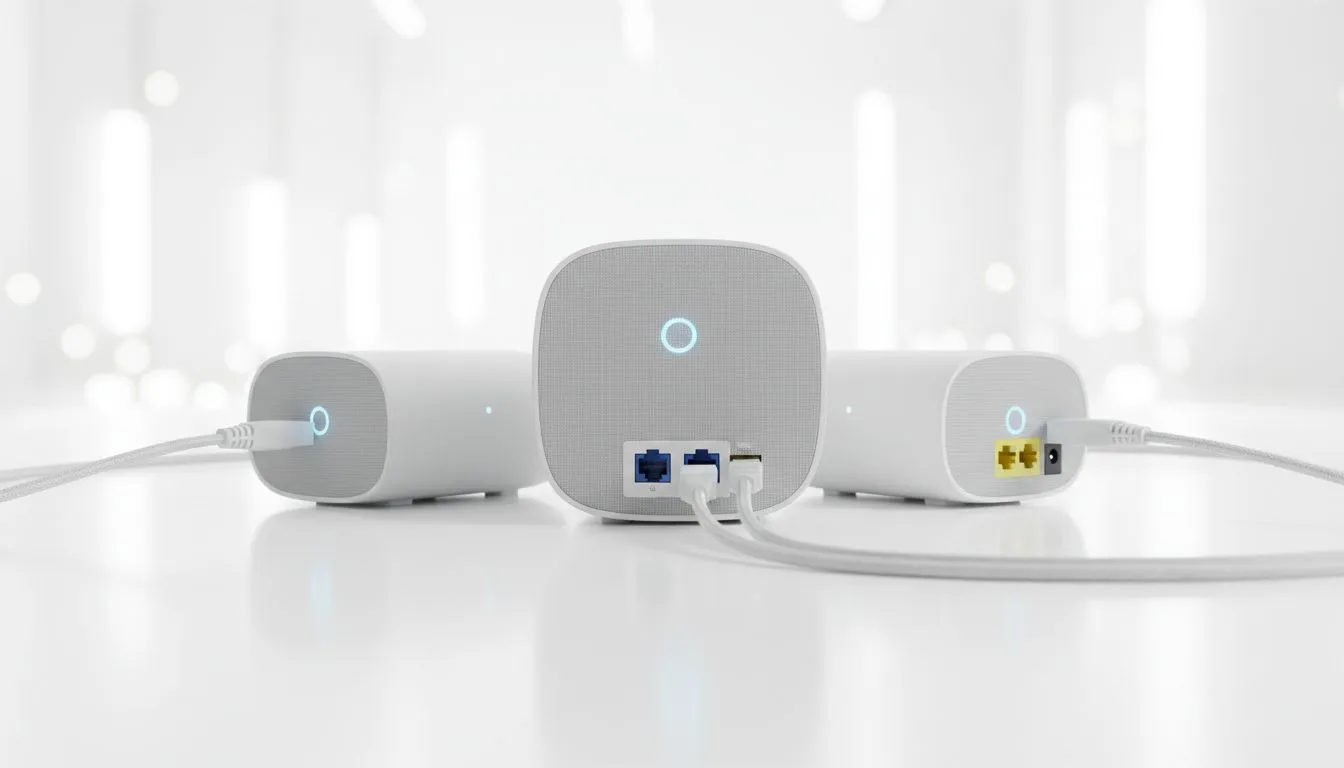
How 2.5Gbps Ethernet Ports Optimise Mesh Wired Backhaul
Most standard networking gear relies on Gigabit (1Gbps) ports. While this was fine five years ago, modern South African homes are demanding more. When you connect mesh nodes via a cable... known as wired backhaul... a 1Gbps port creates a bottleneck. By using hardware with 2.5Gbps Ethernet ports, you allow the nodes to communicate at much higher speeds. This leaves more "room" for your actual internet traffic and local file transfers.
When browsing for new fibre routers, many users ignore the port speed. If your router only has 1G ports, your internal network speed will never exceed that limit, regardless of how fast your WiFi is rated. A robust wireless networking setup relies on this foundation to keep pings low and throughput high.
Maximising Wireless Throughput Across Your Property
WiFi 6 and WiFi 6E are capable of speeds well beyond 1Gbps. However, if the source internet or the link between mesh nodes is capped at 1Gbps by an old Ethernet port, your fancy new phone or laptop won't ever see those peak speeds. Modern wireless routers often feature a dedicated 2.5G WAN/LAN port to solve this exact issue.
Networking Pro Tip ⚡
Always check your cabling when upgrading to 2.5Gbps. While Cat5e can sometimes handle shorter distances, you should ideally use Cat6 or Cat6a cables to ensure a stable 2.5Gbps connection. This prevents "sync" issues where your devices might drop back down to 1Gbps speeds due to interference or poor cable quality.
Future-Proofing Your Gaming Setup
For gamers in Johannesburg or Cape Town looking for every millisecond of advantage, the internal network is just as important as the fibre line. If your motherboard or laptop doesn't have a multigig port, you can find high-speed wireless adapters or USB-to-Ethernet dongles that support higher bandwidth.
For those in larger multi-storey homes where running cables is difficult, wireless range extenders can help bridge the gap... but they work best when the primary hub has the headroom provided by 2.5G technology. It ensures that even after the "wireless tax" (speed loss over distance), you still have plenty of megabits to spare for 4K streaming and large game downloads. 🚀
Ready to Supercharge Your Home Network? Don't let old hardware slow down your high-speed fibre. Whether you're gaming, streaming, or working from home, upgrading to multigigabit gear is the best way to future-proof your digital life. Explore our massive range of networking specials and find the perfect router or mesh system to dominate your lag today.











