

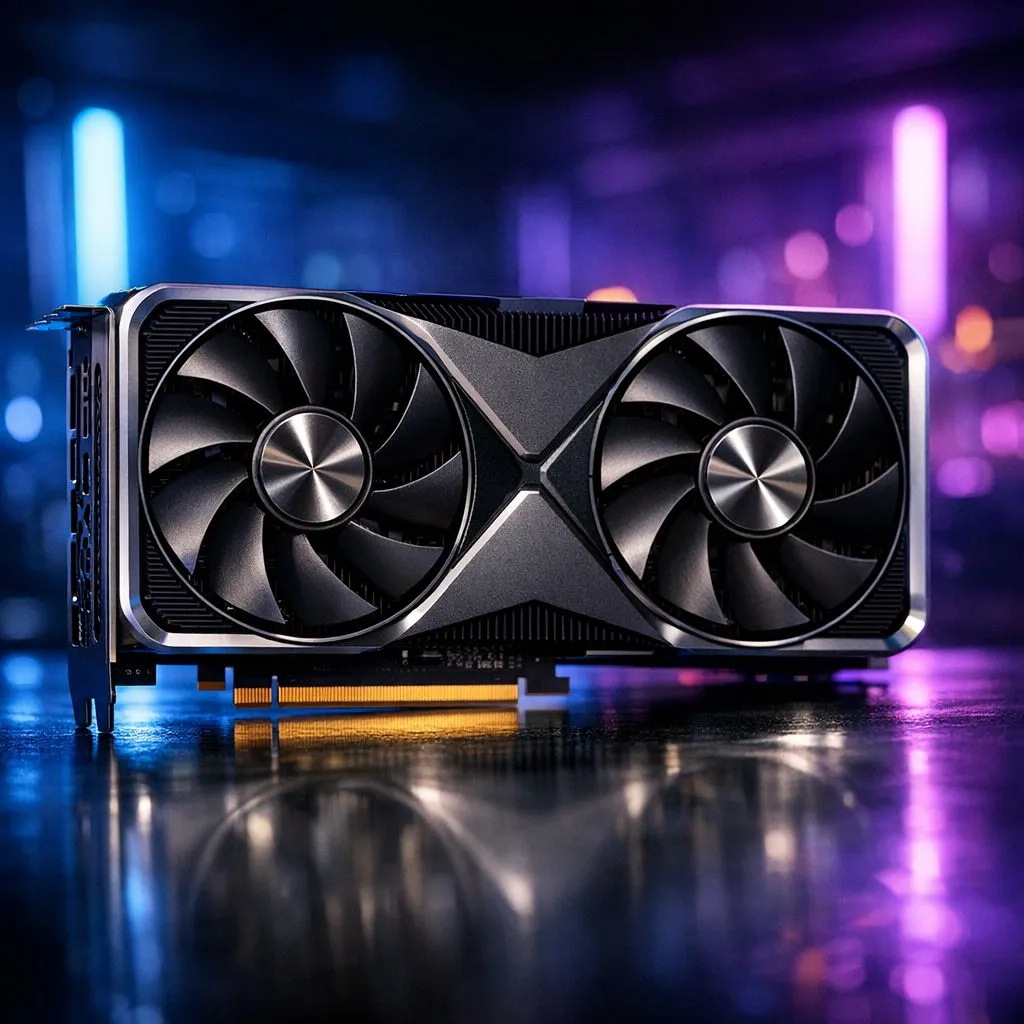
Why CUDA core counts matter for rendering and gaming ⚡
If you saw "21760 CUDA Cores: What It Means for Rendering and Gaming Performance" and wondered whether that number alone will make your PC fly, you’re not alone. In South Africa, where every rand counts, understanding what 21 760 CUDA cores actually do helps you choose the right GPU for Blender, Unreal, or AAA games.
How 21760 CUDA cores affect frame rates and render times
CUDA cores are parallel processors that feed shaders, compute passes, and GPU-accelerated render engines. More CUDA cores usually mean better raw parallel throughput, but they’re one piece of the puzzle. Clock speed, memory bus, VRAM size, RT cores, and driver maturity also change real-world results. For practical shopping, compare similar cards in Evetech’s GeForce line to see how core counts translate into benchmarks: check GeForce graphics cards at Evetech for current models and comparisons. 🚀
Where core count helps most: rendering vs rasterised gaming
In GPU compute tasks like path tracing, denoising, and CUDA-accelerated render engines, extra CUDA cores scale nicely. For rasterised gaming, higher CUDA numbers help, but only up to the point bottlenecks shift to memory bandwidth or CPU limitations. If you render 3D animations or use GPU denoisers often, prioritise cores plus a healthy VRAM pool. For balanced gaming at 4K, look at the whole spec sheet on our full GPU range to match cores with memory and clock.
Rendering and Gaming Tip ✨
Use a GPU profiling tool like GPU-Z or MSI Afterburner to monitor VRAM usage when rendering. If your scene eats more than 80% VRAM, adding cores will help less than adding memory.
Real‑world buying guidance for South African gamers
Think of 21 760 CUDA cores as an indicator of heavy parallel capacity, not an automatic performance promise. If your workflows include Blender Cycles, Octane, or CUDA-optimised plugins, higher core counts are valuable. For gamers who also stream or do content creation, a balanced card like many MSI GPUs hits sweet spots between cores and cooling — see MSI GPUs on Evetech for models with robust cooling and factory overclocks. 🎮
Comparing NVIDIA and AMD approaches
AMD uses a different architecture and terminology, so direct core-to-core comparisons are misleading. Look at benchmarked FPS and render times instead of raw counts. For a quick look at alternatives, browse Radeon cards on Evetech and compare real test results, power draw, and driver support. When in doubt, narrow your shortlist and test in the titles or render scenes you use most.
Quick optimisation checklist before checkout
- Match VRAM to your target resolution and texture packs.
- Prioritise memory bandwidth for 4K workloads.
- Check cooling and size against your case.
- Factor in power supply headroom and PCIe lanes.
For curated selections across brands and price points, explore the broader GPU catalogue at Evetech — our full GPU range helps you filter by spec, brand, and price.
Final thought for South African buyers
A headline number like 21 760 CUDA cores is exciting, but performance depends on how that raw compute is packaged. Balance cores with memory, clock speed, architecture, and cooling. If you’ve got a specific workload or game list, bring it when comparing models — it makes choosing much easier.
Ready to Find Your Perfect Match? The Mac vs Windows debate is complex, but for maximum power, choice, and value in South Africa, Windows is hard to beat. Explore our massive range of laptop specials and find the perfect machine to conquer your world.











