

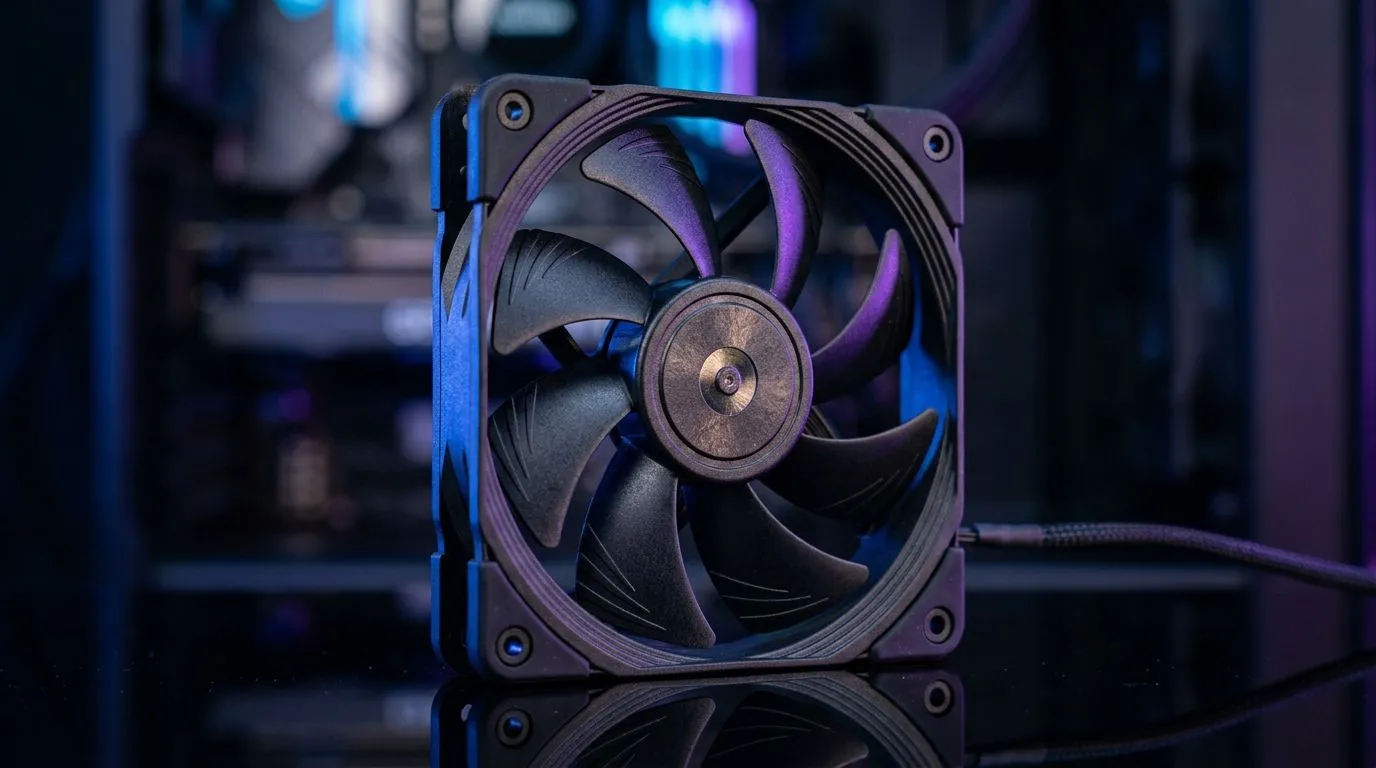
Assessing 2200 RPM 120mm Fans for Better GPU and CPU Cooling
South African gamers know that every degree counts when pushing GPUs and CPUs to their limits. Can a 2200 RPM 120mm fan really improve your system’s temperatures? Fans spinning at 2200 RPM deliver strong airflow, but how does that translate to real-world cooling? Let’s break down what these fans offer and when they make a difference for your PC builds. ⚙️
How Fan Speed Influences GPU and CPU Temperatures
The speed of a 120mm fan at 2200 RPM provides robust air movement, which helps dissipate heat from critical components. Higher RPM means more airflow but can also increase noise. Balancing air pressure inside your case is crucial; a single 120mm fan at this speed can boost your GPU and CPU temps by several degrees compared to stock options.
Advanced gamers often swap out their default cooling for fans like these, which you can find in ranges from brands like Corsair case fans. Their models often feature finely tuned blades to maximise airflow while managing noise levels effectively.
The Role of Fan Size and Placement
While a 120mm fan at 2200 RPM moves a decent amount of air, sometimes bigger fans spinning slower (like 140mm ones) offer quieter solutions with similar or better cooling. Deepcool case fans provide several 120mm and 140mm options designed for both airflow and silent operation—a balance many South African users appreciate.
Strategically placing a high-speed 120mm fan on your exhaust port can pull hot air out rapidly, stabilising your GPU and CPU temps during intense gaming sessions. Front or bottom intake fans keep fresh air flowing into your rig, helping the whole system stay cool.
RGB vs. No Lighting: Does It Impact Cooling?
RGB fans add flashy colour to your setup, but do lighting effects affect performance? Generally, RGB LEDs don’t reduce airflow significantly if the fan is well designed. You can find powerful options like RGB 120mm fans that blend aesthetics with performance.
Alternatively, if you prioritise pure cooling power and less cost, non-RGB 120mm fans (no lighting) often pack stronger airflow per rand spent.
Pro Tip for Temperature Control
Consider adjusting your fan curve in BIOS or software to ramp up RPM only during demanding tasks. This approach keeps your system quieter during regular use but cranks cooling when it counts.
Size Matters: Why 120mm Fans Remain Popular in SA Builds
Being a standard size, 120mm fans at 2200 RPM fit most South African gaming rigs, especially mid-tower cases. You can browse Evetech’s full selection of 120mm case fans priced competitively in ZAR.
However, larger 140mm fans (140mm options) also provide a quieter airflow alternative and may suit your NZXT or Cooler Master chassis better.
Considering airflow, acoustics, and budget, a 2200 RPM 120mm fan is a solid pick—but always match your fan selection to your specific case and cooling goals.
Ready to improve your rig’s airflow? Experience the difference a quality 2200 RPM 120mm fan can make—Shop now at Evetech for performance that leaves lag in the dust.











