

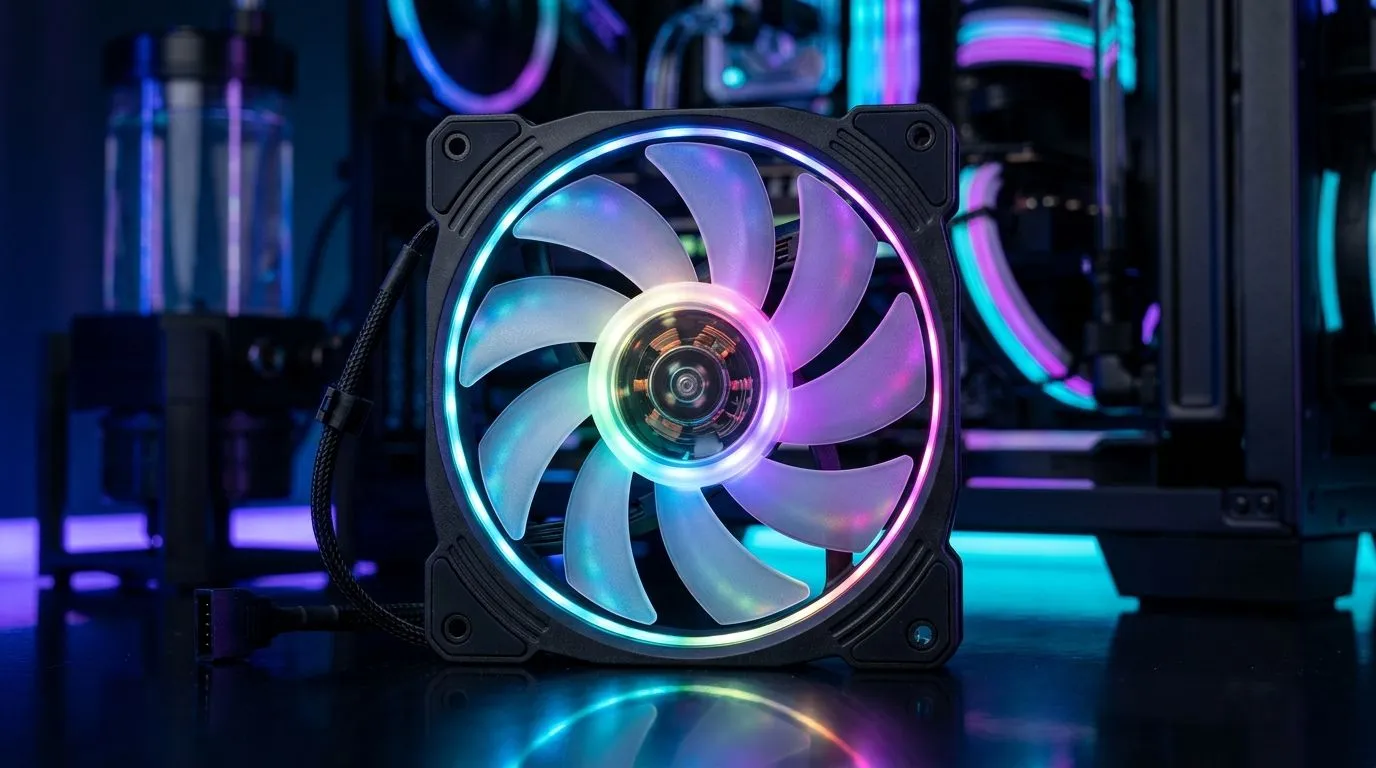
24-LED ARGB PWM Fans: The “Worth It?” question South African gamers ask
If your PC case airflow is struggling, you’ll feel it in temps, fan noise, and even boost clocks in games. And if you’re the type who wants your rig to look as sharp as it performs… you’ve probably spotted 24-LED ARGB PWM fans.
But are they actually worth it for high airflow, or are you paying extra for pretty light? Let’s break it down in plain terms, plus what to look for when shopping in South Africa. 🔧
24-LED ARGB PWM Fans explained for real-world airflow
ARGB on fans usually means two things: more visual control (brightness and effects) and sometimes a slightly different controller setup. PWM means the fan speed can be controlled by your motherboard, typically offering smoother ramping and better noise management than non-PWM.
For high airflow, the big drivers are:
- Fan size (120mm vs 140mm)
- Fan blade design and bearing quality
- PWM control behaviour
- Case pressure (front intake vs rear/top exhaust setup)
LED count, like “24-LED”, is mostly about lighting density. It doesn’t directly make a fan move more air. So the “worth it” depends on whether you’ll actually use the lighting, and whether you’re buying a fan model with decent airflow specs for your case. ⚡
What to check before buying 24-LED ARGB PWM Fans
Start by matching fan size to your case and the space you’ve got.
You can browse Evetech’s options here: All case fans on Evetech
If you want branded lighting, check out: CORSAIR case fans with RGB/ARGB options
For value-focused builds, DeepCool is a common pick: Deepcool case fans
Now narrow by lighting focus:
And by size:
Practical pick: 120mm vs 140mm for high airflow
In many setups, 140mm fans can push strong airflow at lower RPM. That can mean less noise for the same movement of air. 120mm fans still work brilliantly, especially where clearance is tight.
If your goal is pure airflow, choose the model that fits your case layout and supports PWM control. The LED count is “nice”, but not the core performance lever. ✨
Airflow Pro Tip 🔧
"Before you buy ARGB fans, plan your intake exhaust first. Aim for more or equal intake to exhaust, then set PWM curves that ramp gradually under load. That way you get stable GPU CPU temps without turning your PC into a small jet engine. If you’re unsure, start with stock curves, test in a game for 15 minutes, then adjust once."
So… are 24-LED ARGB PWM Fans worth it?
They’re worth it if:
- You’ll use motherboard lighting (or the controller) and actually enjoy the look.
- The fan model is rated for strong airflow (not just “lots of LEDs”).
- You’re using PWM control to keep noise down while gaming.
They’re not worth it if:
- You mainly care about temperature and noise, and you’re paying a lighting premium you won’t notice.
- Your case is poorly ventilated already, so even “good fans” can’t overcome the airflow bottleneck.
Think of it like choosing RGB RAM. It can look awesome, but the real value comes from overall system balance. For airflow-first builds, fan placement, case pressure, and PWM tuning win every time. 🚀
Ready to stop guessing and build the right airflow setup
Pick fans based on size and airflow potential first, then choose the lighting features you’ll enjoy long-term. If you want help comparing options available in South Africa, Evetech makes it easy to filter by brand, lighting, and size.
Ready to Find Your Perfect Match? The Mac vs Windows debate is complex, but for maximum power, choice, and value in South Africa, Windows is hard to beat. Explore our massive range of laptop specials and find the perfect machine to conquer your world.











