

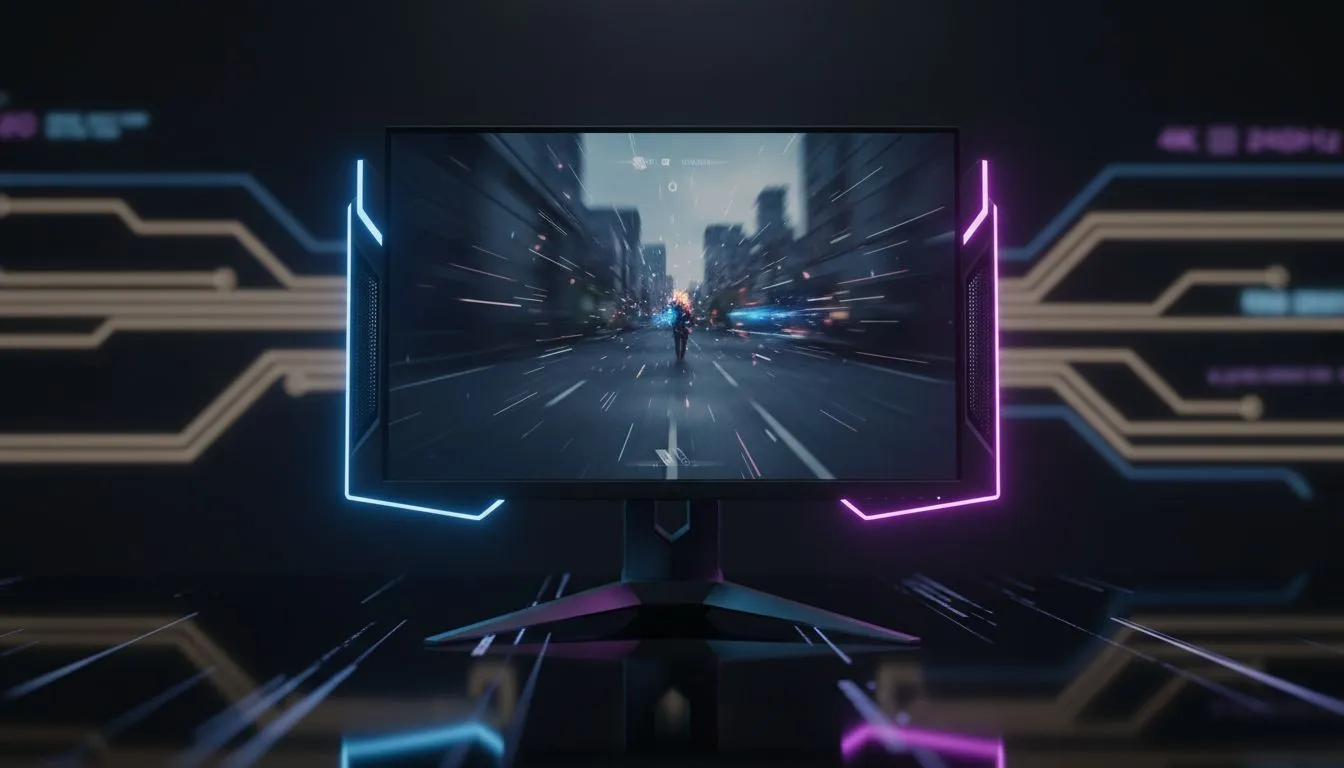
240Hz 4K gaming explained
240Hz 4K gaming sounds like the dream: pin-sharp 4K detail with butter-smooth 240Hz motion. But do you actually need it right now? For most South African gamers the answer is... it depends. This quick read will map the trade-offs between visuals, frames, and value — so you can decide without FOMO. 🚀
Who benefits from 240Hz at 4K
Competitive players who chase every millisecond of advantage notice high refresh rates. Yet 4K multiplies the GPU work. Running triple-A titles at 4K and 240Hz demands top-tier hardware and often compromises settings. If you want a shortlist of current models and deals, check Evetech’s best monitor deals to see what’s available locally.
For most builds, a smart move is to review the full PC monitors range before committing. Evetech lists panels across sizes, refresh rates, and response times, helping you match needs to budget.
Performance vs resolution: real trade-offs
At 1080p, 240Hz is accessible with mid-to-high GPUs. At 4K, sustaining 240 fps is rare except in very light or esports titles. You’ll often toggle settings to hit high frame rates. Browse Evetech’s gaming monitors collection to compare refresh rates and panel types.
If you lean towards immersive play, consider curved models. Curved 4K monitors enhance perceived immersion while still offering high refresh options.
Practical buying tips and real setups ✨
- Prioritise your GPU first. No monitor can create frames your system can’t output.
- Decide whether you prefer higher fidelity or higher frames; mix-and-match is common.
- For multi-use setups, portable monitors let you test workflows or add screen real estate on the go. See portable options here: portable monitors.
- If colour accuracy matters, view the 4K/5K selection for prosumers: 5K & 4K monitors.
Monitor Match Tip ⚡
If you chase competitive FPS, prioritise refresh and response time. If immersion or content creation is your focus, choose higher resolution first. Adaptive sync and a good monitor stand make everyday use far better.
Also remember small accessories matter. Cables, mounts and calibration tools improve performance and longevity. Check monitor extras here: monitor accessories. 🔧
Quick decision guide
- You're an esports pro or stream competitor: favour high refresh, consider 1080p or 1440p at 240Hz.
- You want film-like visuals and crisp desktop space: a 4K panel at 60–144Hz often hits the sweet spot.
- You have a top-tier GPU and budget is flexible: 4K at higher refresh makes sense for future-proofing.
Final thought
240Hz 4K gaming is technically impressive. But for most South African gamers it’s a premium niche. Pick the spec that matches how you play today, and upgrade later if your needs change. ⚡
Ready to Find Your Perfect Match? The Mac vs Windows debate is complex, but for maximum power, choice, and value in South Africa, Windows is hard to beat. Explore our massive range of laptop specials and find the perfect machine to conquer your world.











