

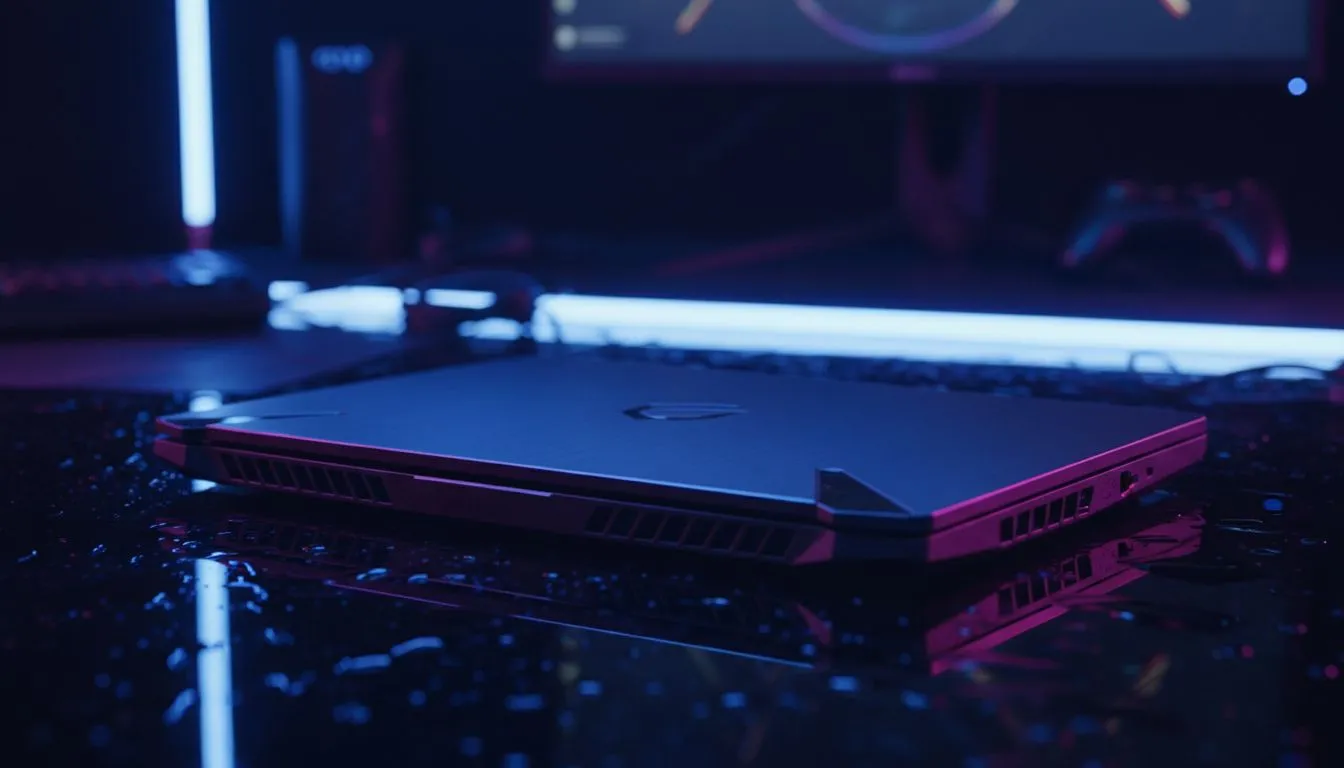
The Competitive Edge: Why Refresh Rates Matter in Fortnite
In the sweat-heavy lobbies of Fortnite, South African players often battle more than just opponents... we battle ping. While we cannot always fix the distance to international servers, we can certainly control our local hardware. Is a 240Hz laptop for Fortnite the secret to smoother builds, or is it just marketing hype? If you are wondering if you need 240Hz for edits, let's break down the performance reality. ⚡
Understanding the Jump to 240Hz for High-Speed Edits
When you are piece-controlling an opponent in a Creative 1v1, every millisecond counts. A 240Hz display refreshes the image 240 times per second. This is a significant step up from the standard 144Hz panels we have seen for years. For players who focus on fast mechanical edits, the increased fluidity makes the crosshair feel like an extension of your hand. If you prefer Team Blue for your processing power, checking out the latest Intel laptops on special is a great starting point for high clock speeds that keep those frame rates stable.
The "motion blur" effect is drastically reduced at 240Hz. This means when you flick your mouse to place a wall or confirm an edit, the image remains crisp. For those who swear by multi-core efficiency for background tasks and gaming, these Ryzen laptop deals offer incredible value for money while providing the horsepower needed to feed a high-refresh screen.
Do You Actually Need 240Hz for Edits and Building?
The short answer is: it depends on your aspirations. If you are playing casually, 144Hz is plenty. However, if you are competing in Cash Cups or trying to climb the Unreal rank, the answer changes. You need 240Hz for edits because it lowers system latency. Lower latency means your inputs—like pressing your edit key—show up on your screen faster. 🚀
To push 240 frames per second at 1080p, you really need to look at GeForce RTX gaming laptops on special to ensure your GPU doesn't bottle-neck your screen. Even on a tighter budget, you can find high-refresh options by looking to buy gaming laptops under R20k that still pack a punch in Performance Mode.
Fortnite Performance Pro Tip ⚡
To truly take advantage of a 240Hz screen, enable 'Performance Mode' in your Fortnite settings and set 'Mesh' to Low. This reduces the load on your CPU and GPU, ensuring your frame rate stays pinned at 240fps even during hectic end-game moving zones.
Choosing the Right 240Hz Laptop for Fortnite
Hardware in South Africa has become incredibly competitive. You no longer need to spend R50,000 to get a professional-grade display. Finding the right balance between price and performance is easier when browsing the best gaming laptop deals currently available in SA. Look for a machine with at least 16GB of RAM and a modern NVMe SSD to ensure your game loads as fast as your edits. ✨
Ultimately, a 240Hz laptop for Fortnite provides a smoother, more responsive experience that can help mitigate the frustrations of high-ping gameplay. It won't make you a pro overnight... but it will ensure that your hardware is never the reason you missed that crucial edit. 🔧
Ready to Find Your Perfect Match? The debate between refresh rates is over... for competitive gaming, higher is always better. For maximum power, choice, and value in South Africa, our curated selection is hard to beat. Explore our massive range of laptop specials and find the perfect machine to conquer your world.











