

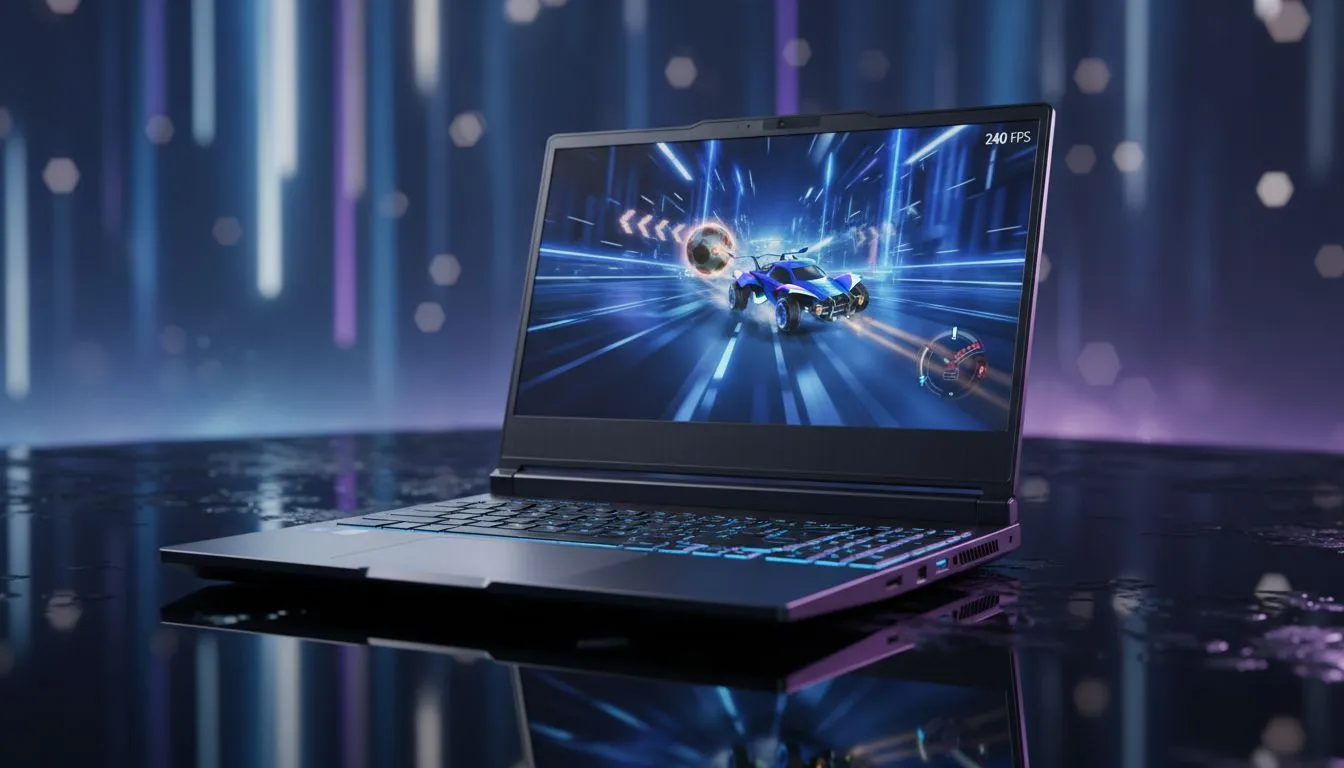
Why Refresh Rates Matter for Rocket League Pros
Rocket League is a game of fine margins. One millisecond determines if you hit that ceiling shot or whiff completely. While a 60Hz screen gets the job done, serious players in South Africa are looking higher. Is a 240Hz laptop for Rocket League worth it? If you want the smoothest aerials and fastest reaction times, the answer is a resounding yes. 🚀
When you jump from 60Hz or even 144Hz to 240Hz, the visual clarity during fast rotations is night and day. You aren't just seeing more frames... you are seeing more current information. This reduced input lag allows your brain to react to the ball's trajectory faster than your opponent on a slower panel. Many Intel laptops on special now come equipped with these high-speed displays, making pro-level performance more accessible than ever.
The Hardware Needed to Push 240 FPS
To actually benefit from a 240Hz screen, your laptop must consistently output 240 frames per second. Rocket League is famously well-optimised, but hitting those high numbers requires a capable processor. Looking at Ryzen laptop deals is a smart move here, as the multi-core performance helps maintain a stable frame rate even when the action gets chaotic near the goal line. ⚡
It is not just about the CPU, though. You need a GPU that can handle the load without breaking a sweat. If you want to play at high settings while maintaining that 240 FPS target, browsing GeForce RTX gaming laptops is the best way to ensure you have the power required for a tear-free experience.
Rocket League Performance Tip ⚡
To get the most out of your 240Hz display, ensure you disable V-Sync in the Rocket League video settings. V-Sync adds significant input lag which negates the benefits of a high refresh rate. Also, set your 'Frames Per Second' cap to 250 or 'Uncapped' to ensure your hardware is pushing the limits of your panel.
Finding Value in the South African Market
High performance doesn't always have to mean a massive price tag. While top-tier rigs exist, you can find incredible value if you know where to look. For those starting their competitive journey, checking out gaming laptops under R20k can reveal some hidden gems that punch well above their weight in esports titles. ✨
If you are looking for the absolute peak of mobile tech, keeping an eye on the best gaming laptop deals ensures you get premium features like low-latency panels and RGB keyboards without overpaying. In the local context, where every Rand counts, choosing a laptop that balances screen speed with build quality is essential.
Is the Upgrade Truly Worth It?
If you spend several hours a week in the arena, the upgrade to 240Hz is one of the most noticeable changes you can make. It makes the game feel "buttery"... a term gamers use to describe that effortless glide as you fly through the air. You will find that tracking the ball becomes second nature because the motion blur is almost entirely eliminated. 🔧
While a 144Hz screen is great, the jump to 240Hz provides that final 1% of performance that separates the Grand Champions from the rest of the pack. It is an investment in your skill and your enjoyment of the game.
Ready to Dominate the Arena? Whether you're chasing that elusive rank-up or just want the smoothest gameplay possible, the right hardware makes all the difference. Explore our massive range of laptop specials and find the perfect machine to conquer your world.











