

Stuck in a rank you can't seem to climb? Your skill might not be the problem. For many South African gamers, the biggest bottleneck is their hardware. If your screen feels sluggish and you're losing gunfights you should have won, it’s time to consider the ultimate upgrade for any serious casual player: a 240Hz monitor. This isn't just for the pros anymore; it's the key to unlocking fluid, responsive gameplay that feels incredible. 🚀
Why a 240Hz Monitor is Your Next Big Upgrade
Let's cut through the jargon. A monitor's refresh rate (measured in Hertz or Hz) is how many times it updates the image on screen per second. Your standard 60Hz monitor shows 60 frames. A 240Hz monitor shows a staggering 240 frames. What does this mean for you?
Imagine you're holding an angle in Valorant. With a 240Hz monitor, you see the enemy peeking up to four times faster than on an old 60Hz display. This translates to:
- Silky-Smooth Motion: Tracking fast-moving targets becomes effortless, with almost zero motion blur.
- Faster Reactions: You see information sooner, giving your brain more time to react.
- Reduced Input Lag: The time between your mouse click and the action appearing on-screen is significantly lower.
It’s a tangible advantage that makes gameplay feel more connected and intuitive. While the jump from 60Hz to 144Hz is huge, the leap to a 240Hz monitor in South Africa is what separates a good setup from a great one. You can explore a wide range of PC monitors to see how the specs stack up.
Is Your Rig Ready for 240Hz?
Before you splash the cash, you need to ask a crucial question: can my PC actually push 240 frames per second (FPS)? A 240Hz monitor can only display the frames your graphics card produces.
For popular esports titles like CS2, Apex Legends, or Fortnite at 1080p, you'll generally want a GPU in the ballpark of an NVIDIA GeForce RTX 3060 / 4060 or an AMD Radeon RX 6700 XT / 7700 XT, paired with a decent modern CPU. If your PC can't consistently hit that 240 FPS mark, don't stress! Technologies like G-SYNC and FreeSync will still smooth out the experience, making any frame rate above 144 FPS feel incredibly fluid. Keep an eye on Evetech’s amazing PC monitor deals to find a high-refresh-rate screen that won't break your budget. ✨
🔧 Pro Tip: Activate 240Hz Manually
Plugging in your new monitor isn't enough! Windows often defaults to 60Hz. Right-click your desktop, go to Display Settings > Advanced Display Settings, and select your monitor. Under "Choose a refresh rate," make sure you select the 240Hz option to unlock its full potential.
Curved vs. Flat: Does it Matter?
Another choice you'll face is between a curved and a flat panel. Is one better for a high-performance 240Hz monitor? Honestly, it boils down to personal preference.
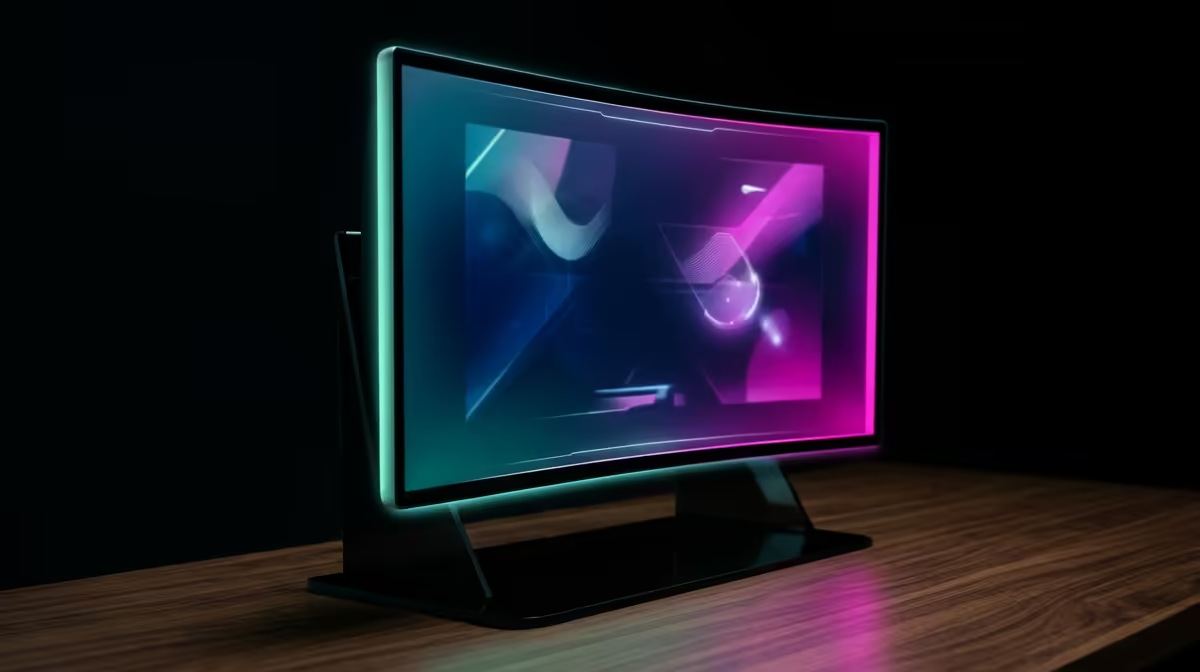
- Curved monitors offer a more immersive feeling, wrapping the game around your field of view. This can be fantastic for atmospheric single-player games and can make long gaming sessions more comfortable.
- Flat monitors are the traditional choice for competitive players, who often value geometric precision for pixel-perfect aim.
There’s no wrong answer here. The best way to decide is to check out Evetech’s collection of curved monitors and compare them to their flat counterparts to see which style suits you best.
Ready for the Ultimate Gameplay Experience? Stop letting your old monitor dictate the fight. A 240Hz display gives you the visual clarity and speed you need to dominate the lobby and truly enjoy your games. Explore all gaming monitors at Evetech and find the perfect upgrade for your setup today.











