

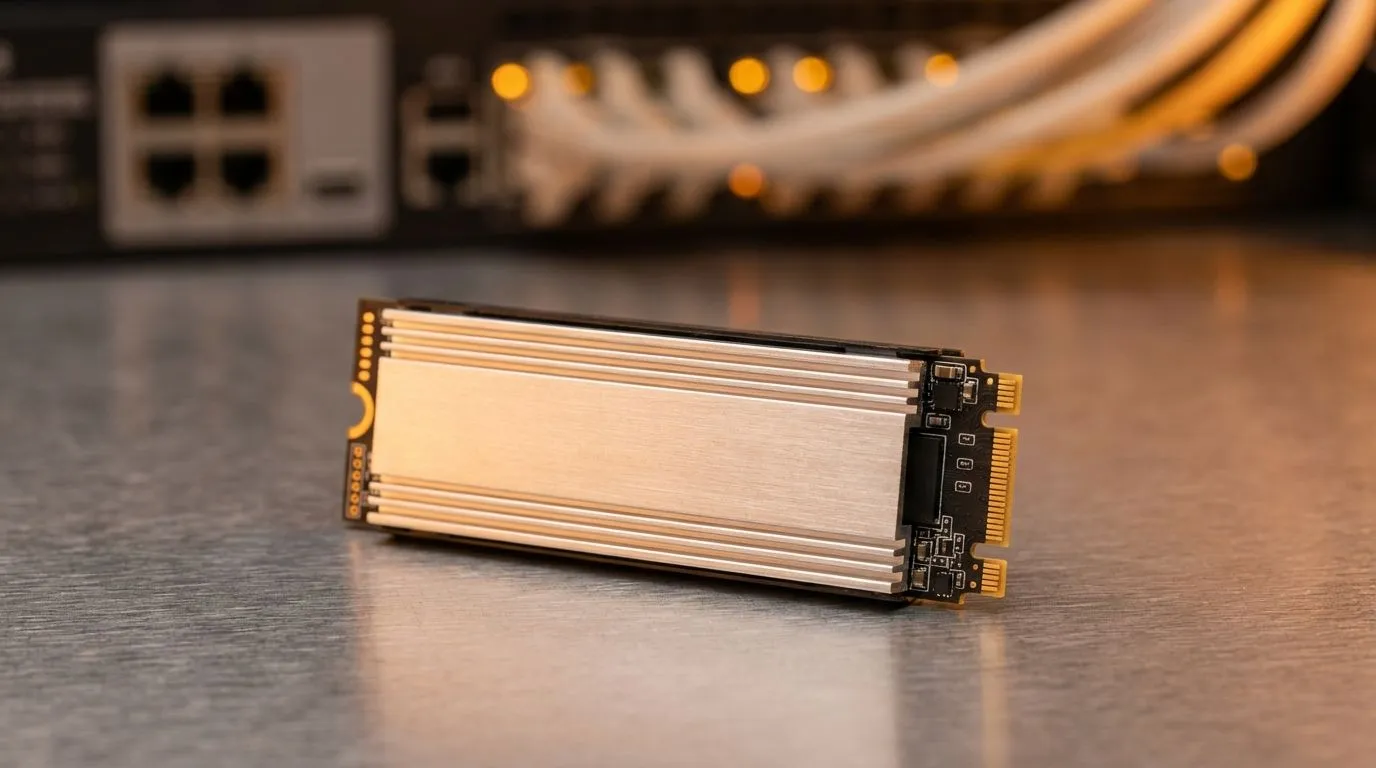
Ever waited for a 100GB backup to finish while the Eskom load shedding schedule looms? We have all been there. When we talk about 3,400MB/s NAS performance: Read vs Write Speeds Explained, we are looking at the performance ceiling for high-end home networking. Whether you are a creative pro or a gamer, understanding these metrics is the difference between a smooth workflow and a stuttering mess. 🚀
The Core of 3,400MB/s NAS performance: Read vs Write Speeds Explained
In the world of Network Attached Storage, "Read" refers to how fast your NAS can send data to your PC... like when you are watching a 4K movie or loading a game library. "Write" speed is how fast you can save data to the NAS. Seeing a figure like 3,400MB/s usually means you are using a high-speed external SSD or an NVMe-cached array. Most standard hard drives cannot touch these speeds, which is why upgrading to modern solid state drives is essential for power users.
Why Read Speeds Dictate Your Media Experience
High read speeds ensure that your files open instantly. If your NAS setup hits that 3,400MB/s mark, you can edit high-resolution video directly off the server without any lag. For those who need portability, choosing a drive with an External form factor allows you to take that high-speed access on the road. It turns your NAS from a simple backup box into a live working environment. ✨
Network Bottleneck Alert ⚡
Even the fastest drive cannot fix a slow cable. To actually see 3,400MB s speeds across your network, you need more than just a standard 1Gbps connection. Ensure your NAS and PC both support 10GbE networking and use Cat6a or Cat7 cables to avoid hitting a data ceiling.
Write Speeds and the Art of Data Protection
Write speeds are often slightly slower than read speeds due to how flash memory handles data. However, for backups, they are the most important metric. Brands like ADATA and Western Digital offer incredible reliability for these heavy-duty tasks. If you are budget-conscious but still want performance, Kingston provides excellent options that keep your ZAR going further.
Choosing Your Drive: NVMe vs SATA for NAS
To achieve that top-tier 3,400MB/s NAS performance: Read vs Write Speeds Explained, you must look at the interface. Old SATA drives max out at 600MB/s. To go faster, you need PCI Express (NVME) drives. While Gen 5 (NVME) is the newest tech on the block, a solid Gen 3 or Gen 4 drive is usually enough to saturate a 10Gbps network link. 🔧
Ready to Boost Your Storage? Understanding speeds is the first step to a faster setup. Whether you need massive capacity or lightning-fast transfers in South Africa, we have the hardware to help. Explore our massive range of SSD specials and find the perfect drive to supercharge your NAS today.











